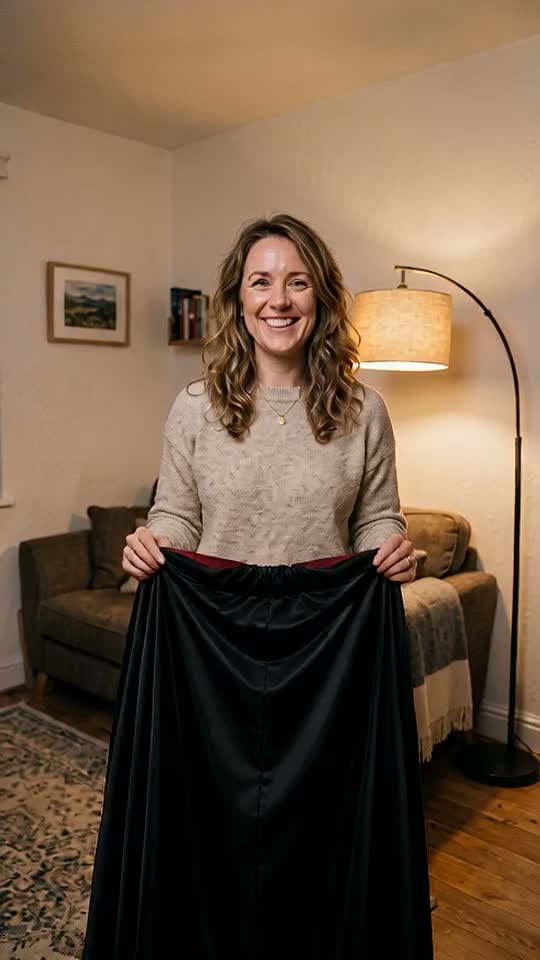

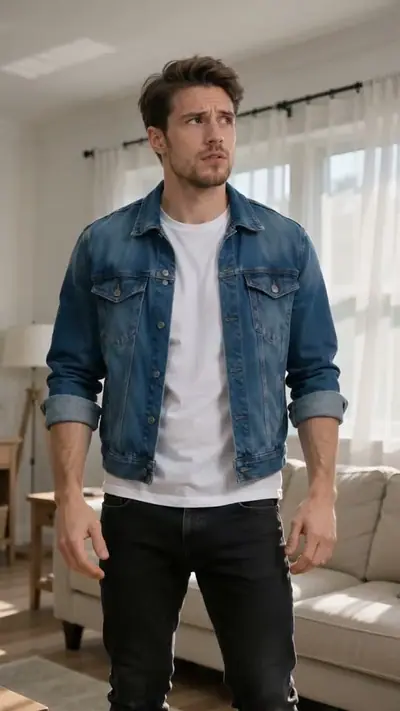
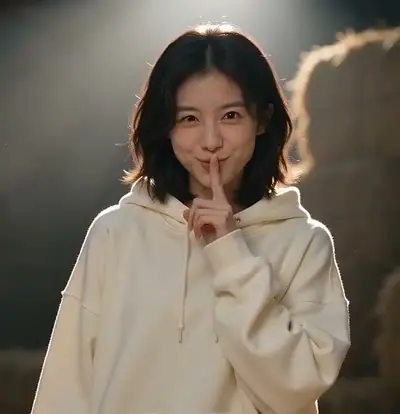
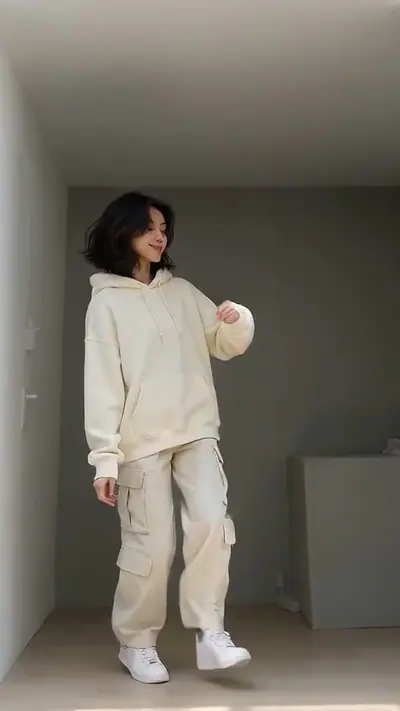
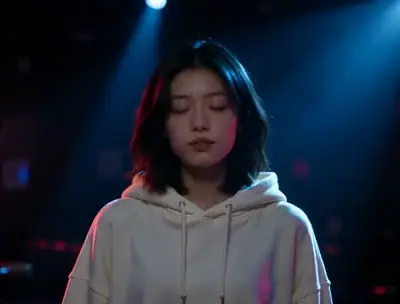
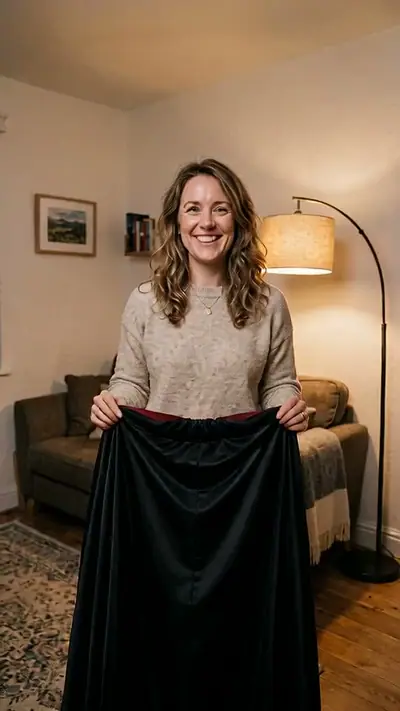
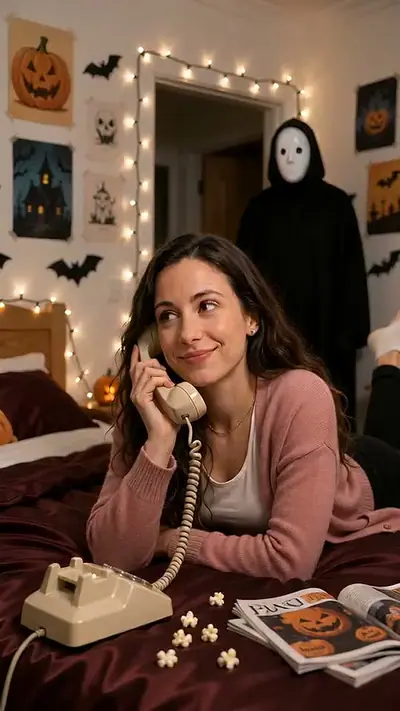
AI Halloween Costume example: a woman in a beige sweater holds up a black cape in a cosy living room
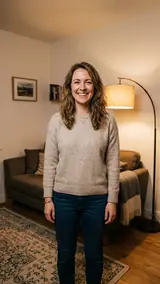
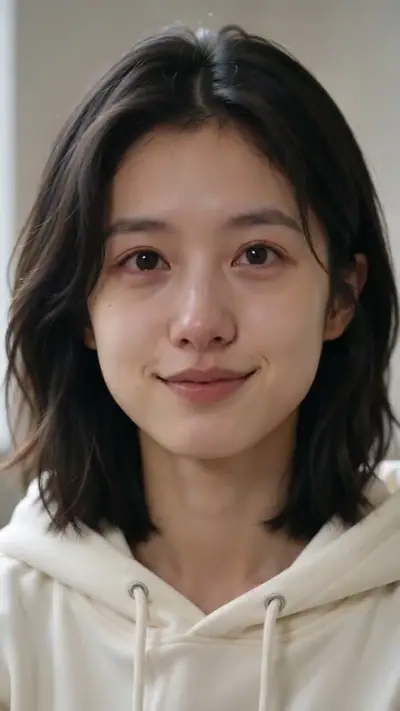
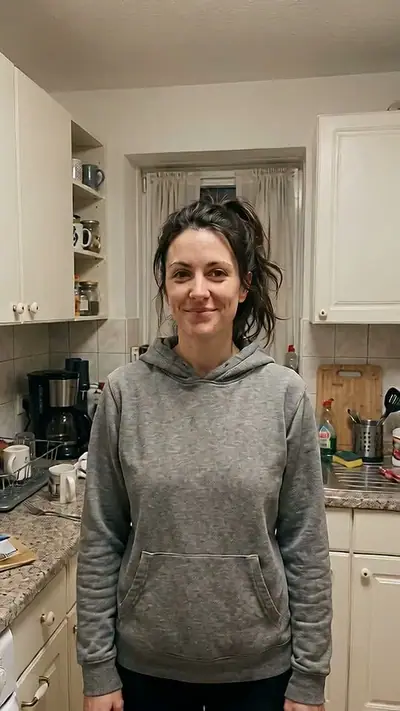
The photo used for this example: a smiling woman in a beige sweater and jeans stands in a living room

scenes

AI Halloween Costume Video: Become a Vampire From One Photo

Upload one photo of yourself. Get an 8-second vertical video where you swirl a black cape and step out in a classic vampire costume.

8 s9:16HD 720pWith soundOne adult, face visible: you or a friend who agreed.$4.99 for one video

Your photo

Acceptable use

Make my video · $4.99

Ready in 3–6 min · Stripe or PayPal checkout · Failed video = credits back · 7-day upload deletion

30 credits ≈ 1 video · $4.99 for one video, from $2.40 with a pack

Updated

Halloween Costume AI video examples

To make an AI Halloween Costume video, upload the required photos: One adult, face visible: you or a friend who agreed. Confirm photo rights and adult age, and pay. In about 3–6 minutes you get an MP4, 8 s at 720p, 9:16. Model-generated sound. One video costs $4.99. Upload first, then sign in at Make. Your credits belong to your account email. A video that fails gives its credit back.

The example starts from one photo of an adult in a beige sweater and jeans. She keeps her face, her hair and her room. The black cape, the costume, the pumpkins and the purple light come from the scene. Play it with sound to hear the whoosh and the organ music.

Generated

What is the Halloween Costume trend?

The AI Halloween costume trend grew on TikTok in early October 2026. People turned one selfie into a photo of themselves in a giant costume, such as a red rose or a pack of lashes. Creators shared tutorials for the templates.

The trend works because the costume is a surprise and you do not need to buy anything. Our version is a short video, not a still photo. You start in your own clothes, swirl a black cape and step out as a classic vampire. The scene is new and made from your photo. It does not use the original clips or the faces of the people in them.

Seen · View source

How to make an AI Halloween Costume video in 3 steps

  1. 1. Add one photo

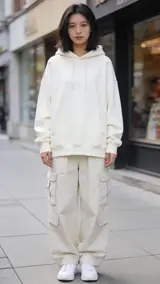
    Add one clear photo of yourself, or of a friend who agreed to be in the clip. Show one adult, facing the camera. A photo from the knees or waist up works best. Any outfit is fine, because the cape covers it.

    Photo needed: One adult, face visible: you or a friend who agreed.

  2. 2. Check the example and pay

    Play the example to see the cape swirl and the costume reveal. Confirm that you are 18 or older and that the person in the photo agreed. Check the cost in the tool and pay for one video. Packs start at $4.99.

  3. 3. Wait and download

    Your 8-second clip takes 3–6 minutes. You can close the page while you wait. We email your private link when the clip is done. Open it, watch the reveal and download the video.

Read the full Halloween Costume guide

What you upload and what you get

You upload

One adult, face visible: you or a friend who agreed.

Upload one photo of one adult. It can be you, or a friend who agreed to be in the clip. Show the face clearly, in good light, facing the camera. A photo from the knees or waist up gives the costume room. Photos of a celebrity, of a young person or of a person who did not agree are not allowed.

Use JPG, PNG, WebP, HEIC, up to 30 MB. Photos are resized before upload. You can swap the picture before you start. You must be 18 or older. Confirm photo rights and adult age. We delete uploads after 7 days and never use them to train models.

You get

MP4, 720p, 9:16, 8 s. Model-generated sound.

You get a 8-second vertical MP4 in 9:16 at 720p, with sound. You lift a black cape and swirl it around you in your own room. When it opens, you wear a vampire costume: a high collar with red lining, a black waistcoat, a white ruffled shirt and pale makeup. Pumpkins glow on the floor, the light turns purple and you strike a vampire pose. Download the video from your private link.

This effect uses 30 credits for one video. Pack pricing starts from $2.40 per video. Pack credits never expire. Compare packs before buying more credits.

Photo tips for a better Halloween Costume video

A good input makes the subject easier to read. Open the photo at its original size and check the important details before uploading. A bright, sharp photo is more useful than a heavily edited one. Match the crop to the effect: a face-focused scene and a routine with full-body steps need different framing.

  • Show one adult, with the face turned to the camera.
  • Use a photo from the knees or waist up, so the cape and the costume fit in the frame.
  • Use daylight or an even indoor light. Avoid strong shadows.
  • Take off sunglasses, hats and masks, so the face is easy to read.

What can go wrong with a Halloween Costume AI video

The face looks different after the change

The costume adds pale makeup and dark eyeliner, so your face looks different after the reveal. Your face shape and hair stay close to your photo. Use a sharp, front-facing photo for the best match.

More than one person in the photo

The scene needs one adult. If the photo shows two faces, the model may mix them up. Crop the photo so that only one person is visible, then upload it again.

A generation that fails returns its credits automatically. If a delivered video has distorted details, email support@effectfarm.com with its link for review.

Halloween Costume AI video ideas

Use these as starting points for your photo and for the finished clip. They are ways to use the effect, not extra controls. The template sets the movement.

Your Halloween reveal post

Post the clip in the week before Halloween. The change from your everyday clothes to a full vampire look is the hook. The video has no text, so you can add your own caption and a trending sound when you post.

Test the look before you buy

Not sure if a vampire suits you? See yourself in the cape, the ruffled shirt and the pale makeup before you shop. Use a photo with your usual hair, so you can judge the whole look.

Dress up a friend

Ask a friend first, then use a clear photo of their face. Your friend swirls the cape and becomes a vampire in the living room. Send it to the group chat before the party. Use photos of adults who said yes only.

A before-and-after post

Show your still photo first, then the video. The jump from a plain sweater to a full vampire look is the joke. Use the same photo that you uploaded, so people can compare the face and the hair.

Halloween Costume AI FAQ

How do I follow the AI Halloween Costume tutorial?
Upload one clear photo of one adult, confirm your age and consent, and pay for one video. Then wait for your private link and download the clip. You do not need to write a prompt or film anything.
Why is the AI Halloween Costume on TikTok?
In October 2026, many TikTok creators posted AI photos of themselves in giant costumes. They used one selfie and a template. Tutorials for the look spread fast in the weeks before Halloween.
Where can I see the original AI Halloween Costume video?
See the source section for a TikTok post from 9 October 2026 that shows the rose costume look. The first post is not verified.
What happens in the AI Halloween Costume meme?
You stand in your room and lift a black cape. You swirl it once, and when it opens you wear a vampire costume. Pumpkins glow on the floor, the light turns purple and you strike a pose.
Which costume do I get?
This scene gives you a classic vampire costume: a black cape with red lining, a black waistcoat, a white ruffled shirt and pale makeup. It is a playful party look, not a scary one.
Can I use a photo of a friend?
Yes, if your friend is 18 or older and agreed to be in the clip. Do not use photos of famous people or of a person who did not agree. The scene takes one adult and does not work with pets.
How long is the video, and does it have sound?
It is 8 seconds long, vertical 9:16, at 720p, as an MP4 file. Yes, it has sound made by the AI model, so it can differ each time.
How much does an AI Halloween costume video cost?
30 credits ≈ 1 video. Packs start at $4.99, and pack credits never expire. You buy a pack after you sign in at Make with Google or an email code. If a video fails, its credits come back.
How long until my video is ready, and what happens to my photo?
Usually 3–6 minutes. You can close the page while it is made, and we email a private link when it is ready. We delete uploaded photos within 7 days.

More viral AI video trends

Compare another movement or scene before you choose your next video. Each effect has its own sample, photo needs, length and credit cost.

Put your photo in motion

Lift the cape, swirl it once and step out as a vampire for Halloween.

Make my video

No subscription needed. Pack credits never expire.