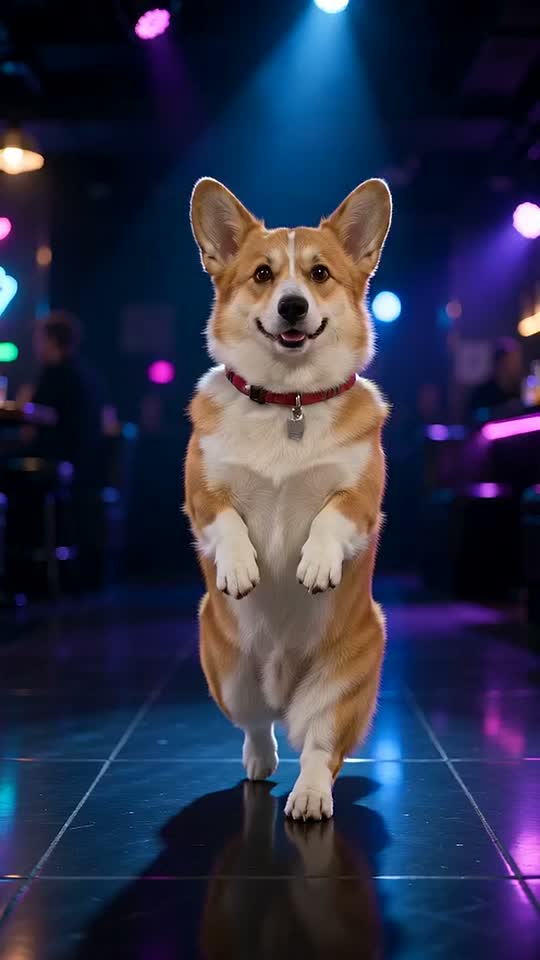


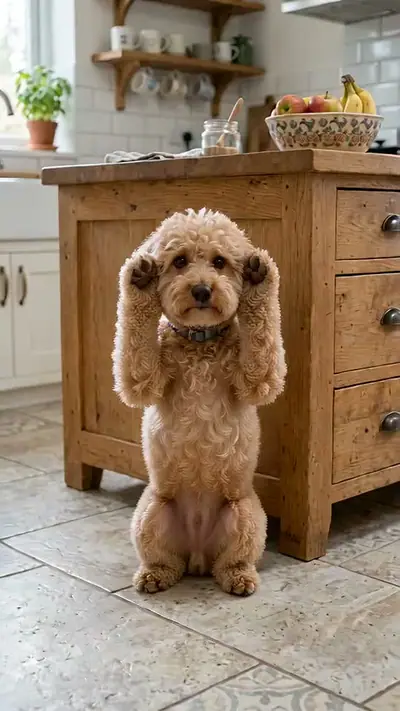
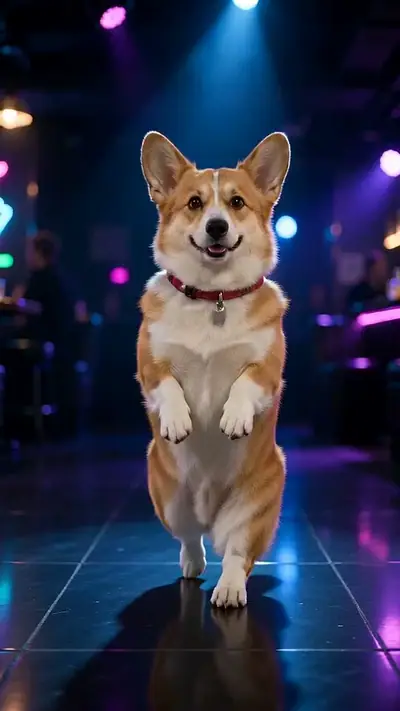


That's My Dawg AI example: a corgi with a red collar stands on its hind legs on a neon-lit dance floor
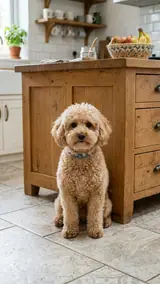
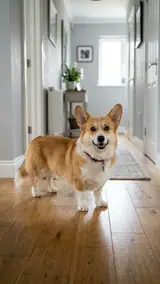
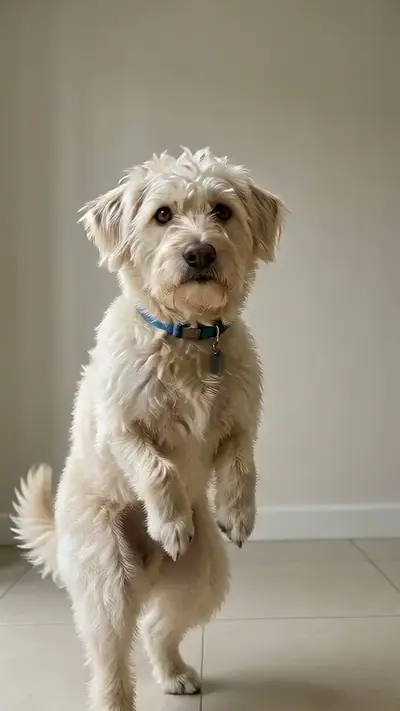
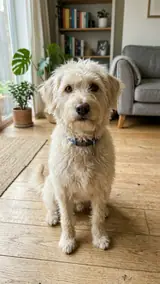
The photo used for this example: a smiling corgi stands on a wooden floor in a hallway

pets

That's My Dawg AI Video From One Pet Photo

Upload one photo of your dog or cat. Get an 8-second vertical video of your pet dancing upright on a club floor with a relaxed swagger.

8 s9:16HD 720pWith soundOne photo of your own dog or cat, face and body visible.$4.99 for one video

Your pet's photo

Acceptable use

Make my video · $4.99

Ready in 3–6 min · Stripe or PayPal checkout · Failed video = credits back · 7-day upload deletion

30 credits ≈ 1 video · $4.99 for one video, from $2.40 with a pack

Updated

That's My Dawg AI video examples

To make a That's My Dawg AI video, upload the required photos: One photo of your own dog or cat, face and body visible. Confirm the photo shows your own pet, and pay. In about 3–6 minutes you get an MP4, 8 s at 720p, 9:16. Template soundtrack included. One video costs $4.99. Upload first, then sign in at Make. Your credits belong to your account email. A video that fails gives its credit back.

The example uses a photo of a tan and white Corgi with a red collar. The dog keeps its coat, its face and its collar. The dim club, the blue and purple lights and the static camera stay the same. The dance floor holds only your pet.

Generated

The original That's My Dawg video

@theredneckretriever · View on TikTok

What is the That's My Dawg trend?

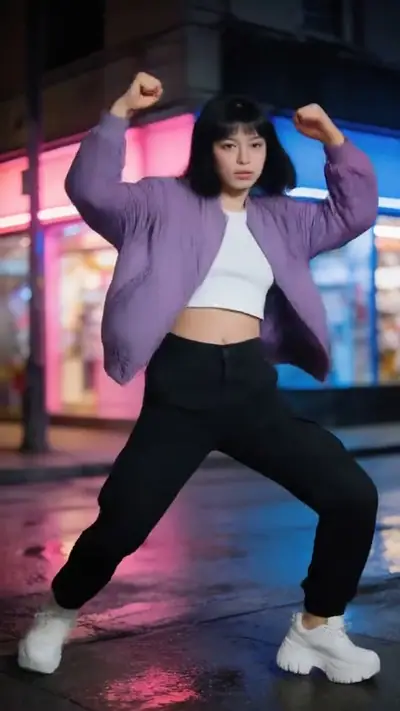
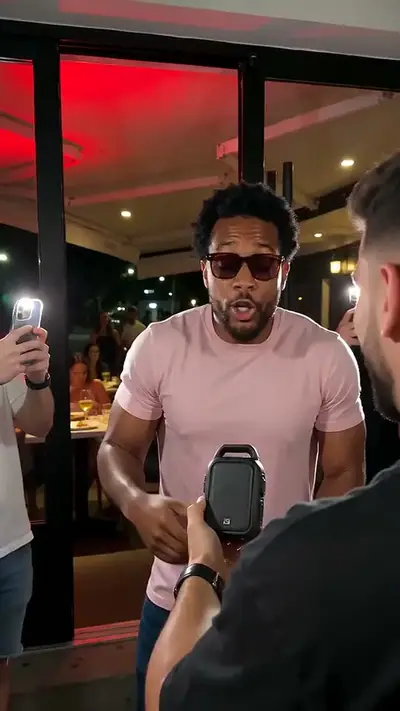
This dance has spread on TikTok since late 2023. It began as a nightclub clip of an older man who dances with total confidence. In September 2026, a golden retriever version by @theredneckretriever reached 528,700 plays.

Our version keeps the swagger. The pet stands upright on its hind legs on a club floor. It bobs its head, sways its hips, swings its front paws and shifts its weight from foot to foot. Your photo supplies the pet. The template supplies the floor, the lights and the timing.

Seen · View source

How to make a That's My Dawg AI video in 3 steps

  1. 1. Add one pet photo

    Add one clear photo of your own dog or cat. Show one animal with the face turned to the camera and the whole body in view. Daylight helps the model keep the coat and the markings.

    Photo needed: One photo of your own dog or cat, face and body visible.

  2. 2. Check the example and pay

    Play the example to see the club and the dance. Then confirm that you are 18 or older and that the pet in the photo is yours. Check the cost in the tool and pay for one video.

  3. 3. Wait and download

    Your 8-second clip takes a few minutes. You can close the page and come back later. We email your private link when the dance is done. Open it, watch the whole video and download it.

Read the full That's My Dawg guide

What you upload and what you get

You upload

One photo of your own dog or cat, face and body visible.

Upload one photo of your own pet. A dog gives the closest match to the original clip, and a cat also works. Show one animal, with a visible face, in good light. A full-body photo helps most. Photos with people in the frame are not needed.

Use JPG, PNG, WebP, HEIC, up to 30 MB. Photos are resized before upload. You can swap the picture before you start. You must be 18 or older. Confirm the photo shows your own pet. We delete uploads after 7 days and never use them to train models.
You get

MP4, 720p, 9:16, 8 s. Template soundtrack included.

You get a vertical 8-second video with sound. Your pet stands on its hind legs on a dark club floor under blue and purple lights. It bobs its head, sways its hips, swings its front paws and shifts its weight from foot to foot. The result page has a download button, and we email you a private link.

This effect uses 30 credits for one video. Pack pricing starts from $2.40 per video. Pack credits never expire. Compare packs before buying more credits.

Photo tips for a better That's My Dawg video

A good input makes the subject easier to read. Open the photo at its original size and check the important details before uploading. A bright, sharp photo is more useful than a heavily edited one. Match the crop to the effect: a face-focused scene and a routine with full-body steps need different framing.

  • Show your pet facing the camera, with the face and body in view.
  • Use a photo with only one animal in it.
  • Use daylight or an even light. Avoid strong shadows and flash glare.
  • Pick a sharp picture. A blurry pet picture gives a blurry dancer.
  • Keep costumes off, so the coat and markings stay clear.

What can go wrong with a That's My Dawg AI video

The pet photo is dark or small

If the face and body are hard to see, the model cannot copy your pet well. Take the photo in daylight, close to your pet, with the face turned to the camera.

Two animals in one photo

The dance needs one pet. With two animals in the picture, the model may mix them up. Crop the photo so that only your pet is visible.

A cat moves differently from a dog

The dance came from a dog. A cat can work, but the legs and the tail may look different. Play the example and keep your expectations for the moves a little loose.

A generation that fails returns its credits automatically. If a delivered video has distorted details, email support@effectfarm.com with its link for review.

That's My Dawg AI video ideas

Use these as starting points for your photo and for the finished clip. They are ways to use the effect, not extra controls. The template sets the movement.

Tag the friend who always dances

Every group has one friend who owns the dance floor. Upload a photo of your own dog and send the clip with the friend's name. The dog stands up, sways and bobs for eight seconds. Pick a shot where the dog looks straight at the camera.

Explore this effect

A cat on the club floor

Cats can do the dance too. Use a clear photo of your cat with the face turned to the camera. The result follows the same hip sway and the same foot-to-foot shift. Play the example first to see the energy of the moves.

Explore this effect

A reply for the party chat

Send the clip when a friend posts a dance video or a party photo. It is eight seconds long and vertical, so it fits a phone screen without cropping. The video carries no text, so you can add your own caption.

A birthday greeting from your dog

Let your dog say happy birthday with a short dance. Use a sharp picture of your dog with the whole body in view. A shaggy or fluffy coat looks great in motion. Only your own pet may be used.

That's My Dawg AI FAQ

What is the That's My Dawg meme?
It is a TikTok dance meme. An older man dances in a nightclub with total confidence, and people use it to tag the friend who always dances. You upload one photo and the template supplies the floor and the moves.
How do I follow the That's My Dawg tutorial?
Add one clear photo of your own dog or cat. Play the example, confirm your age and that the pet is yours, and pay for one video. Your private link arrives by email in a few minutes.
Can my dog do the That's My Dawg dance?
Yes. Upload a clear photo of your dog with its whole body in view. The template makes the dog stand upright and sway, so the picture does not need to show a standing dog.
Where can I see the original That's My Dawg video?
See the source section for the TikTok clip from @theredneckretriever. It reached 528,700 plays. The first post is not verified.
Why is That's My Dawg on TikTok?
The dance has spread on TikTok since late 2023, and creators use it to tag the friend who always dances. A dog on its hind legs makes the clip funnier.
Does the video use the song from the trend?
No. The soundtrack is an original instrumental beat. The video has no singing and no speech.
Can I use a photo of a pet that is not mine?
No. The pet in the photo must be your own. You must also be 18 or older.
Can I make a That's My Dawg video of a person?
No. This template is for pets. Use one photo of your own dog or cat.
How much does a That's My Dawg AI video cost?
Every video is paid. Packs start at $4.99 and never expire. Check the tool for this effect's credit cost before paying. No app is needed. Sign in at Make.
How long until my video is ready?
Usually 3–6 minutes. You can close the page while it is made. We email a private link when it is ready.

More viral AI video trends

Compare another movement or scene before you choose your next video. Each effect has its own sample, photo needs, length and credit cost.

Put your photo in motion

Let your pet own the dance floor for eight seconds.

Make my video

No subscription needed. Pack credits never expire.