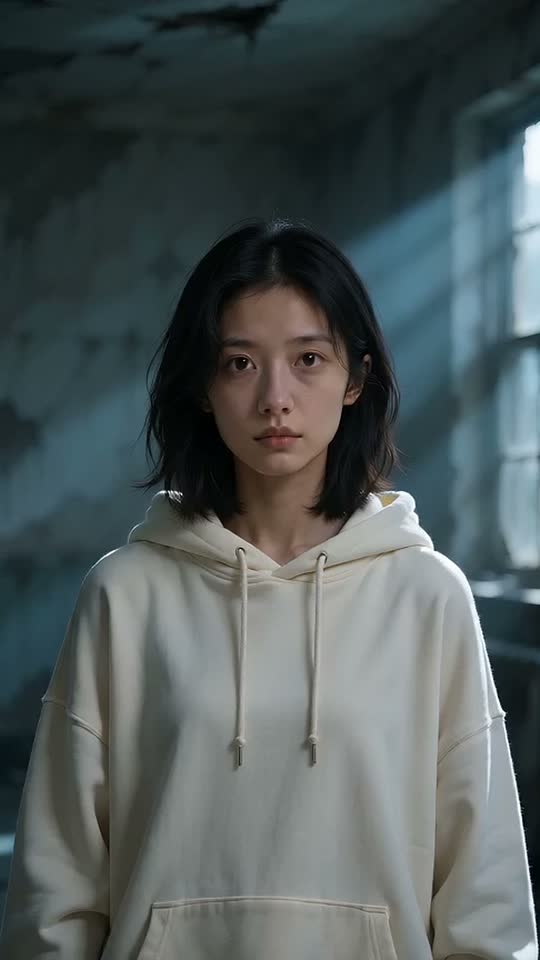

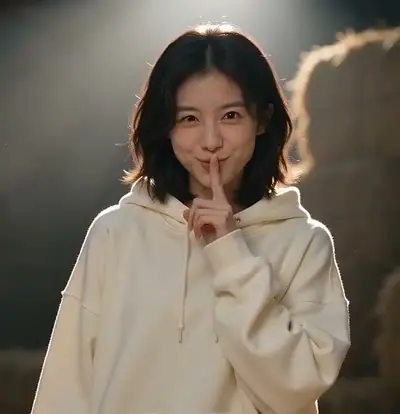
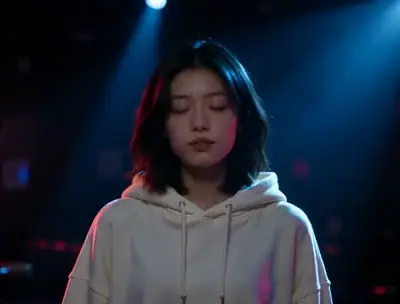
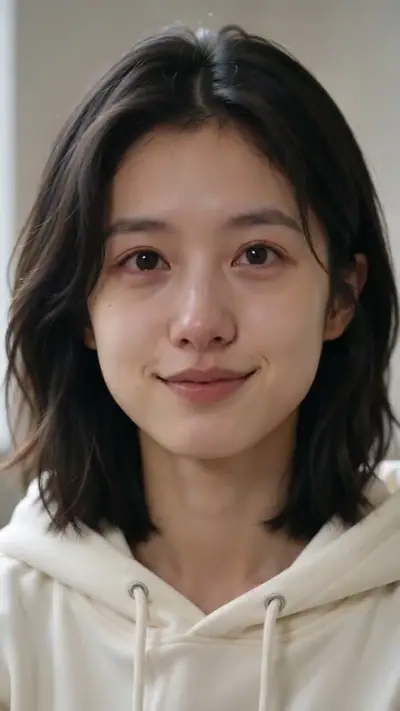
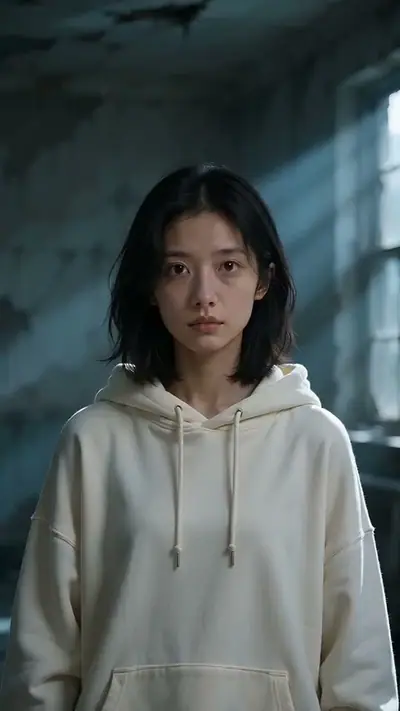
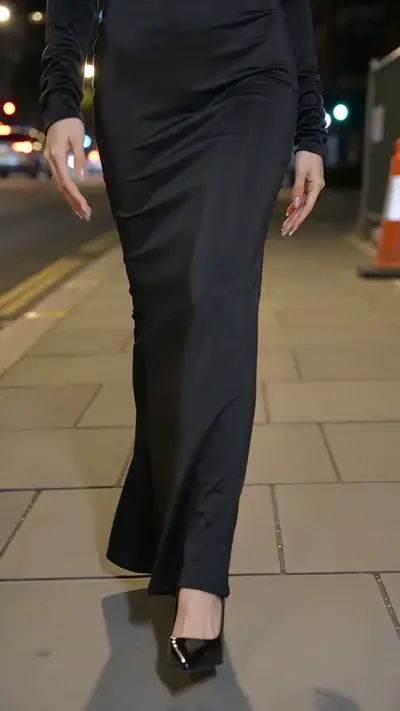
AI Zombie example: a dark-haired woman in a cream hoodie stands in a dim room with cold light from a window
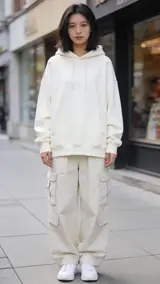
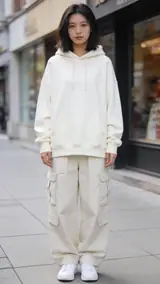
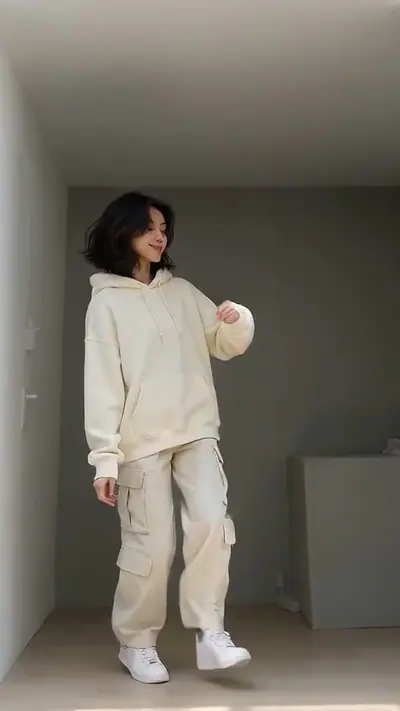
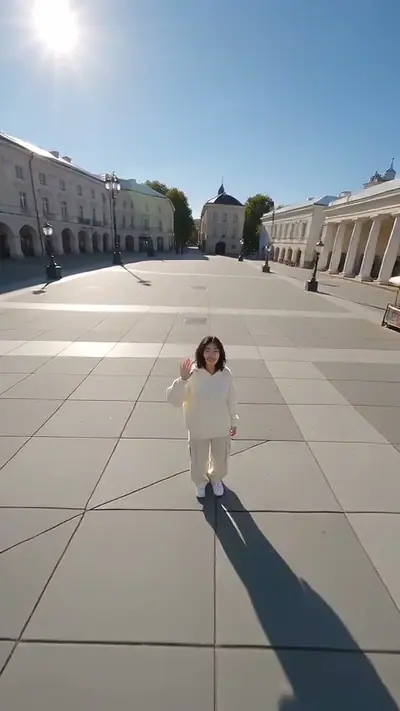
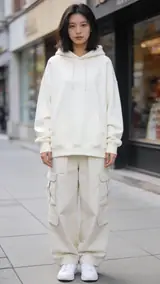
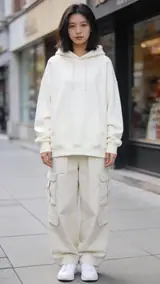
The photo used for this example: a woman in a cream hoodie and cargo pants stands on a city sidewalk

scenes

AI Zombie Video From One Photo

Upload one photo of yourself. Get an 8-second vertical video of your skin turning pale and your eyes clouding in a dim abandoned room.

8 s9:16HD 720pWith soundOne adult portrait, face visible.$4.99 for one video

Your photo

Acceptable use

Make my video · $4.99

Ready in 3–6 min · Stripe or PayPal checkout · Failed video = credits back · 7-day upload deletion

30 credits ≈ 1 video · $4.99 for one video, from $2.40 with a pack

Updated

Zombie AI video examples

To make an AI Zombie video, upload the required photos: One adult portrait, face visible. Confirm photo rights and adult age, and pay. In about 3–6 minutes you get an MP4, 8 s at 720p, 9:16. Model-generated sound. One video costs $4.99. Upload first, then sign in at Make. Your credits belong to your account email. A video that fails gives its credit back.

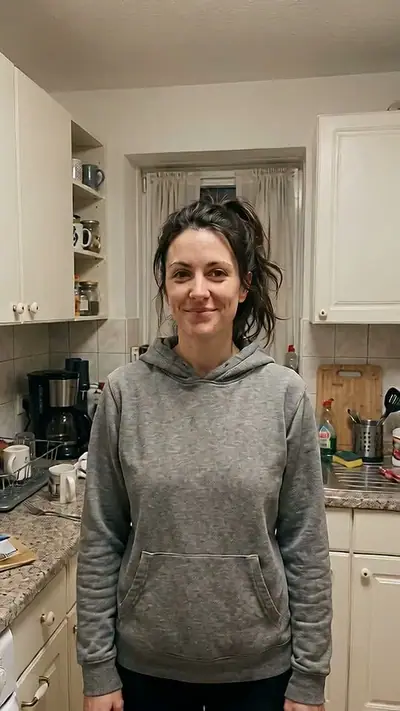
The example uses a portrait of a woman in a cream hoodie. She keeps her face, hair and hoodie. The dim room, the cold window light and the slow change in her skin and eyes stay the same. Play the clip to check the mood.

Generated

What is the Zombie trend?

The zombie love-story trend began in late September 2026. A short film shows a survivor who cannot harm the zombie they love. Creators made it with AI tools and photos, and the idea then spread to Halloween portraits.

Our version is a calm, one-person change for Halloween. You stand still in a dim abandoned room. Over eight seconds your skin turns pale grey-green, your eyes turn cloudy and dark rings spread under them. Your head tilts, your shoulders slump and you take one slow step forward. The video shows no injury.

Seen · View source

How to make an AI Zombie video in 3 steps

  1. 1. Add one photo

    Add one clear, well-lit photo of yourself. The tool shows one photo slot. Face the camera and show your head and shoulders. You do not need a dark room or a costume in the photo.

    Photo needed: One adult portrait, face visible.

  2. 2. Check the example and pay

    Play the example to see the slow change. Then confirm that you are 18 or older and that you are in the picture. Check the cost in the tool and pay for one video.

  3. 3. Wait and download

    Your 8-second clip takes a few minutes. You can close the page and come back later. We email your private link when the clip is done. Open it, watch the whole video and download it.

Read the full Zombie guide

What you upload and what you get

You upload

One adult portrait, face visible.

Upload one photo of yourself. Show one adult, with a visible face, in good light. The finished room is dark, but a bright photo helps the model see your face. Photos of a celebrity, of a young person or of a person who did not agree are not allowed.

Use JPG, PNG, WebP, HEIC, up to 30 MB. Photos are resized before upload. You can swap the picture before you start. You must be 18 or older. Confirm photo rights and adult age. We delete uploads after 7 days and never use them to train models.
You get

MP4, 720p, 9:16, 8 s. Model-generated sound.

You get a vertical 8-second video with sound. You stand still, your skin turns pale grey-green, your eyes cloud and your head tilts. At the end you take one slow step toward the camera. The result page has a download button, and we email you a private link.

This effect uses 30 credits for one video. Pack pricing starts from $2.40 per video. Pack credits never expire. Compare packs before buying more credits.

Photo tips for a better Zombie video

A good input makes the subject easier to read. Open the photo at its original size and check the important details before uploading. A bright, sharp photo is more useful than a heavily edited one. Match the crop to the effect: a face-focused scene and a routine with full-body steps need different framing.

  • Show one adult, with the face turned to the camera.
  • Use even daylight. Even light gives the model more detail.
  • Keep sunglasses, masks and heavy make-up off, so the face stays clear.
  • Pick a photo with head and shoulders in view.
  • Use a plain background if you can.

What can go wrong with a Zombie AI video

The face is hidden or small

If a face is covered, dark or tiny, the model cannot copy it well. Choose a sharp photo with the face large in the frame, taken in daylight and facing the camera.

More than one person in view

The scene needs one adult. If a portrait shows two faces, the model may mix them up or drop one. Crop the picture so that only you are visible.

The change looks too gentle

The change is slow on purpose, and the clip shows no injury. For a strong horror look, this template is not the right tool.

A generation that fails returns its credits automatically. If a delivered video has distorted details, email support@effectfarm.com with its link for review.

Zombie AI video ideas

Use these as starting points for your photo and for the finished clip. They are ways to use the effect, not extra controls. The template sets the movement.

A Halloween profile clip

Make a short spooky clip for the end of October. Upload a sharp, well-lit portrait. The change is slow, so the clip works as a profile video, a story or a party invitation. The room stays dim and calm, with cold light from a window.

A story for a friend group

Make a clip of yourself for the group chat with the caption that you did not sleep last night. Use your own photo. Add the caption in the chat app, because the video itself carries no text. Friends see you change in eight seconds.

A costume preview

Not sure how to look on the night? Use the clip as a quick preview of a pale, grey-green zombie face before you buy make-up. Compare the result with your plan, and take the colours you like.

A calmer night scene

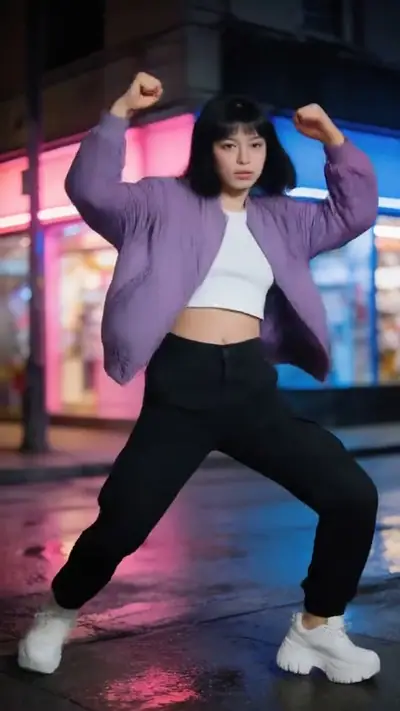
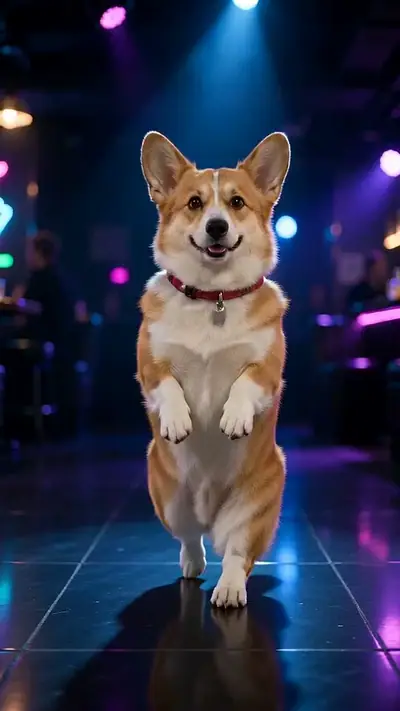
If you prefer a dark club sway to a zombie walk, try the slow club dance. It uses a different setting and a different photo requirement, which the tool shows when you select it.

Explore this effect

Zombie AI FAQ

What is the AI Zombie meme or filter?
Turn yourself into a zombie with AI using one portrait. This effect makes a finished video, not a live camera filter. The skin goes pale, the eyes cloud and the head tilts. Our version is calm, shows one adult and shows no injury.
How do I follow the AI Zombie tutorial?
Add one clear photo of yourself. Play the example, confirm your age and that you are in the photo, and pay for one video. Your private link arrives by email in a few minutes.
Why is AI Zombie on TikTok?
The zombie love-story trend started on TikTok and Instagram Reels in late September 2026. Halloween portraits followed in October. The first post is not verified.
Is the AI zombie video scary or violent?
No. The change is slow and calm. There is no injury and no violence. It is a spooky Halloween portrait.
Can I use a photo of someone else?
No. The person in the photo must be you, and you must be 18 or older. Photos of celebrities are not allowed.
How long is the video, and what size is it?
It is 8 seconds long and vertical (9:16), the size for phone apps. It includes sound.
How much does an AI zombie video cost?
30 credits ≈ 1 video. Packs start at $4.99, and pack credits never expire. Sign in at Make with Google or an email code. If a video fails, its credits come back.
Does the video have sound?
Yes. The video includes sound made with it. Check the sound rules of the app where you post before you share it.
Where can I see the original AI Zombie video?
See the source section for a reference video on TikTok. The first post is not verified. Our version is a calmer, one-person change.
How long until my video is ready?
Usually 3–6 minutes. You can close the page while it is made. We email a private link when it is ready.

More viral AI video trends

Compare another movement or scene before you choose your next video. Each effect has its own sample, photo needs, length and credit cost.

Put your photo in motion

Turn up the cold light and let the night change you.

Make my video

No subscription needed. Pack credits never expire.