
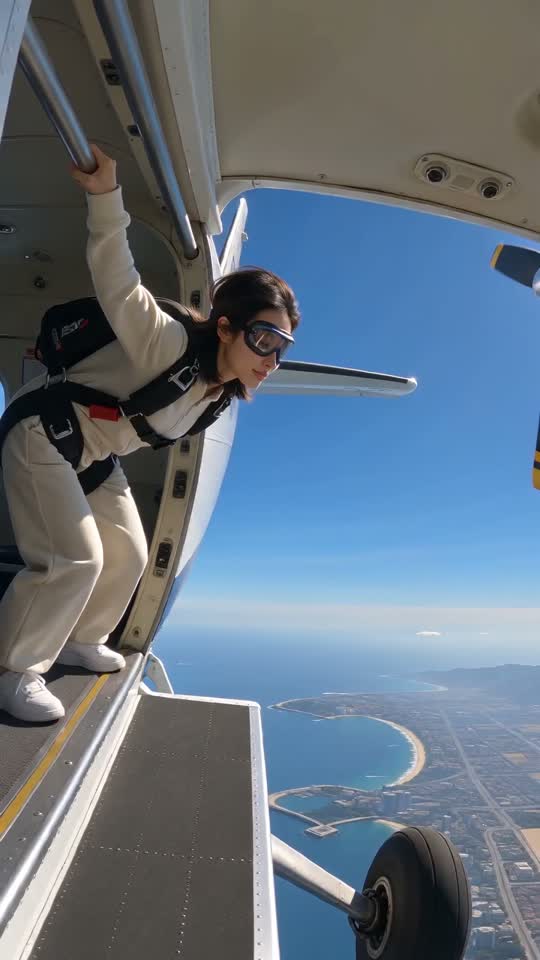








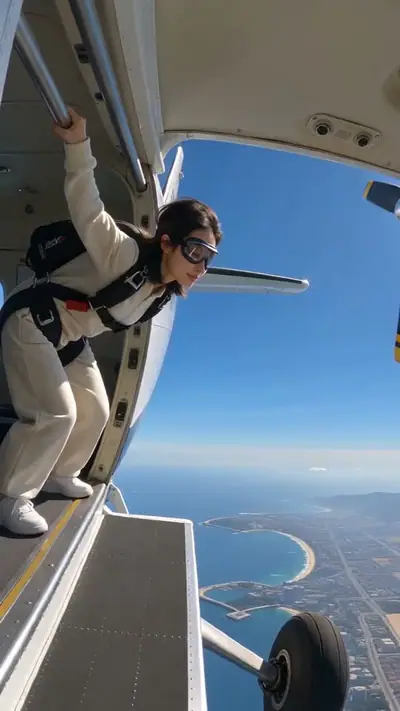
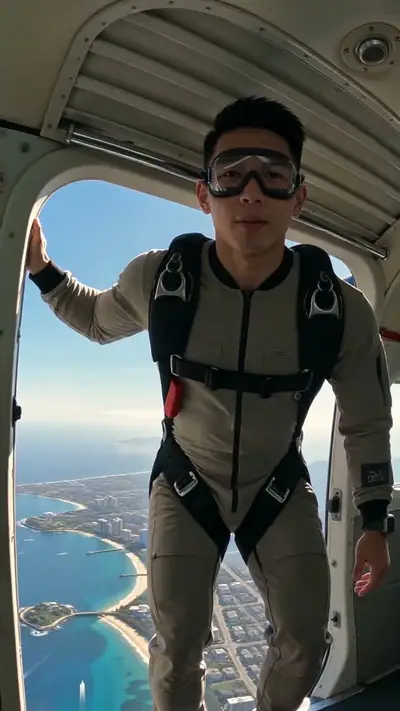
Skydiving AI example: a woman in goggles and a harness leans out of an open plane door above a blue coast
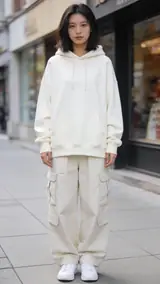
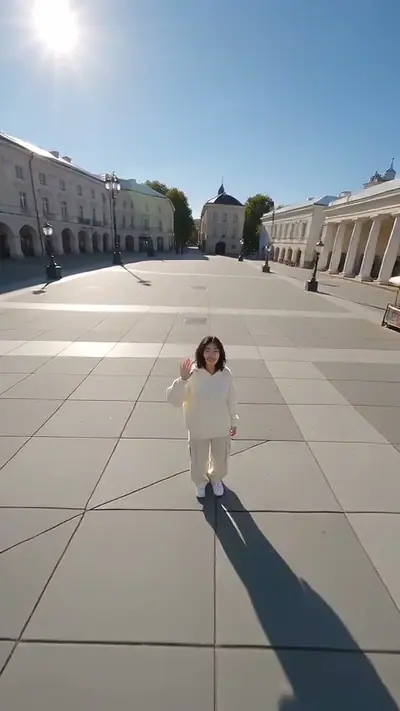
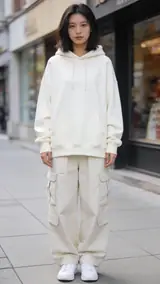
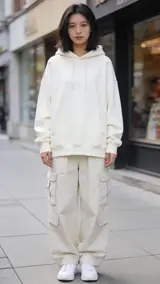
The photo used for this example: a woman in a cream hoodie and cargo pants stands on a city sidewalk

scenes

Skydiving AI Video From One Photo

Make a skydiving AI video from one photo of yourself. Get a 10-second vertical video of you jumping out of a plane and falling over a coast.

10 s9:16HD 720pWith soundOne clear photo of you, face visible. Adults only.$4.99 for one video

Your photo

Acceptable use

Make my video · $4.99

Ready in 3–6 min · Stripe or PayPal checkout · Failed video = credits back · 7-day upload deletion

30 credits ≈ 1 video · $4.99 for one video, from $2.40 with a pack

Updated

Skydiving AI video examples

To make a Skydiving AI video, upload the required photos: One clear photo of you, face visible. Adults only. Confirm photo rights and adult age, and pay. In about 3–6 minutes you get an MP4, 10 s at 720p, 9:16. Template soundtrack included. One video costs $4.99. Upload first, then sign in at Make. Your credits belong to your account email. A video that fails gives its credit back.

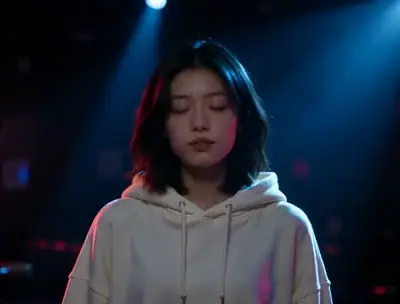
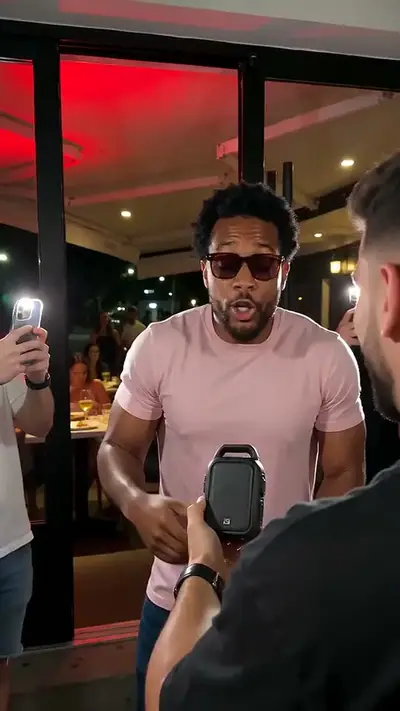
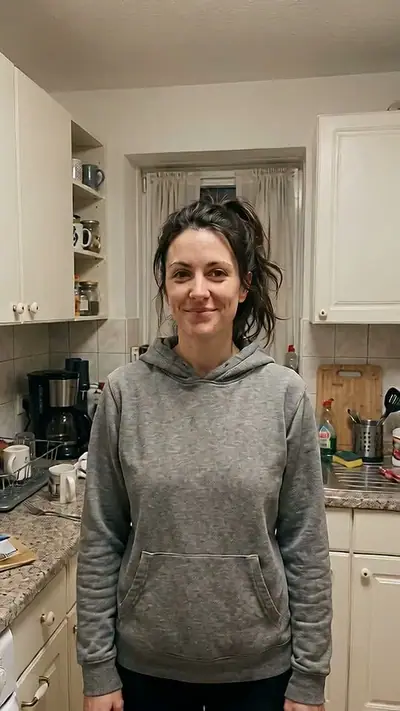
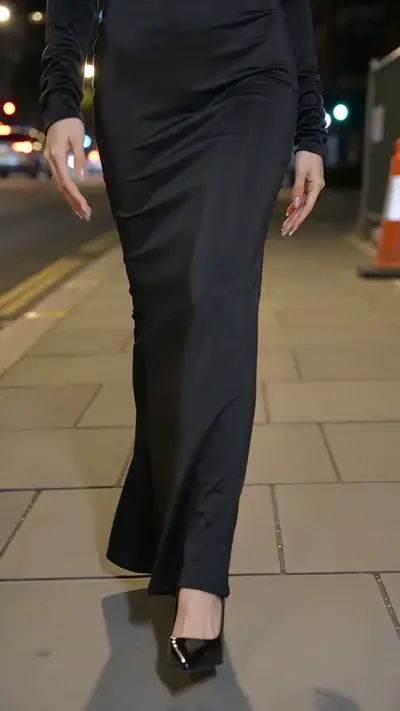
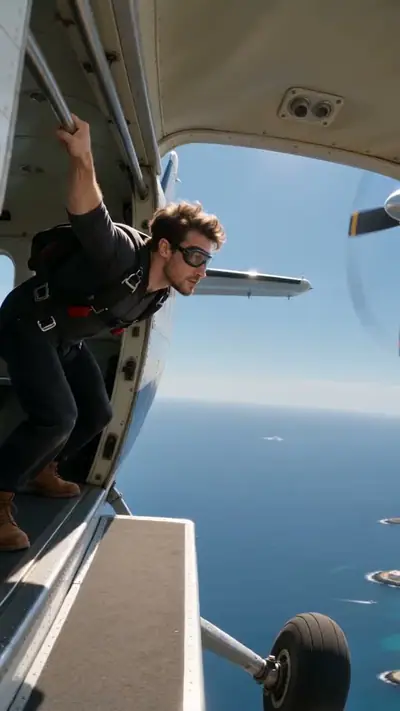
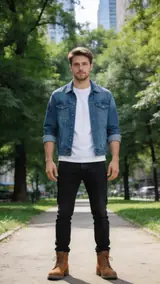
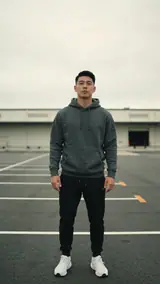
The three examples start from a cream hoodie, a denim jacket and a grey hoodie photo. In each video, the person wears a jumpsuit and goggles, leans out of the plane and falls over the coast. The final view makes the person small. Play a sample all the way through.

Generated

The original Skydiving video

@shovita_gotame · View on TikTok

What is the Skydiving trend?

AI skydiving clips spread on TikTok in 2026. A person leans out of a small plane, jumps and falls over a coast. There is no single first clip.

AI skydiving clips spread on TikTok in 2026, and there is no single first clip. A person leans out of a small plane, jumps and falls over a coast. Our version puts you in a plain jumpsuit and goggles. The camera follows your fall and tilts down to a bright coast. The video is AI-made. It is not real footage of a jump.

Seen · View source

How to make a Skydiving AI video in 3 steps

  1. 1. Pick a clear portrait

    Choose one clear photo of yourself with your face visible. Face the camera and show your head and shoulders. Add the picture in the tool. You do not need a jumpsuit, a plane or a prompt.

    Photo needed: One clear photo of you, face visible. Adults only.

  2. 2. Check the examples and pay

    Play the examples to see the jump and the fall. Confirm that you are 18 or older and that you are in the picture. Then pay for one video. Check the cost in the tool.

  3. 3. Wait and download

    The AI makes the 10-second jump in a few minutes. You can close the page. A private link arrives by email. Open it, watch the fall to the coast and download the clip.

Read the full Skydiving guide

What you upload and what you get

You upload

One clear photo of you, face visible. Adults only.

Upload one clear photo of yourself. Face the camera and keep your face visible. Show your head and shoulders. Use only one person, and remove hats and sunglasses. The AI adds the jumpsuit, the goggles and the plane.

Use JPG, PNG, WebP, HEIC, up to 30 MB. Photos are resized before upload. You can swap the picture before you start. You must be 18 or older. Confirm photo rights and adult age. We delete uploads after 7 days and never use them to train models.
You get

MP4, 720p, 9:16, 10 s. Template soundtrack included.

You lean out of a small plane and jump. The camera follows your fall and tilts down to a bright coast. At the end, you look small in the wide view. The result page has a download button. We also email you a private link.

This effect uses 30 credits for one video. Pack pricing starts from $2.40 per video. Pack credits never expire. Compare packs before buying more credits.

Photo tips for a better Skydiving video

A good input makes the subject easier to read. Open the photo at its original size and check the important details before uploading. A bright, sharp photo is more useful than a heavily edited one. Match the crop to the effect: a face-focused scene and a routine with full-body steps need different framing.

  • Face the camera and keep your face clear.
  • Show your head and shoulders.
  • Use even light and avoid strong shadows.
  • Use a photo with only one person in it.
  • Take off hats and sunglasses.

What can go wrong with a Skydiving AI video

Viewers think the jump is real

The video is AI-made. Do not present it as a real event. Tell viewers that it is an AI clip when you share it.

Sunglasses or a hat hide the face

The effect adds goggles to the video. Sunglasses or a hat in your photo hide the face that the model needs. Use a picture with your whole face visible.

The face changes during the fall

The camera moves fast, and the face can change from frame to frame. Check the clip before you share it. A sharp, front-facing photo gives the best start.

A generation that fails returns its credits automatically. If a delivered video has distorted details, email support@effectfarm.com with its link for review.

Skydiving AI video ideas

Use these as starting points for your photo and for the finished clip. They are ways to use the effect, not extra controls. The template sets the movement.

An imagined adventure

Put yourself in a fictional plane-jump scene without recording a stunt. A clear photo with your face visible is the starting point. The jumpsuit, goggles, plane and coast come from the effect. Treat the result as an imagined adventure rather than footage of a real jump.

A dramatic change of scale

Use the camera following your fall to create a contrast between the close opening and the wide coast at the end. Watch the example all the way through before choosing this effect. The final view makes the person small, which is part of the scene.

A reaction to taking the leap

Make a playful clip for a personal decision or a new project. The literal jump supplies the visual idea. Choose your own well-lit portrait, remove sunglasses and keep the face clear. Review the generated face and movement before sending the result to friends.

Upward instead of downward

Try the Earth zoom effect for a journey to the sky without a jump. It starts near you and pulls outward to the planet. Compare the two examples and select the direction that works for your edit before paying for a result.

Explore this effect

Skydiving AI FAQ

How do I follow the Skydiving tutorial?
Use one clear, well-lit photo of yourself, facing the camera. Keep your face visible. Use only one person, and remove hats and sunglasses. Then follow the three steps below the tool.
Why is Skydiving on TikTok?
AI skydiving clips spread on TikTok in 2026. A person leans out of a small plane, jumps and falls over a coast. There is no single first clip.
Where can I see the original Skydiving video?
See the source section for the reference from @shovita_gotame. The first post is not verified.
What happens in the Skydiving meme?
You wear a plain jumpsuit and goggles at the open door of a small plane. You lean out and jump. The camera follows your fall and tilts down to a bright coast. At the end you look small in the wide view.
Is this a real jump?
No. It is AI-made. Do not present it as a real event.
How long is the video, and what size is it?
It is 10 seconds long and vertical (9:16), the size for phone apps. It includes the template soundtrack.
How much does a video cost?
Every video is paid. Packs start at $4.99 and never expire. Check the tool for this effect’s credit cost before paying. No app is needed. Sign in at Make.
Does the video have sound?
Yes. It includes the template soundtrack.
Do I need to wear a jumpsuit in my photo?
No. The AI adds the jumpsuit and the goggles. Use a normal, clear photo of yourself.
How long until my video is ready?
Usually 3–6 minutes. You can close the page while it is made. We email a private link when it is ready.

More viral AI video trends

Compare another movement or scene before you choose your next video. Each effect has its own sample, photo needs, length and credit cost.

Put your photo in motion

Lean out, jump and fall over the coast.

Make my video

No subscription needed. Pack credits never expire.