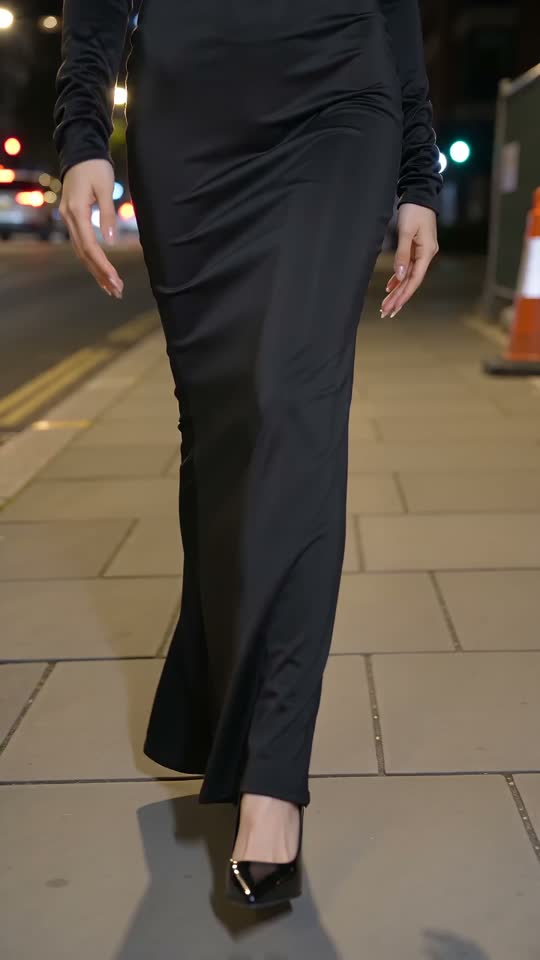


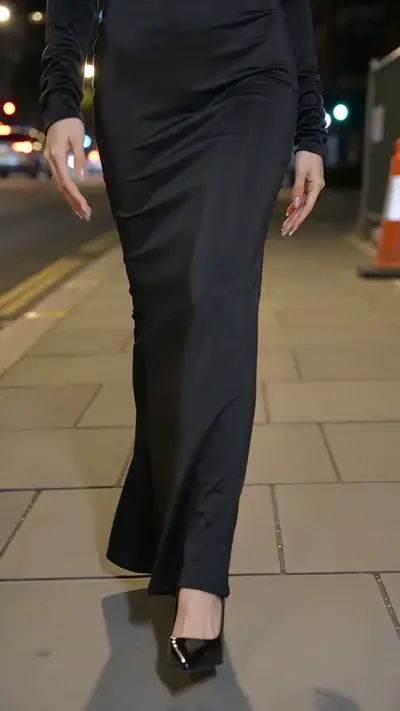
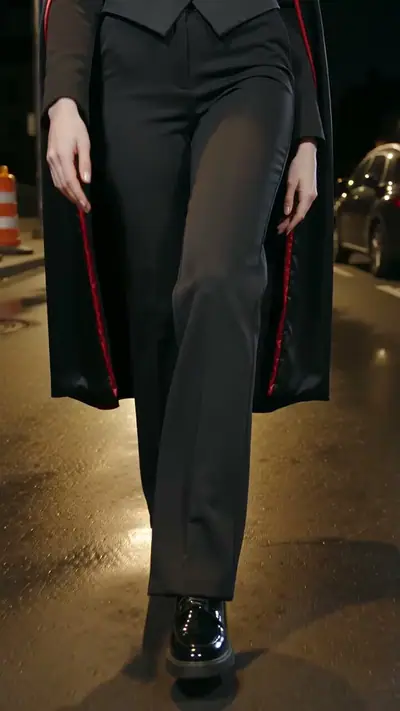
Ramalama AI example: legs in a long black witch dress and heels walk down a city sidewalk at night
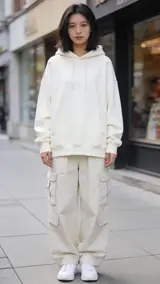
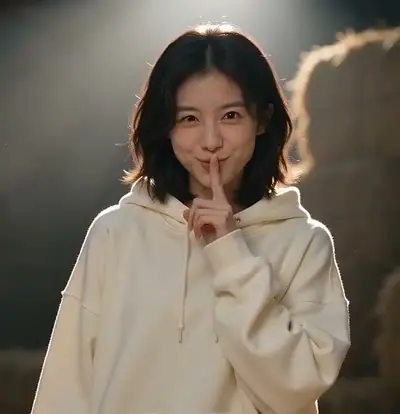
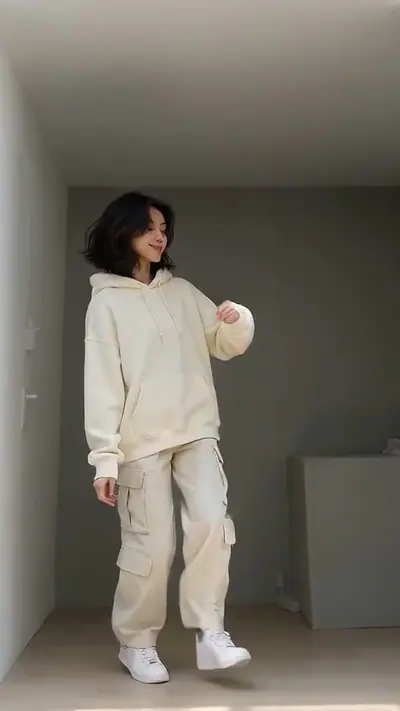
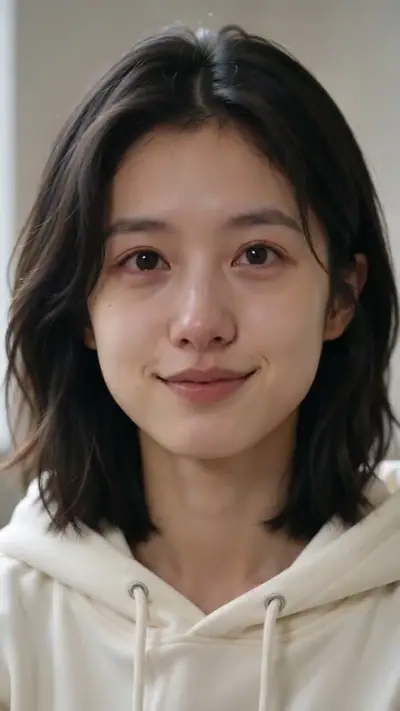
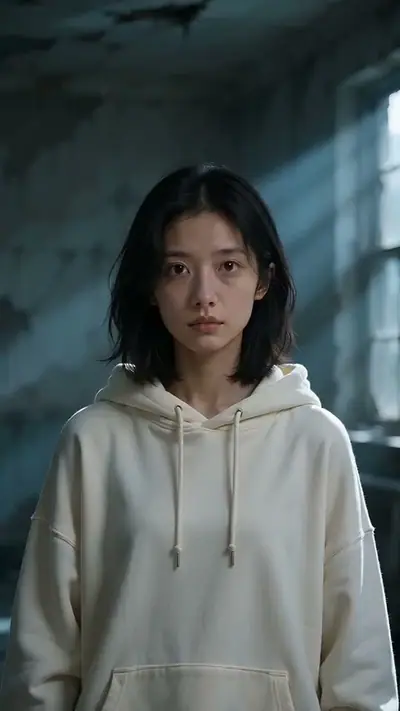
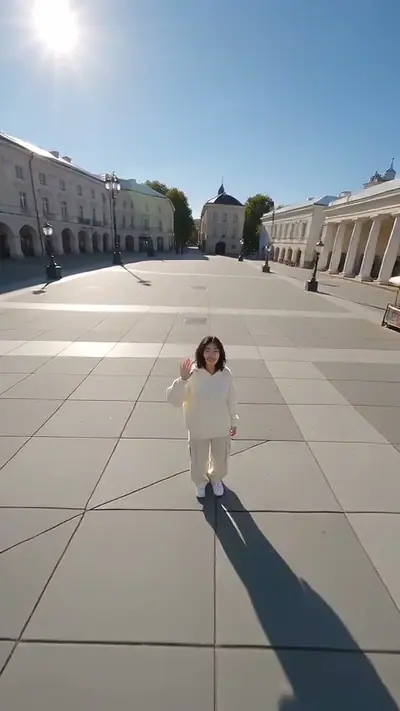
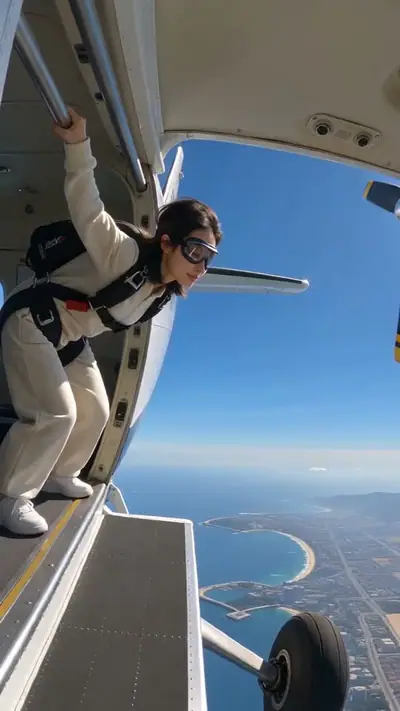
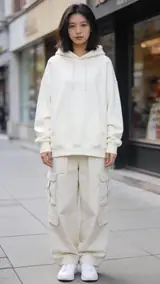
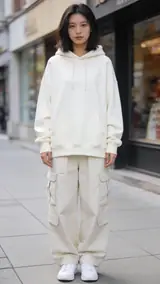
The photo used for this example: a woman in a cream hoodie and cargo pants stands on a city sidewalk

scenes

Ramalama AI Video From One Photo

Upload one photo of yourself. Get a 14-second vertical AI video of you in a Halloween costume, walking down a night street.

14 s9:16HD 720pWith soundOne clear photo of you, face visible. Adults only.$4.99 for one video

Your photo

Acceptable use

Make my video · $4.99

Ready in 3–6 min · Stripe or PayPal checkout · Failed video = credits back · 7-day upload deletion

30 credits ≈ 1 video · $4.99 for one video, from $2.40 with a pack

Updated

Ramalama AI video examples

To make a Ramalama AI video, upload the required photos: One clear photo of you, face visible. Adults only. Confirm photo rights and adult age, and pay. In about 3–6 minutes you get an MP4, 14 s at 720p, 9:16. Template soundtrack included. One video costs $4.99. Upload first, then sign in at Make. Your credits belong to your account email. A video that fails gives its credit back.

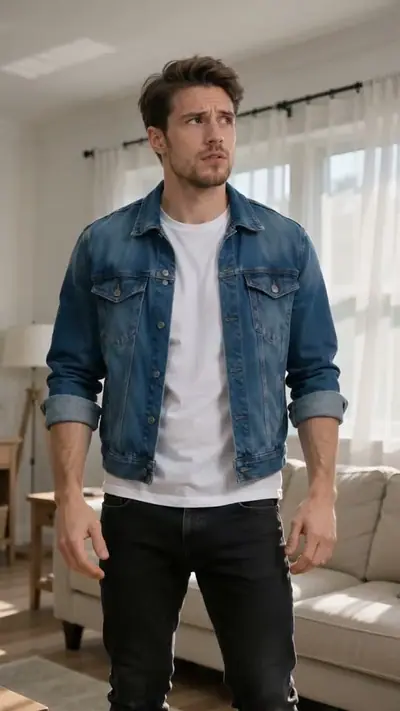
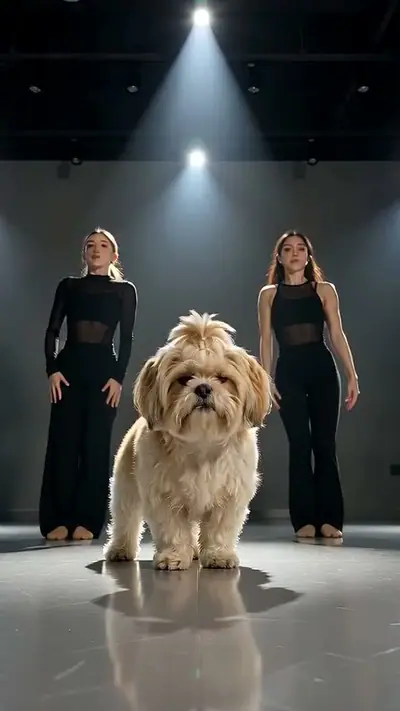
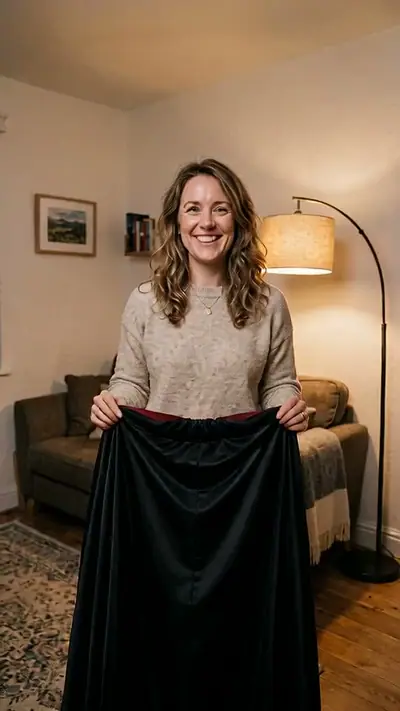
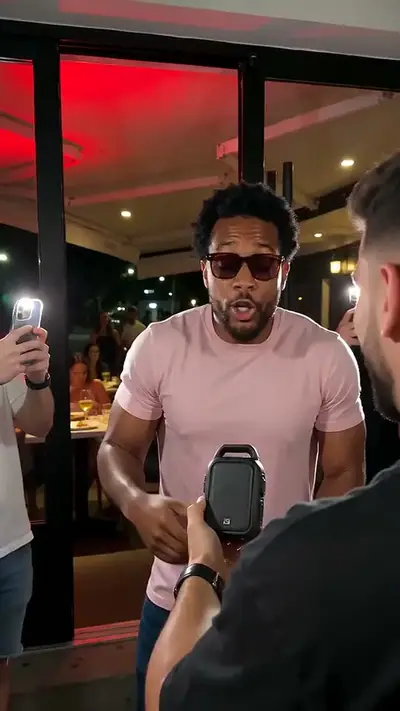
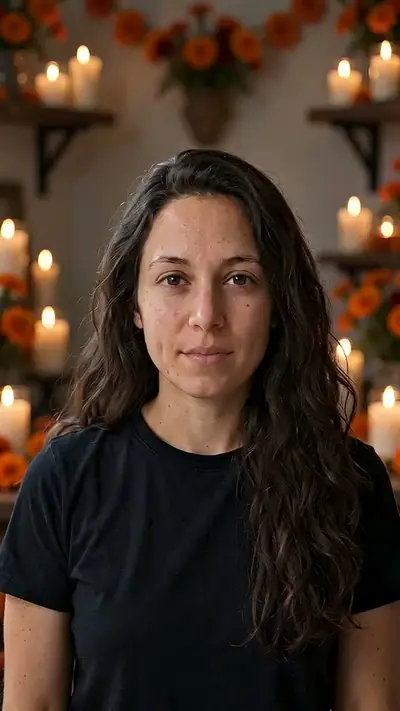
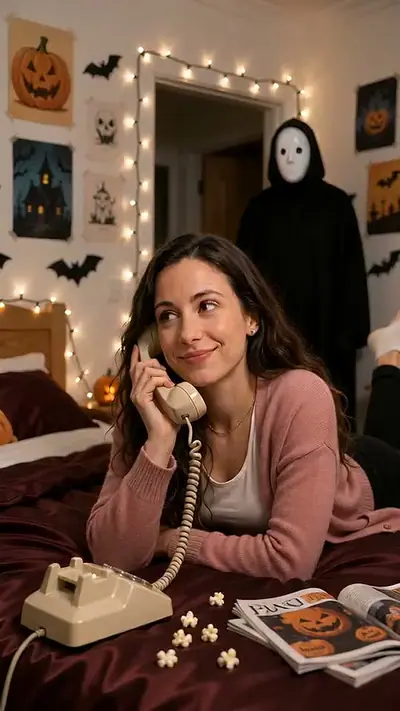
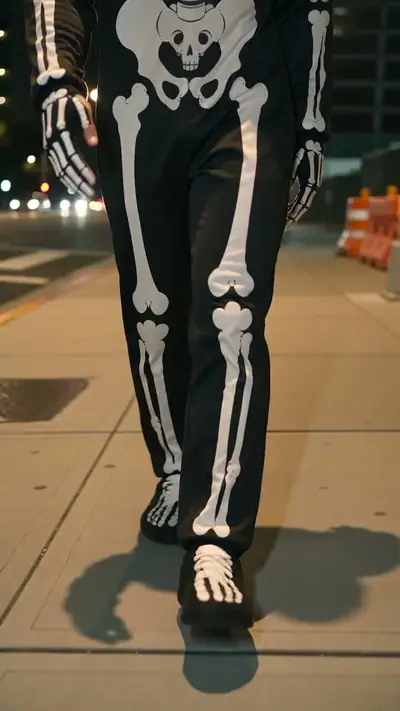
The three examples show a witch, a vampire and a skeleton look. The AI picked each costume. The night street, the low-to-high camera move and the poses stay the same. These looks are examples, not options you can choose. Play a sample to see the timing of the 14 seconds.

Generated

The original Ramalama video

@dazeddollll · View on TikTok

What is the Ramalama trend?

The costume walk returns on TikTok every October. The camera starts low on the feet, tilts up to the face, and the person walks toward it. A clip posted on 10 October 2026 had 2.9 million views by 12 October.

The costume walk returns on TikTok every October, and the camera move is the hook. The camera starts low on the feet, tilts up to the face, and the person walks toward it. Our version places you on a night street with parked cars and road barriers. The AI picks a simple Halloween costume, so you do not need to wear one in your photo.

Seen · View source

How to make a Ramalama AI video in 3 steps

  1. 1. Choose a clear portrait

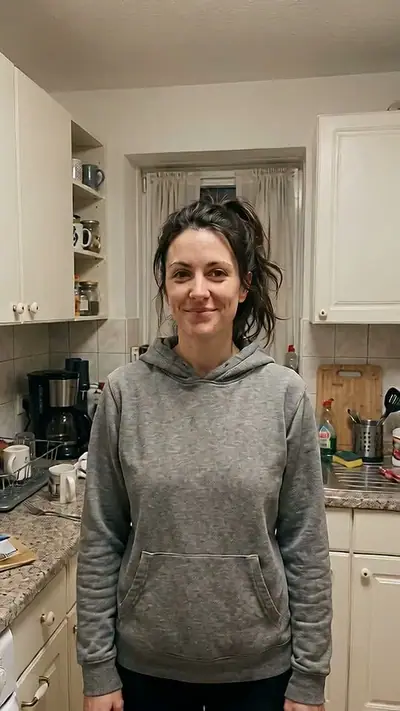
    Pick one clear photo of yourself with your face, hair and shoulders visible. You do not need to wear a costume. Add the picture in the tool. You cannot choose the costume.

    Photo needed: One clear photo of you, face visible. Adults only.

  2. 2. Check the examples and pay

    Play the examples to see the costume walk. Then tick the box to confirm that you are 18 or older and that you are in the picture. Pay for one video with 30 credits.

  3. 3. Wait and download

    The AI makes the 14-second walk in a few minutes. You can leave the page. Your private link arrives by email. Open it, watch the walk to the end and download the clip.

Read the full Ramalama guide

What you upload and what you get

You upload

One clear photo of you, face visible. Adults only.

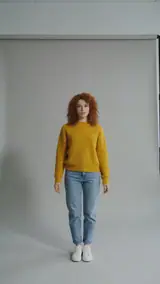
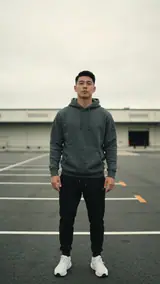
Upload one clear photo of yourself. Face the camera and show your hair and shoulders. Use only one person, and remove hats and sunglasses. You can wear normal clothes, because the AI adds the costume.

Use JPG, PNG, WebP, HEIC, up to 30 MB. Photos are resized before upload. You can swap the picture before you start. You must be 18 or older. Confirm photo rights and adult age. We delete uploads after 7 days and never use them to train models.
You get

MP4, 720p, 9:16, 14 s. Template soundtrack included.

You walk down a night street with parked cars and road barriers. The camera starts low on your steps. After five seconds it tilts up to your face, and you strike poses as you walk toward it. The result page has a download button.

This effect uses 30 credits for one video. Pack pricing starts from $2.40 per video. Pack credits never expire. Compare packs before buying more credits.

Photo tips for a better Ramalama video

A good input makes the subject easier to read. Open the photo at its original size and check the important details before uploading. A bright, sharp photo is more useful than a heavily edited one. Match the crop to the effect: a face-focused scene and a routine with full-body steps need different framing.

  • Face the camera and keep your face clear.
  • Show your hair and shoulders.
  • Use even light and avoid strong shadows.
  • Use a photo with only one person in it.
  • Take off hats and sunglasses.

What can go wrong with a Ramalama AI video

The costume is not the one you expected

The AI picks the costume, and you cannot change it. The examples show a witch, a vampire and a skeleton. If you dislike the result, try another shot.

A hat or sunglasses hide the face

The camera tilts up to your face, so the face must be clear. A hat or sunglasses in the picture hide it. Use a photo with your whole face visible.

Poses and hands look stiff

Poses are hard for AI video. Small details in hands, hair or the costume can differ from your picture. Play the whole clip before you use it in a post.

A generation that fails returns its credits automatically. If a delivered video has distorted details, email support@effectfarm.com with its link for review.

Ramalama AI video ideas

Use these as starting points for your photo and for the finished clip. They are ways to use the effect, not extra controls. The template sets the movement.

A Halloween introduction

Use the low-to-high camera move to introduce a Halloween mood. Your photo should show your face, hair and shoulders clearly. The effect chooses a simple costume and places you on a night street. You do not need to photograph yourself in a finished costume.

A night-street entrance

Let the walk toward the camera become the opening of a short seasonal edit. Watch how the camera begins with the steps and rises to the face in the examples. The street, parked cars and barriers belong to the generated scene, not the background of your photo.

A costume surprise

Try the effect when you are happy for the model to choose the costume. The examples show witch, vampire and skeleton looks, but they are examples rather than selectable options. Keep the input simple and inspect the finished result before using it in your seasonal post.

A different party mood

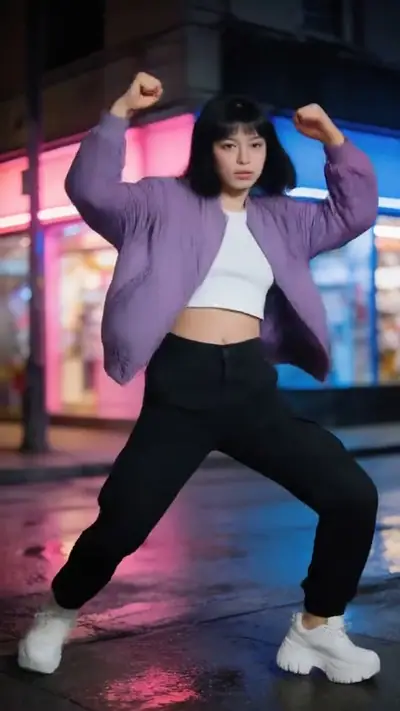
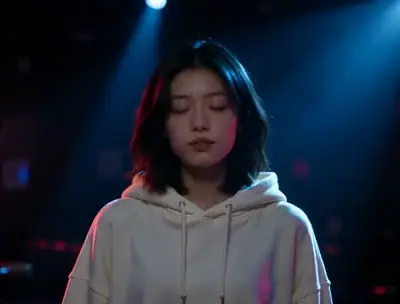
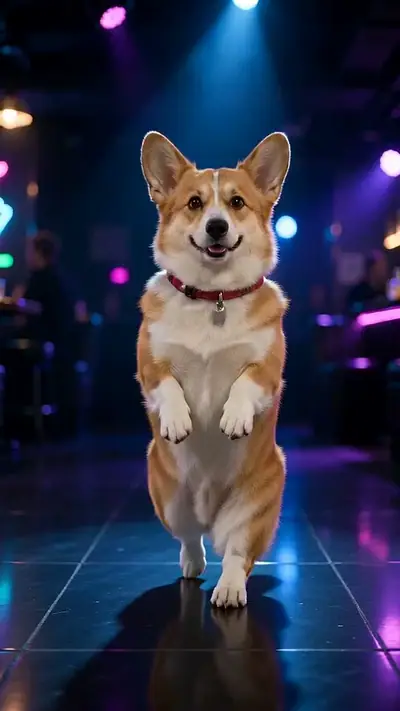
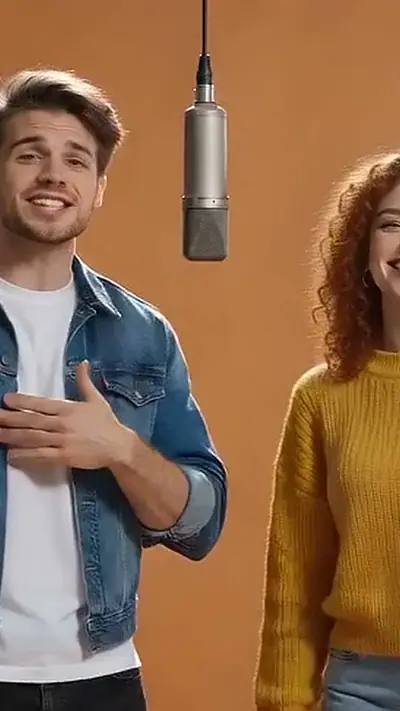
Use the club sway effect for a quieter party-themed follow-up. It focuses on the upper body and a slow sway rather than a costume walk. Switch effects in the tool to compare the examples, then check the photo guidance for the one you choose.

Explore this effect

Ramalama AI FAQ

How do I follow the Ramalama tutorial?
One clear, well-lit photo of yourself facing the camera works best. Keep your face visible. Show your hair and shoulders. Use only one person, and remove hats and sunglasses. Then follow the three steps below the tool.
Why is Ramalama on TikTok?
The costume walk returns on TikTok every October. The camera starts low on the feet, tilts up to the face, and the person walks toward it. A clip posted on 10 October 2026 had 2.9 million views by 12 October.
Where can I see the original Ramalama video?
See the source section for the reference from @dazeddollll. The first post is not verified.
What happens in the Ramalama meme?
The costume video shows you walking down a night street with parked cars and road barriers. The camera starts low and shows your costume and steps. After five seconds it tilts up to your face, and you strike poses as you walk toward the camera.
Which costume do I get?
The AI picks a simple Halloween costume that suits your photo, such as a witch, a vampire or a skeleton. You cannot choose the costume. The costume is not from a film or a brand.
How long is the video, and what size is it?
It is 14 seconds long and vertical (9:16), the size for phone apps. It includes the template soundtrack.
How much does a video cost?
Every video is paid. Packs start at $4.99 and never expire. Check the tool for this effect’s credit cost before paying. No app is needed. Sign in at Make.
Does the video have sound?
Yes. It includes the template soundtrack.
Do I need to wear a costume in my photo?
No. The AI adds a simple Halloween costume. Use a normal, clear photo of yourself.
How long until my video is ready?
Usually 3–6 minutes. You can close the page while it is made. We email a private link when it is ready.

More viral AI video trends

Compare another movement or scene before you choose your next video. Each effect has its own sample, photo needs, length and credit cost.

Put your photo in motion

Take a walk down the night street.

Make my video

No subscription needed. Pack credits never expire.