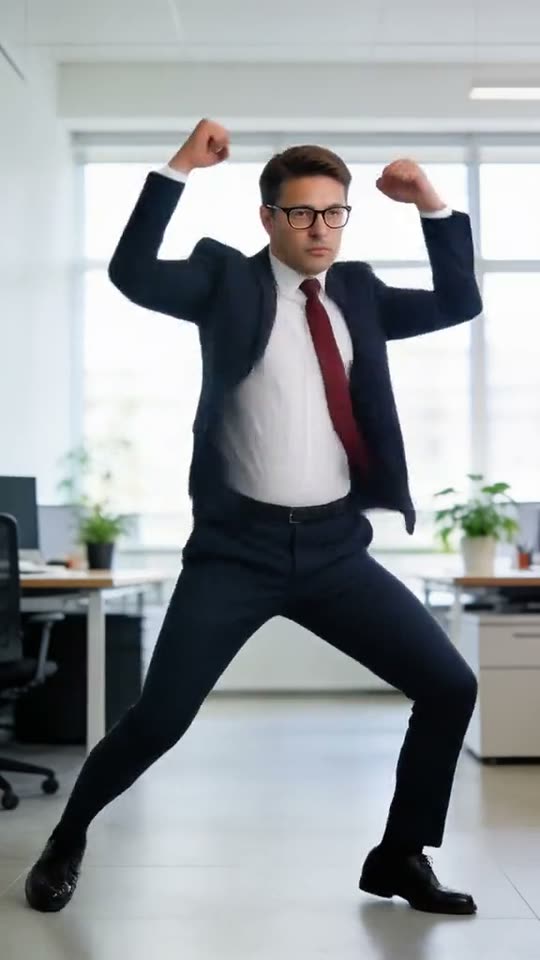
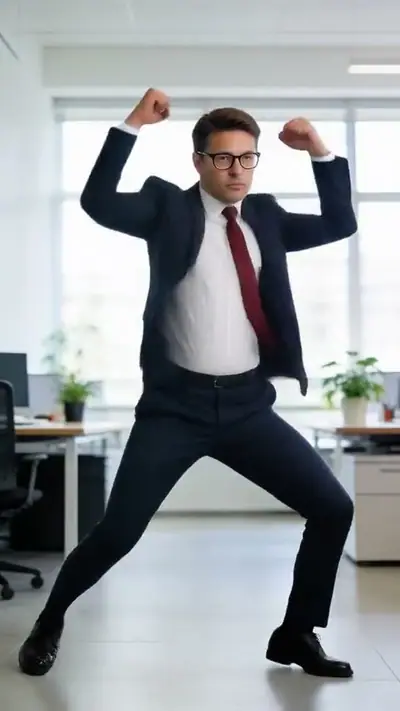
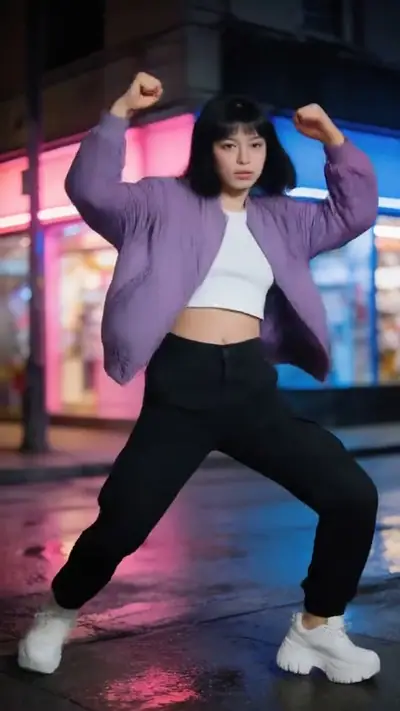
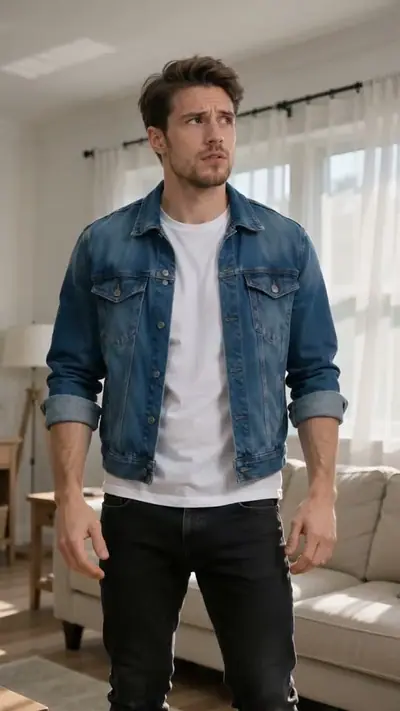
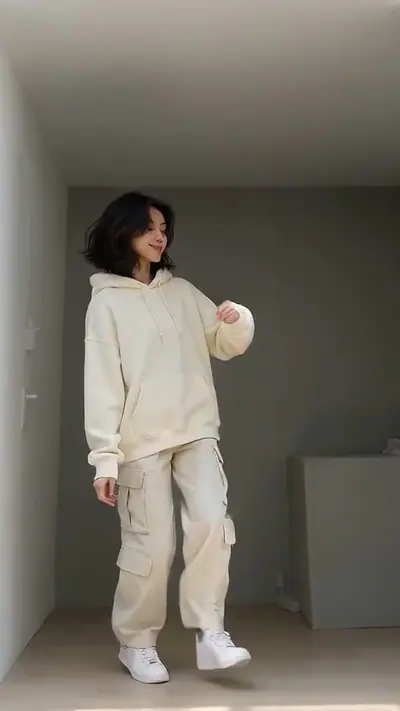
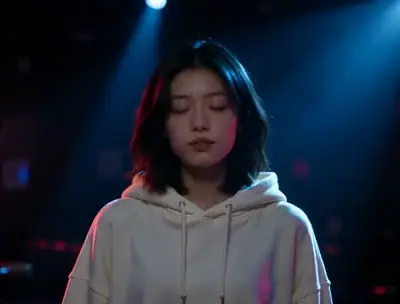
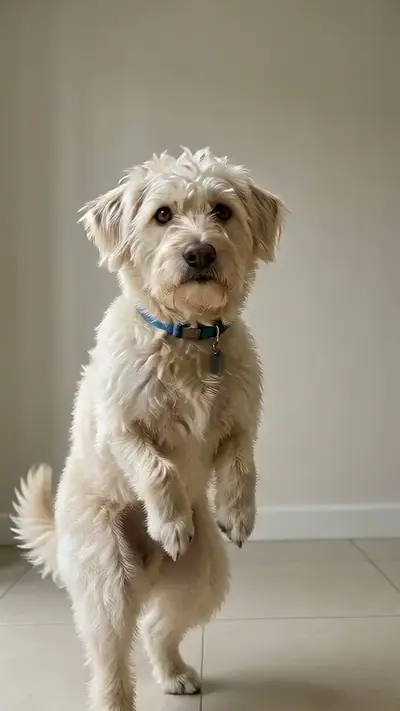
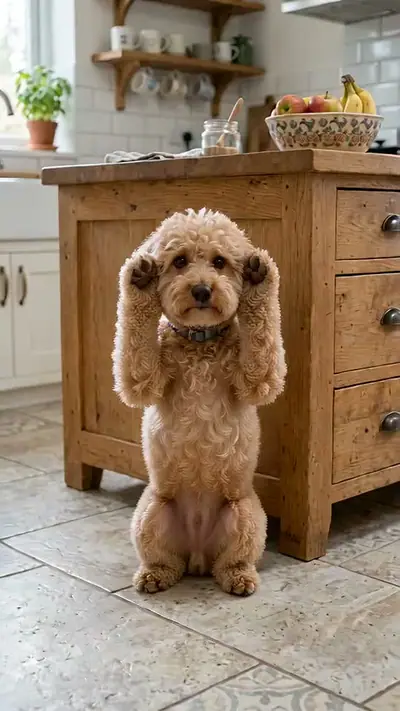
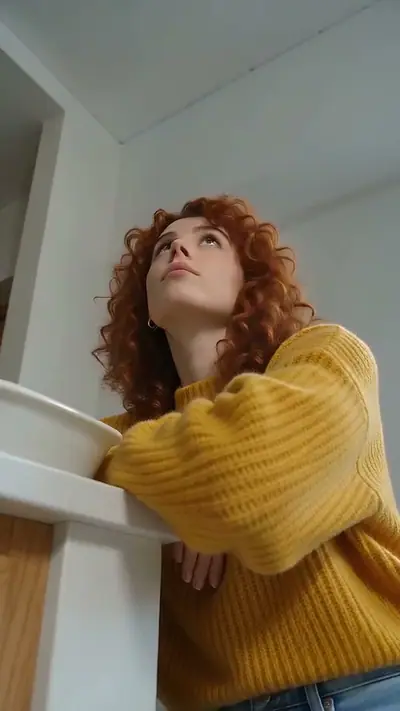
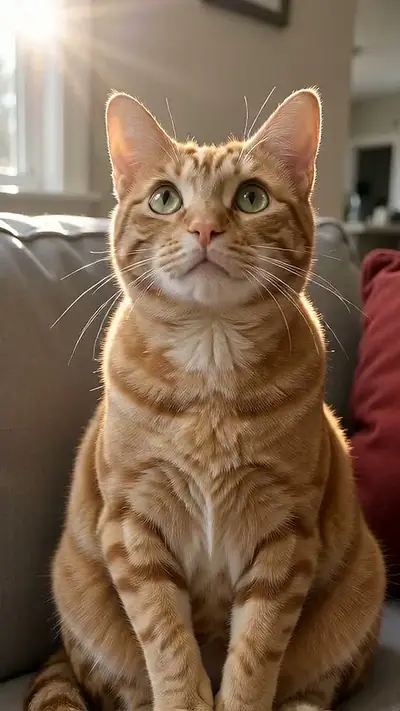
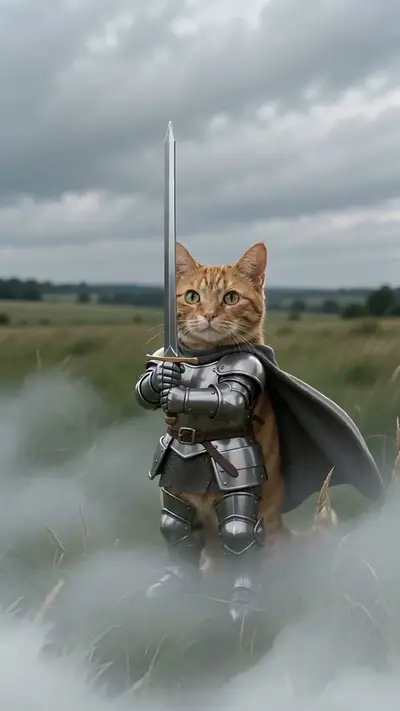
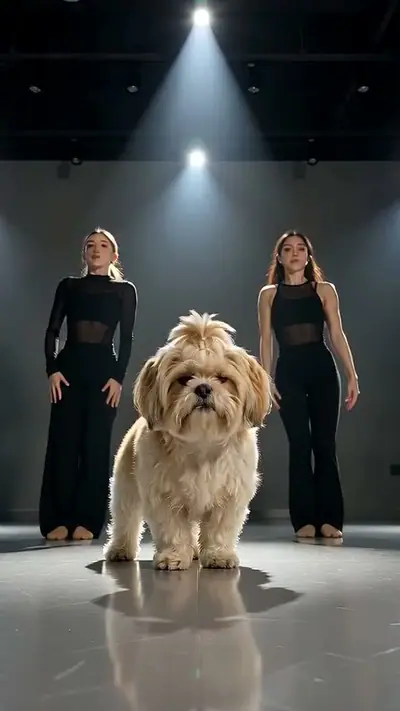
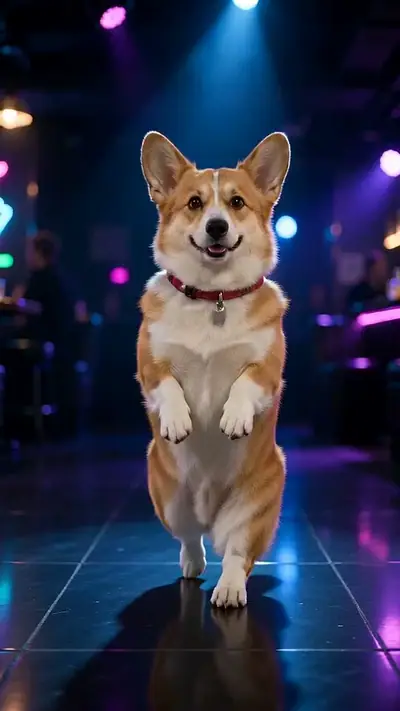
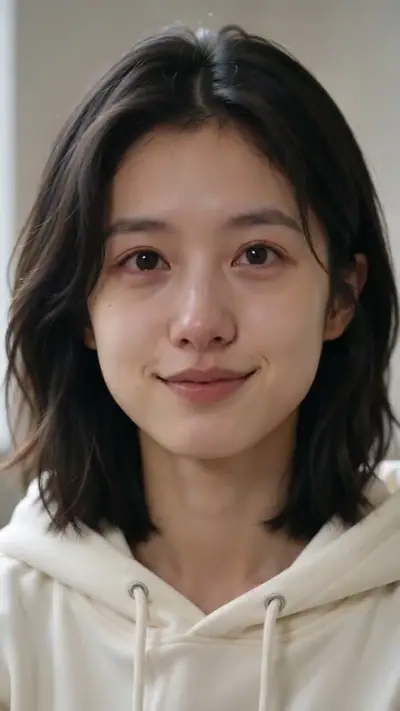
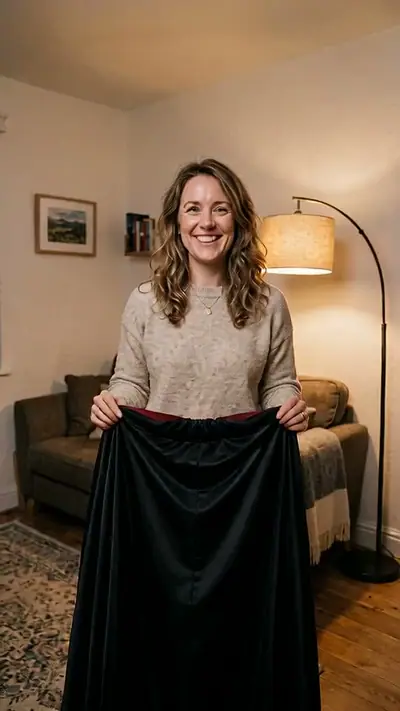
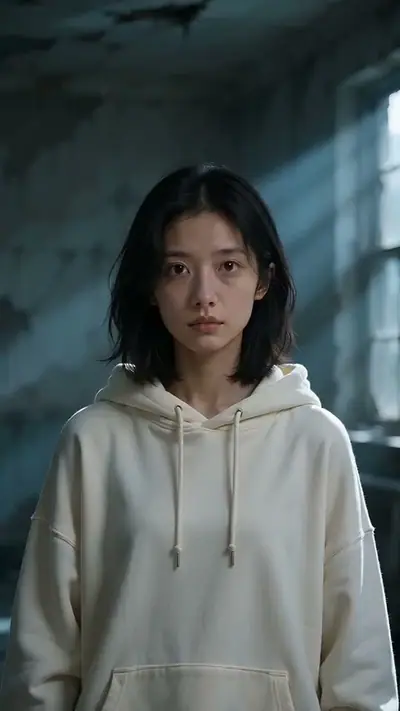
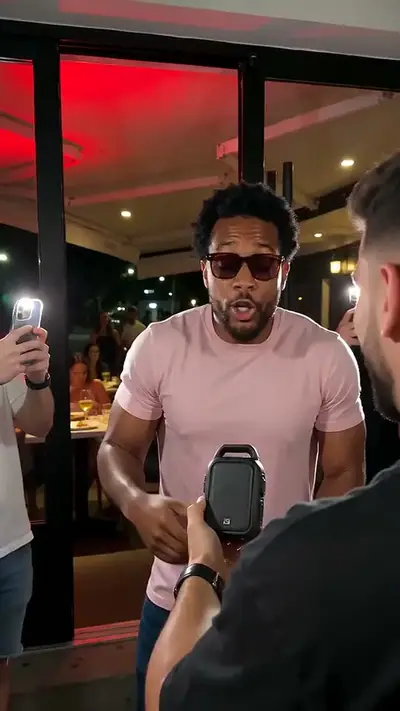
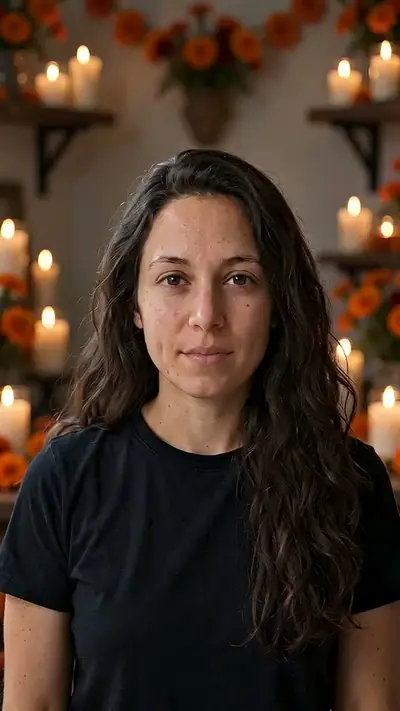
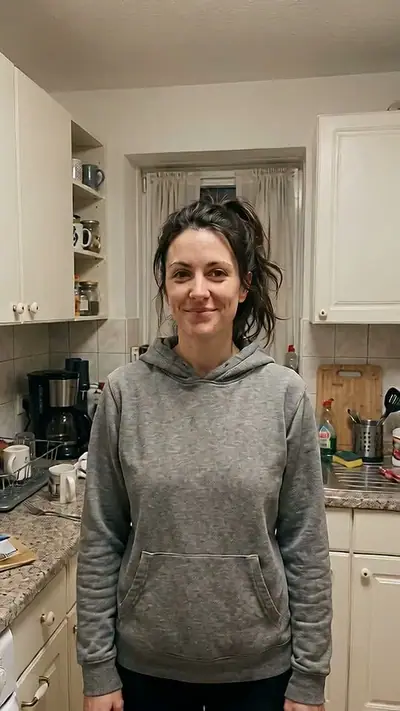
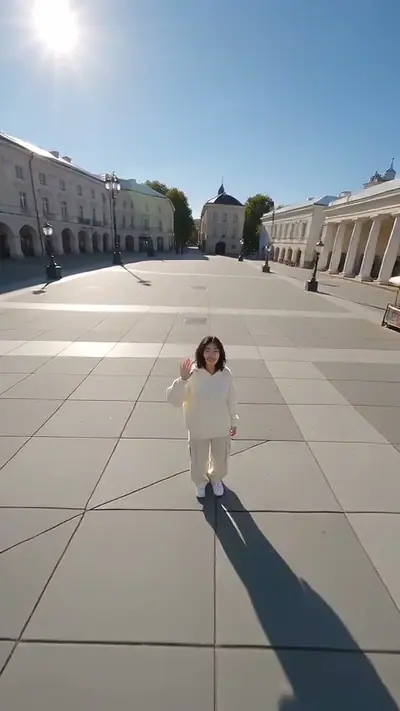
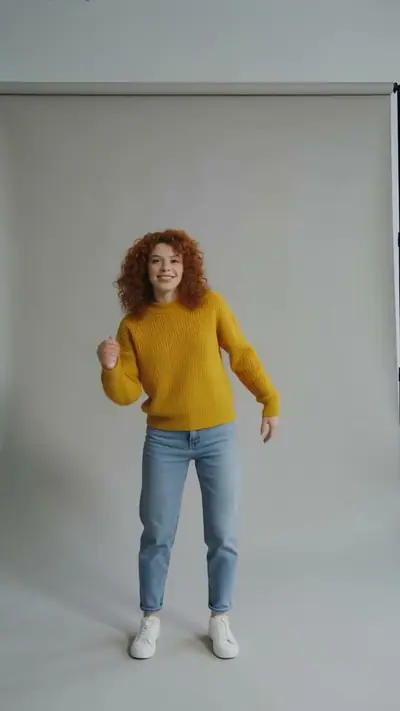
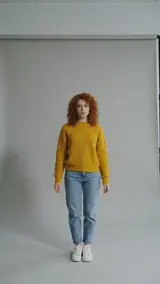
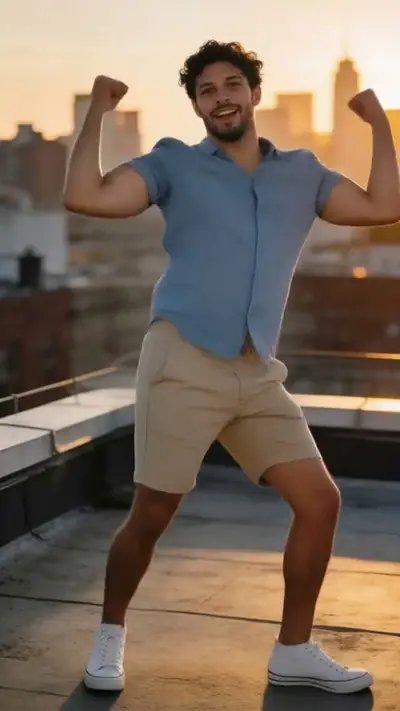
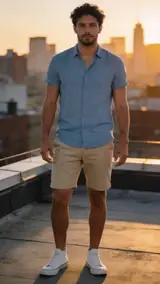
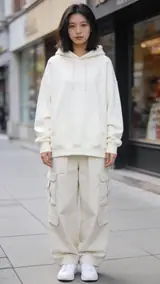
To make a Make Picture Dance video, add 1 photo of yourself, pick one of our 4 dances (Hip-hop, K-pop, Step & clap, Arms up), confirm that the person in the photo is you, and pay. In about 3–6 minutes you get an MP4 of that person doing the moves, 4–10 s at 720p, 9:16. One video costs $4.99, or 300 credits (≈ 10 videos) cost $29.90. Upload first, then sign in at Make. Your credits belong to your account email. A video that fails gives its credit back.
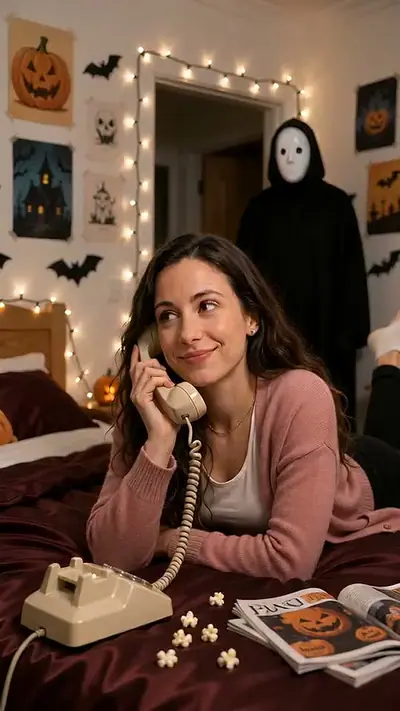
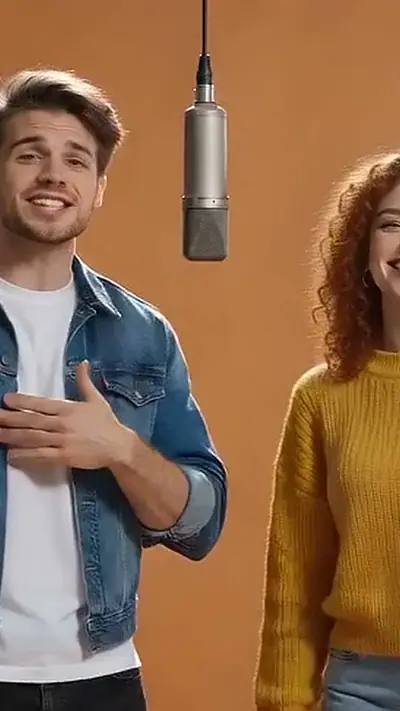
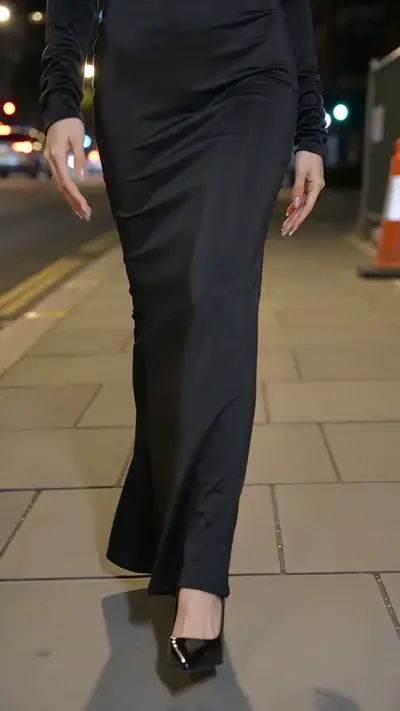
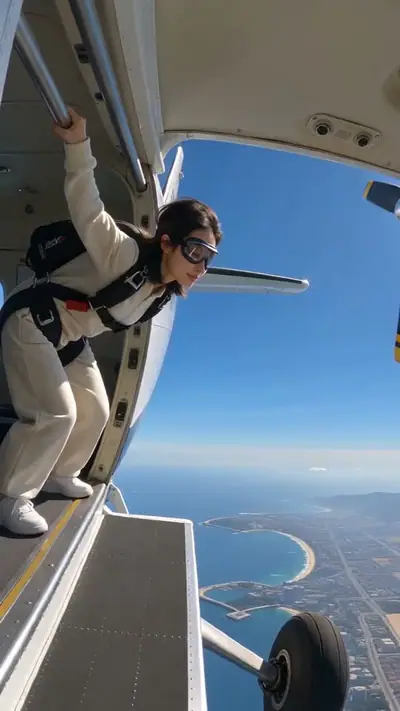
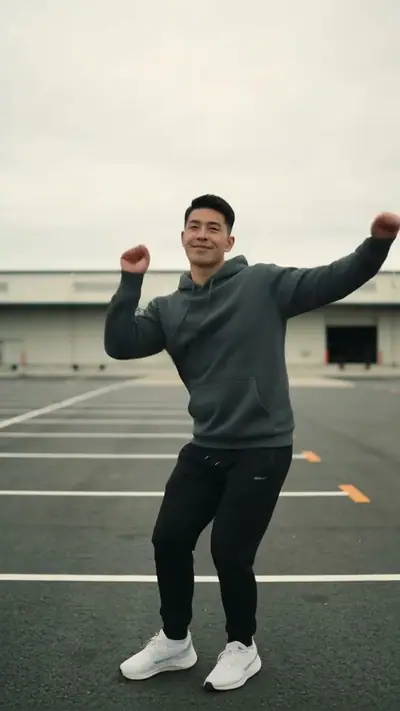
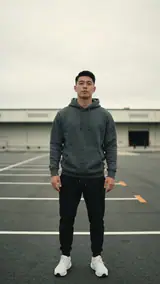
Start with the samples below. Each photo inset is the starting image for the video beside it. Look at the framing, the pace and the change from the original pose to the finished scene. These examples help you choose a suitable photo; they do not promise that every detail of your result will match. You can play a sample before uploading, and use its link to return to the tool.
Make Picture Dance turns a still photo into a new dance video using one of the preset routines. Your photo supplies the person and the chosen routine supplies the movement. You can compare the presets in the tool before making a selection.
No app is needed. Upload your photo first, then sign in at Make. Credits belong to your verified account email, and we email private links to your videos.
The examples show our version of the effect. Your photo changes the subject while the template sets the main sequence. Small details can vary between results. Use the examples to judge the movement you want, then choose a clear photo that fits the input guidance. Browsing the effect does not require an account or an upload.
How to make a Make Picture Dance AI video in 3 steps
1. Choose the effect and your photo
Watch the examples to check the movement and framing, then add the photos requested by the tool: 1 photo You upload still photos. You do not need to record a performance or write a prompt. The sample photo inset shows the input used for that example, so you can compare the starting image with the finished video.
2. Choose your photo, sign in at Make, then pay
Check the effect and photo consent, then sign in with Google or an email code. Choose a pack and pay if you need credits; the pack belongs to your account.
3. Open your link and download
Generation usually takes 3–6 minutes. You can stay on the page or return through the private link in your email. Watch the complete result and check the face, hands and movement before sharing. A failed generation returns its credits. If a delivered result looks wrong, send the result link to support@effectfarm.com for review.
Use JPG, PNG, WebP, HEIC, up to 30 MB. Choose the original image from your device rather than a screenshot with borders or text. Read each photo slot before adding a file, especially when an effect asks for a separate pet photo. Only the photos requested by the selected effect are needed.
You can replace the photo before making the video. You must be 18 or older and use your own photos. Uploads are deleted after 7 days. Your files are not used to train models.
You get
MP4, 720p, 9:16, 4–10 s. No audio track.
The finished video appears on your result page with a download control. The link emailed to you lets you return later. Keep that link private; send the separate share link when you want someone else to watch. No app installation is needed, and a credit pack does not require a subscription.
This effect uses 30 credits for one video. Pack pricing starts from $2.40 per video. Pack credits never expire. Compare packs before buying more credits.
Photo tips for a better Make Picture Dance video
A good input makes the subject easier to read. Open the photo at its original size and check the important details before uploading. A bright, sharp photo is more useful than a heavily edited one. Match the crop to the effect: a face-focused scene and a routine with full-body steps need different framing.
Use even light and keep your face clear.
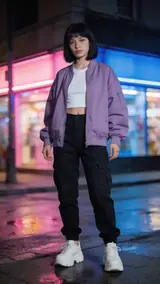
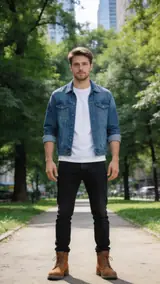
Match the framing of the dance. Show your feet for full-body moves.
Choose a simple background with only you in the photo.
Use a sharp original photo without heavy filters.
If a face is partly hidden, choose another photo instead of expecting the model to fill it in accurately. For a pet slot, make sure there is only one animal and its face is visible. Avoid collages: each slot is for its own still image. The samples provide a useful check on how much of the subject to include.
Check the finished result
Movement can change fine details in the face, hands, clothing or background. Play the whole result before downloading or sharing it. If a delivered video has distorted details, email support@effectfarm.com with its link for review. A generation that fails returns its credits automatically, so you can try again with another suitable photo.
Make Picture Dance AI video ideas
Use these as starting points for your photo and for the finished clip. They are ways to use the effect, not extra controls. The template sets the movement.
Try your first routine
Start with one of the preset dances and a clear photo of yourself. Watch the full sample before choosing the movement. You do not need a written prompt or a recording of yourself dancing. Match your photo framing to the routine, especially when hands and feet move.
Give a familiar outfit a dance
Pick a photo in clothes you like and see how the preset moves work with it. A simple background and even lighting help keep the subject clear. Your result is a new video, so clothing details, hands and the face can differ from the input.
Choose a different mood
Compare the hip-hop, K-pop, step-and-clap and arms-up examples. Each preset provides a different movement sequence for the person in your photo. Make the selection in the tool before pressing the primary button, and review the sample to check that the pace suits your idea.
Make a personal celebration
Use your own dancing result as a playful reaction to good news. Start with a sharp photo of yourself and select a routine that fits the moment. When the result arrives, check it from beginning to end and use the separate share link to let someone watch.
Make Picture Dance AI FAQ
Do I need an app or an account?
No app is needed. Upload your photo first, then sign in at Make. Credits belong to your verified account email, and we email private links to your videos.
How much does it cost?
$4.99 per video, or 300 credits (≈ 10 videos) for $29.90. No subscription needed. Pack credits never expire.
How long does a video take?
Usually 3–6 minutes. You can close the page; we email you the link when the video is ready.
Are my photos private?
Yes. Your videos open only through your private links, uploads are deleted within 7 days, and we never use your files to train models.
Can I use a photo of someone else?
No. The person in the photo must be you, and you must be 18 or older.
More viral AI video trends
Compare another movement or scene before you choose your next video. Each effect has its own sample, photo needs, length and credit cost.