
Halloween AI Trend: Costume, Ghost and Pet Videos
A Halloween AI trend video starts with a still photo and a specific scene. This collection compares five different results, from a cape-swirling vampire reveal to a pet's pretend warning. Start by deciding what should happen on screen, then match the photo to that effect. One video costs $4.99 USD. Upload without an account, review the price before generation and pay as a guest through Stripe or PayPal. Sign-in is optional. Every generation is paid.
Pick an effect
All 25 effects →
Dance
Pets
Scenes
- AI Crying Video1 photo · 10 s

- AI Halloween Costume1 photo · 8 s
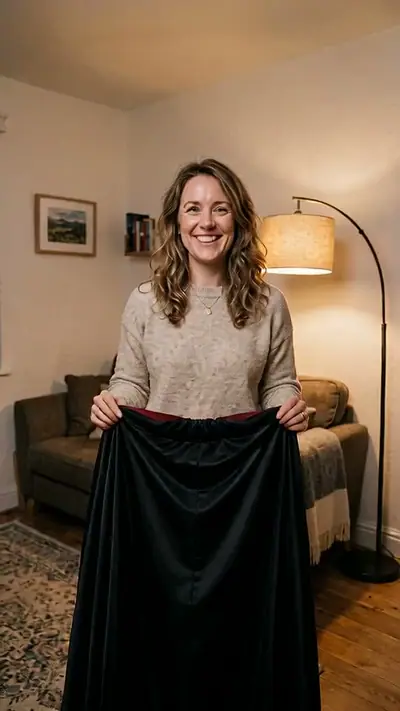
- AI Zombie1 photo · 8 s
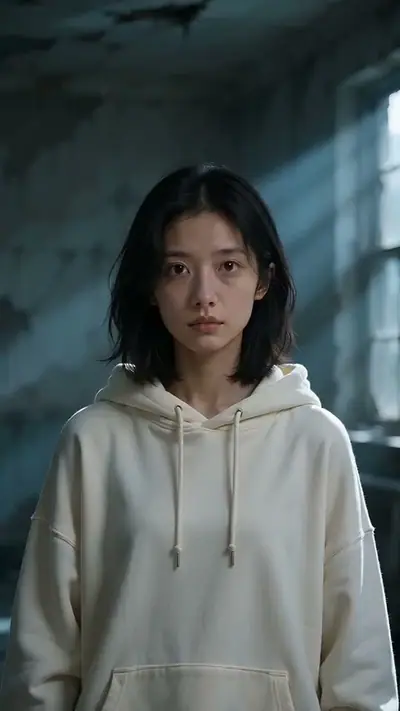
- Bulin 47 AI1 photo · 10 s
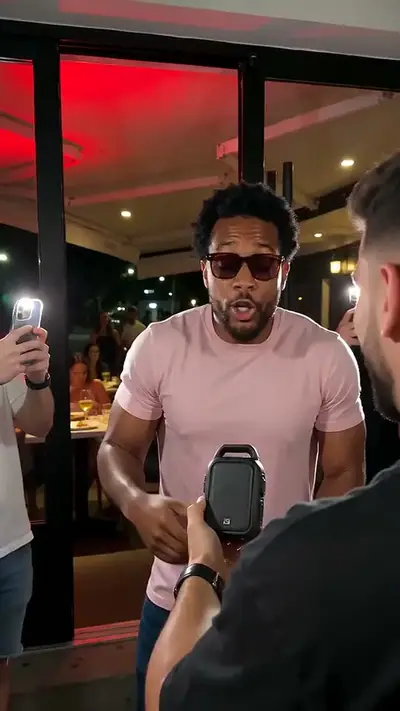
- Catrina Makeup AI1 photo · 10 s
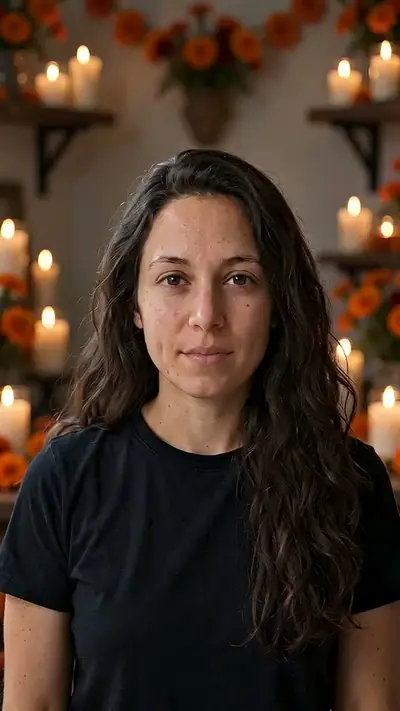
- Cinematic Makeover AI1 photo · 10 s
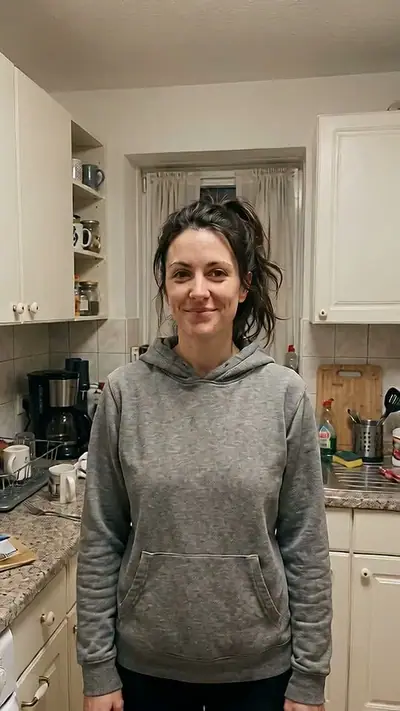
- Earth Zoom Out AI1 photo · 12 s
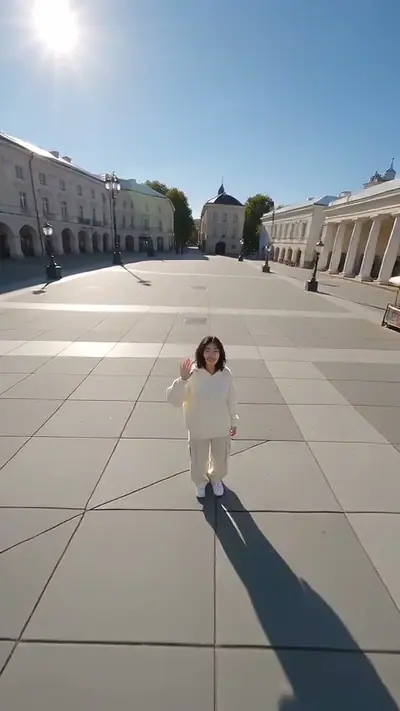
- Ghost Mask AI1 photo · 10 s
- Hotel Lobby AI2 photos · 12 s
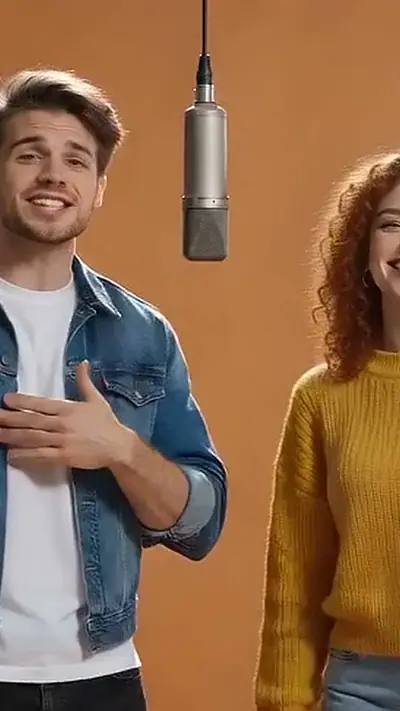
- Ramalama AI1 photo · 14 s
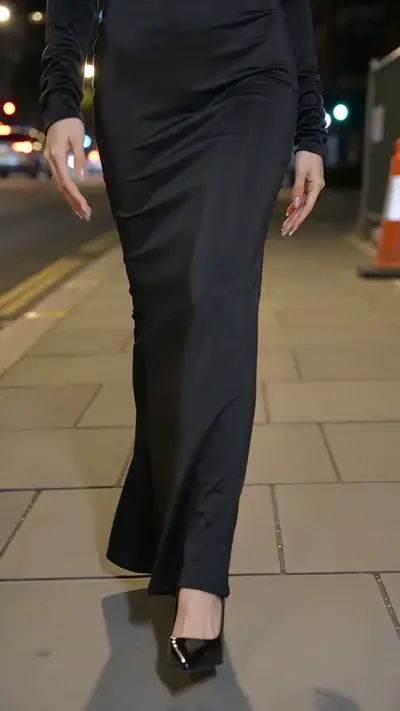
- Skydiving AI1 photo · 10 s
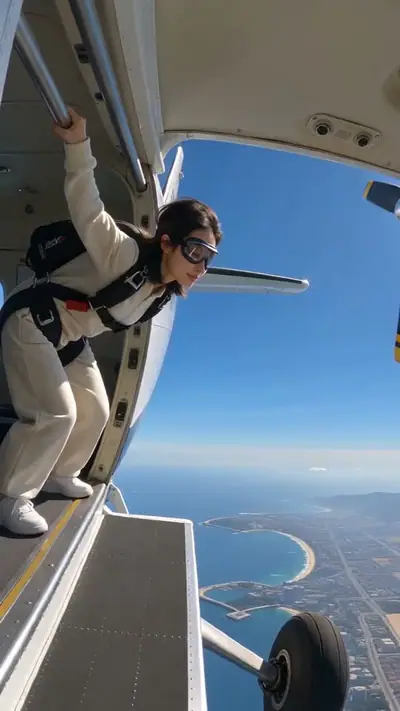
- AI Car Effect1 photo · 8 s
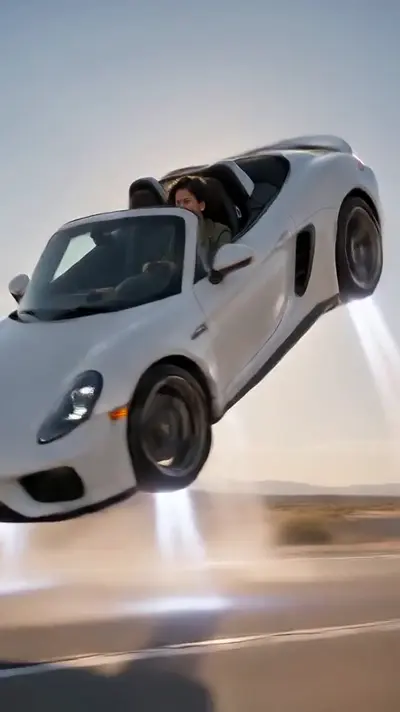
- AI Halloween CostumeSelected
- AI Zombie
- Ghost MaskTRENDING
- Catrina MakeupTRENDING
- Jawn
- Toc Toc
 TRENDING
 - AI Crying Video
- Make Picture

- Genjutsu
- AI Dog
 TRENDING
 - Bad Times
- Bulin 47TRENDING
- Cinematic Makeover
- Clapping Cat
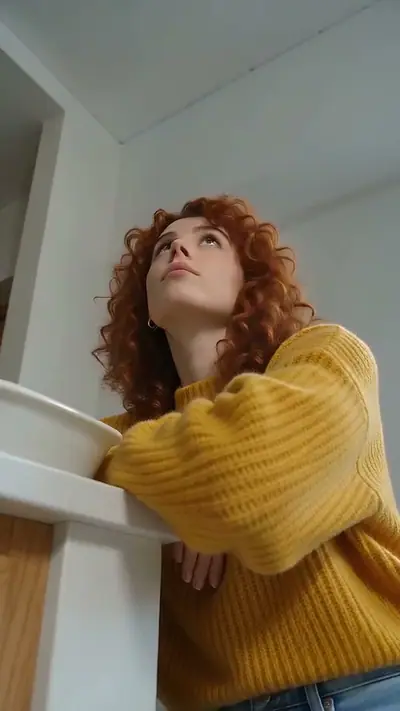
- Earth Zoom OutTRENDING
- Hotel LobbyTRENDING
- Imma Bite You
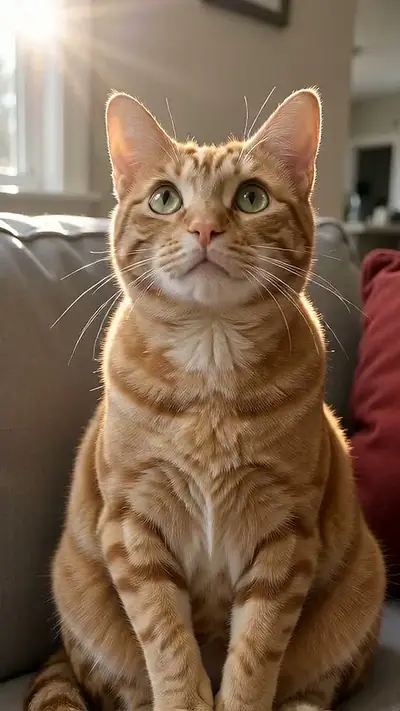
- Knight Cat
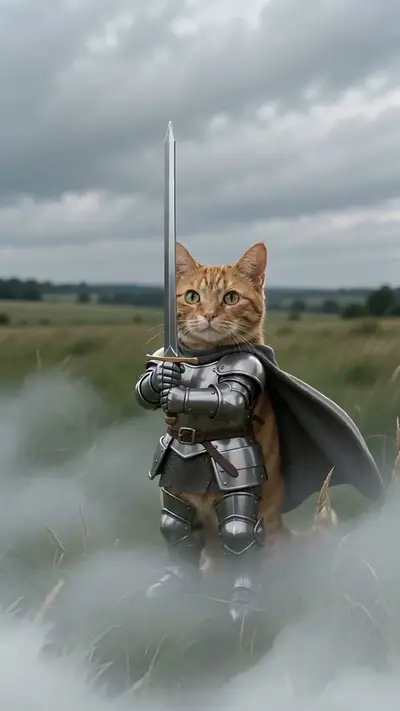
- Put A Ring On It
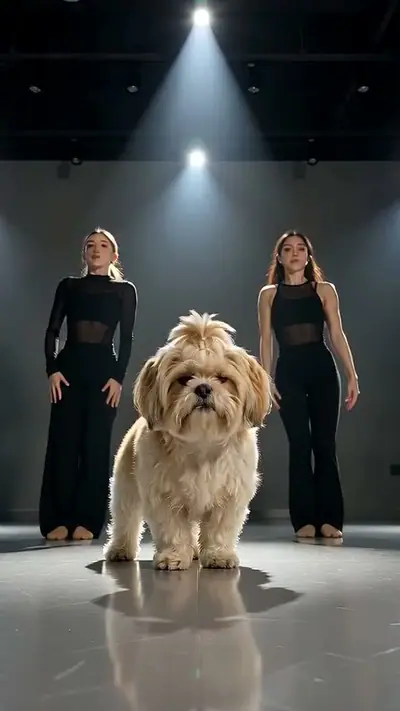
- Ramalama
- Rumpelstiltskin

- Skydiving
- AI Car Effect
- That's My Dawg
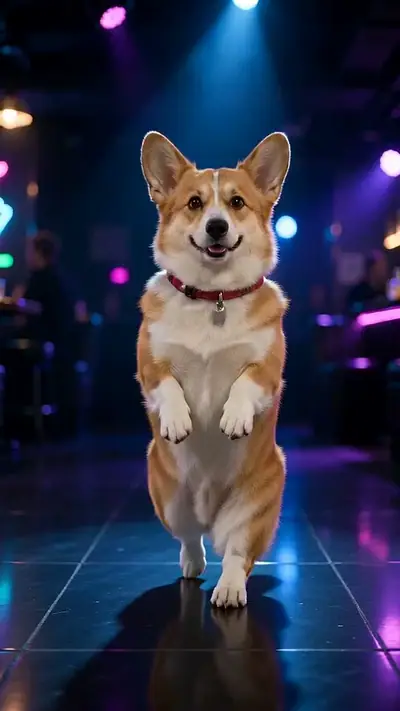
- Turn The Lights Off
8 s · 9:16 · 1 clear photo
Add your photo
photo
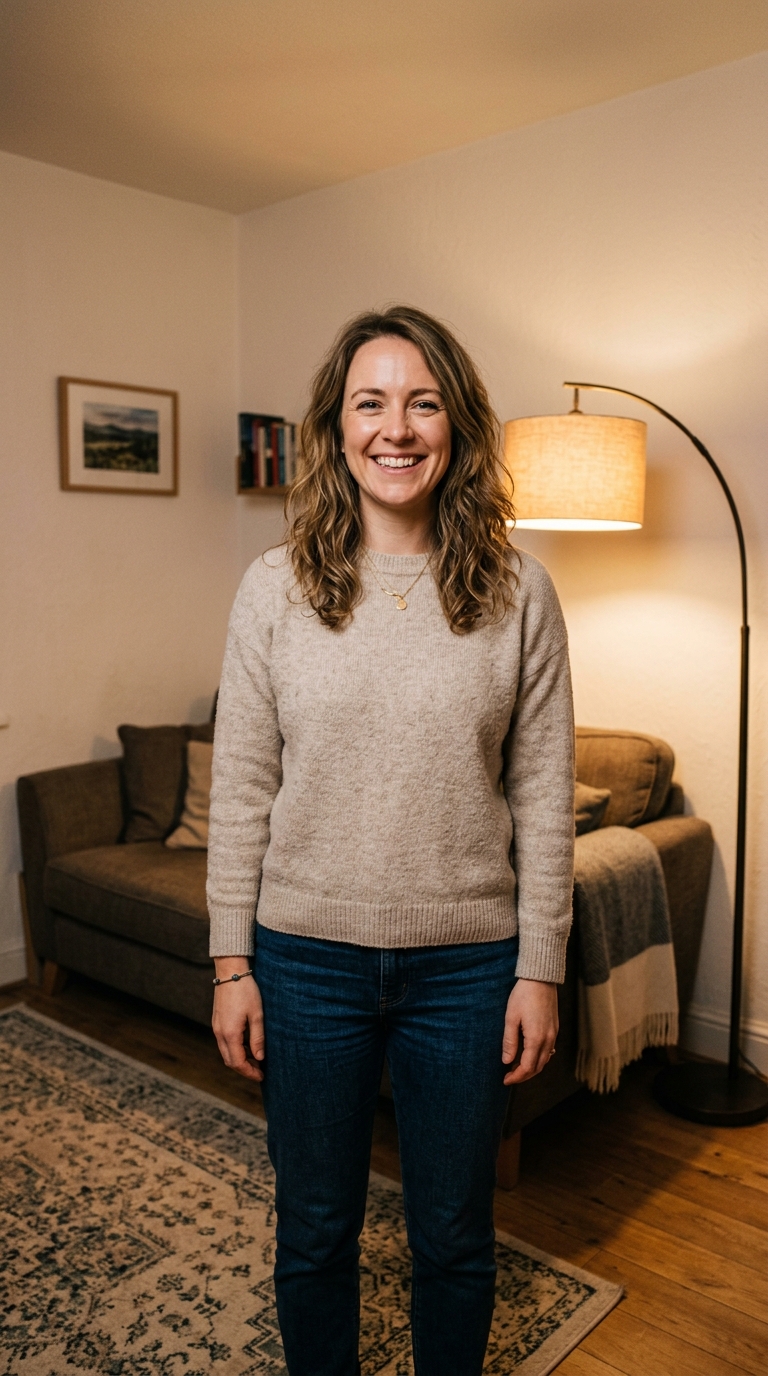
Pay only when you press Make · Stripe or PayPal · Failed video = credits back
By making a video you confirm you're 18+ and own the photo · Rules
Choose your Halloween scene

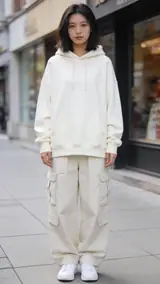

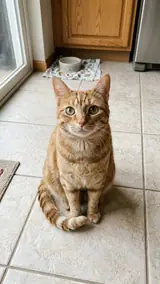
AI Halloween Costume
Choose the vampire reveal when the costume change should be the whole story. A black cape sweeps around the person before opening onto a high collar, red lining, a waistcoat and pale makeup. Pumpkins and purple light finish the scene. Start with one adult facing the camera, framed from the waist or knees up. The extra room gives the cape somewhere to move. This effect supplies a fixed vampire outfit; it does not let you choose an arbitrary costume.
One adult, face visible: you or a friend who agreed. · 8 s · 9:16 · Model-generated sound · $4.99 USD per video.
Ghostface AI
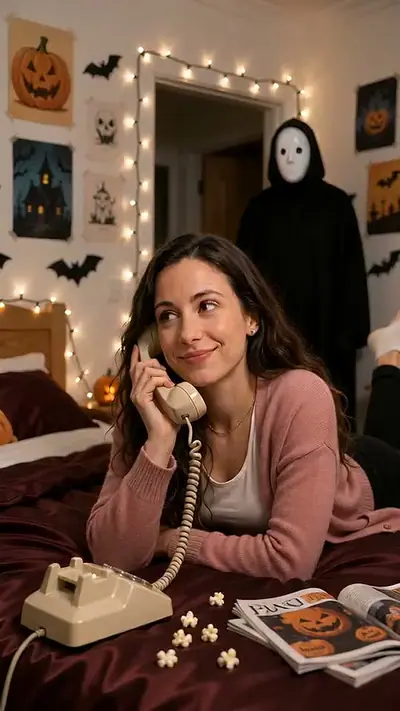
Choose Ghostface AI for the contrast between an ordinary phone conversation and an unnoticed visitor. The catalog calls this effect Ghost Mask AI. The person lies on red satin sheets with a corded phone while a hooded, masked figure approaches from behind. Use one clear adult portrait with an unobstructed face. The bedroom and visitor come from the scene, so a Halloween background in your input is unnecessary. Watch the example to decide whether this quiet horror setup fits your post.
One adult, face visible: you or a friend who agreed. · 10 s · 9:16 · Model-generated sound · $4.99 USD per video.
AI Zombie
Choose AI Zombie when you want a gradual facial transformation rather than a costume reveal. Skin becomes pale grey-green, the eyes cloud, the head tilts and the person takes a slow step toward the camera. An evenly lit head-and-shoulders portrait gives the effect a readable starting face. Keep sunglasses and heavy shadows out of the picture. This is a single-person transformation, so it needs neither a second character nor a recording of someone walking.
One adult portrait, face visible. · 8 s · 9:16 · Model-generated sound · $4.99 USD per video.
Catrina Makeup AI
Choose Catrina Makeup AI for candlelight, orange marigolds and decorative face paint. A white base, dark eye circles and fine cheek swirls appear before a flower crown completes the portrait. Use a sharp, front-facing adult photo so the makeup has a clear face to follow. The design and generated sound can vary between videos. Catrina imagery belongs to Día de Muertos; compare it here as a seasonal makeup option while keeping that context in your caption.
One adult, face visible: you or a friend who agreed. · 10 s · 9:16 · Model-generated sound · $4.99 USD per video.
If You Grab Me Imma Bite You AI
Choose If You Grab Me Imma Bite You AI for a playful pet reply between spooky posts. Your dog or cat sits upright on a grey sofa, raises a stop-sign paw, gives a tiny pretend growl and settles down. Use one photo of your own pet with its face and body visible. A seated or standing pose gives a clearer starting point than an animal lying flat. This is a comic warning scene, with no injury, rather than a human costume transformation.
One photo of your own dog or cat, face and body visible. · 9 s · 9:16 · Template soundtrack included · $4.99 USD per video.
Prepare the photo before you pay
For the human scenes, show one adult with a visible face and use only a photo you have permission to use. Keep the original image sharp and evenly lit; the effect supplies the scene, so you do not need to stage a dark bedroom, wear makeup or film a performance. For the pet scene, use your own dog or cat and include its body. Compare each sample before paying, especially the camera framing and movement. These are different fixed effects, not a box for requesting any Halloween idea.
Make your vampire costume video