
AI Car Effect: Flying Roadster
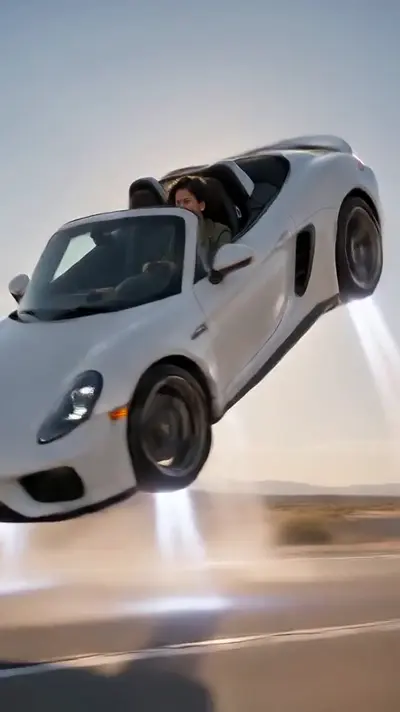
This AI car effect turns one photo of you into a desert flight video: a white convertible lifts on vapor jets, rolls once and climbs skyward.
1
Pick an effect
All 25 effects →
Dance
Pets
Scenes
- AI Crying Video1 photo · 10 s

- AI Halloween Costume1 photo · 8 s
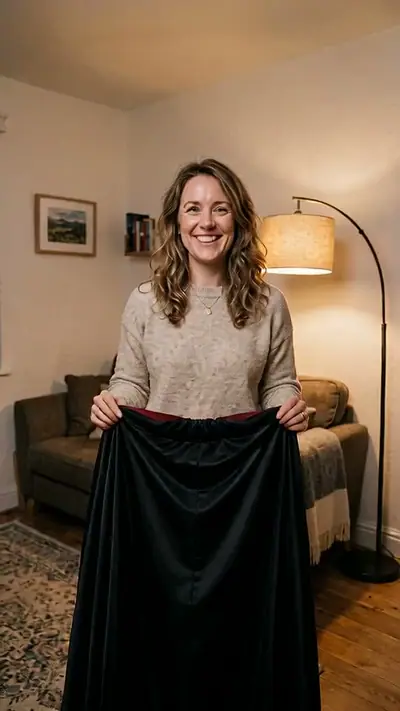
- AI Zombie1 photo · 8 s

- Bulin 47 AI1 photo · 10 s
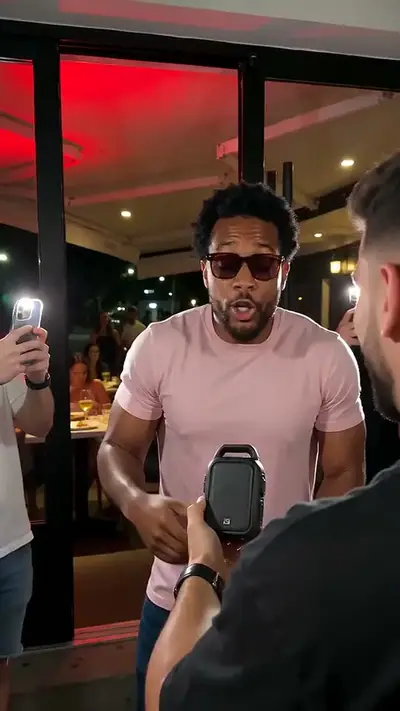
- Catrina Makeup AI1 photo · 10 s

- Cinematic Makeover AI1 photo · 10 s
- Earth Zoom Out AI1 photo · 12 s
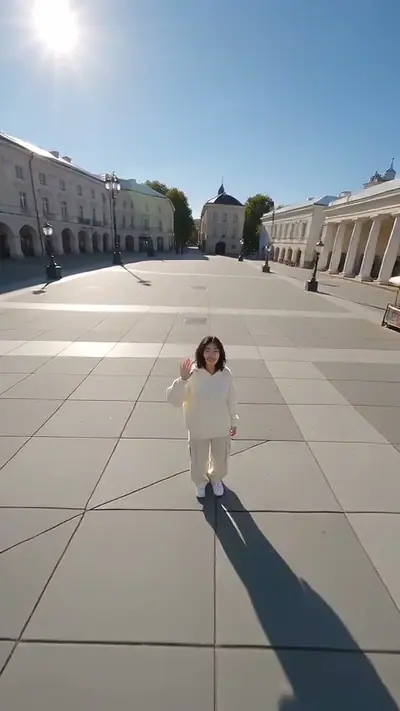
- Ghost Mask AI1 photo · 10 s

- Hotel Lobby AI2 photos · 12 s
- Ramalama AI1 photo · 14 s
- Skydiving AI1 photo · 10 s
- AI Car Effect1 photo · 8 s
- AI Car EffectSelected
- AI Halloween CostumeTRENDING
- AI Zombie
- Ghost MaskTRENDING
- Catrina MakeupTRENDING
- Jawn

- Toc Toc
 TRENDING
 - AI Crying Video
- Make Picture

- Genjutsu

- AI Dog
 TRENDING
 - Bad Times

- Bulin 47TRENDING
- Cinematic Makeover
- Clapping Cat
- Earth Zoom OutTRENDING
- Hotel LobbyTRENDING
- Imma Bite You

- Knight Cat

- Put A Ring On It
- Ramalama
- Rumpelstiltskin

- Skydiving
- That's My Dawg
- Turn The Lights Off

AI Car Effect
30 credits8 s · 9:16 · 1 clear photo
2
Add your photo
Good
photo
Pay only when you press Make · Stripe or PayPal · Failed video = credits back
By making a video you confirm you're 18+ and own the photo · Rules
▶ Real result8 s · 9:16
 Your photo
The short answer
This AI car effect turns one photo of you into a desert flight video: a white convertible lifts on vapor jets, rolls once and climbs skyward. You get 8 s at 720p, 9:16, MP4. Model-generated sound. One video costs $4.99 USD. No free plan or trial. No sign-up needed: pay as a guest with card or PayPal. Usually ready in 3–6 minutes. A failed video returns its credits.
Try another effect
Compare the sample, photo requirements and output before choosing another effect.
Simple, honest pricing
Every video is paid. One video = 30 credits on every effect. Packs make each video cheaper.
MOST PICKED
Starter
$12.90
100 credits · $3.87/video
- 3 videos + 10 spare credits
- Credits never expire
Studio
$79.90
1000 credits · $2.40/video
- 33 videos + 10 spare credits
- Credits never expire
No free trial, no subscription. You see the price before you pay. A failed or blocked video returns its credits automatically. Unused credits can be refunded within 14 days.
Updated
Car Effect AI video examples
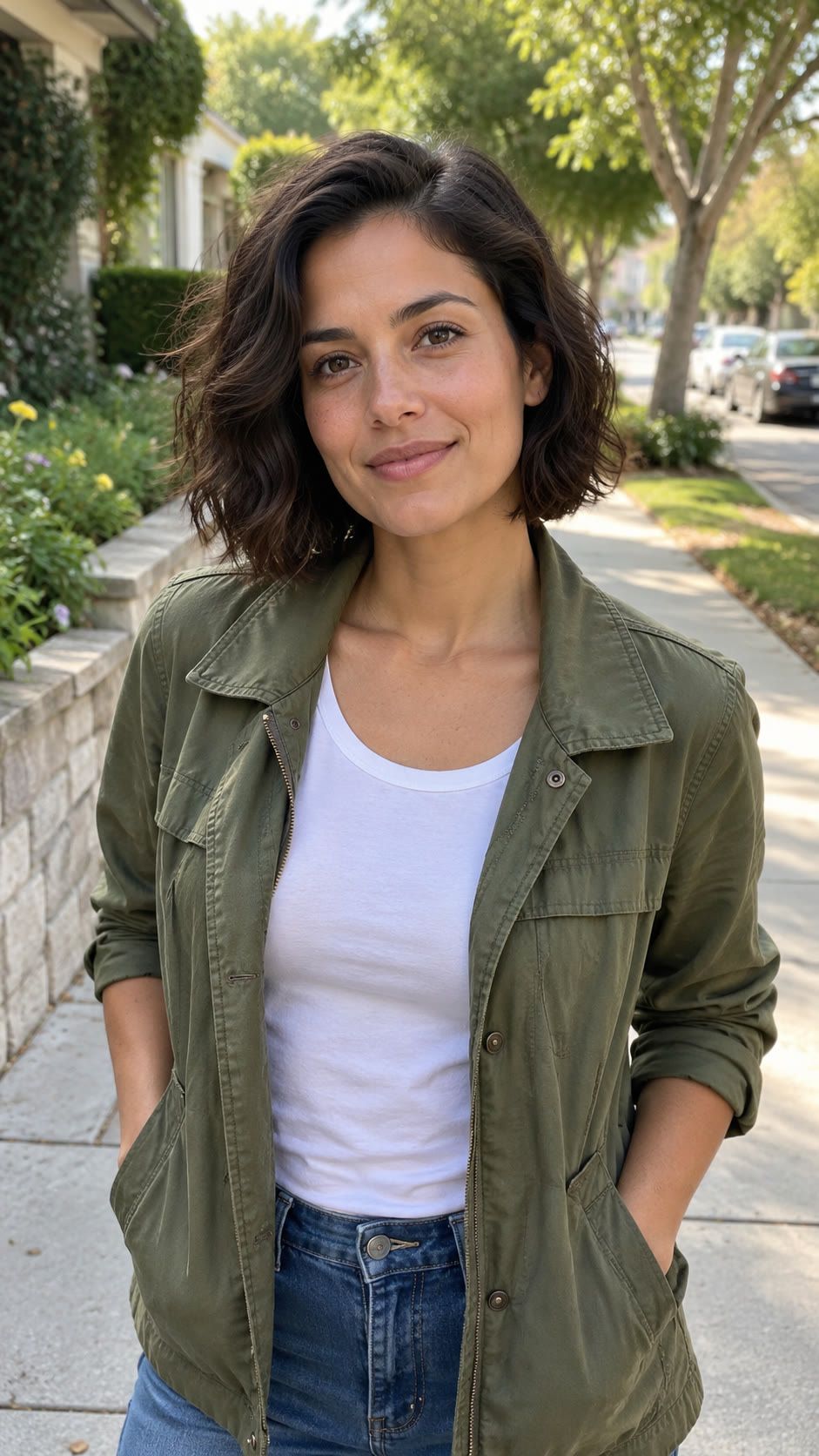
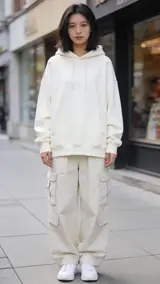
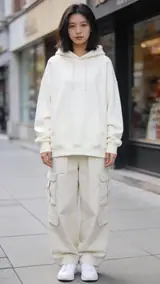
This flying car effect combines a fixed desert setting with your portrait. The sample starts on a sunlit road with a white open-top two-seater and a visible driver. Vapor jets lift the car, it completes one sideways barrel roll, and the camera pulls back as it climbs. Play the sound version to hear the scene. The portrait beside it shows the kind of input you supply.
Generated
What is the Car Effect trend?
AI Car Effect turns a still photo into a new dance video using one of the preset routines. Your photo supplies the person and the chosen routine supplies the movement. You can compare the presets in the tool before making a selection.
No. One video costs $4.99 USD. Every generation requires payment. You can watch the samples before paying.
The examples show our version of the effect. Your photo changes the subject while the template sets the main sequence. Small details can vary between results. Use the examples to judge the movement you want, then choose a clear photo that fits the input guidance. Browsing the effect does not require an account or an upload.
How to make an AI Car Effect video in 3 steps
1. Choose a portrait, not a vehicle
Upload one still photo of yourself with your face clear and evenly lit. You do not need to sit in a car or photograph a desert. Uploading works without an account.
Photo needed: One clear photo of you, an adult, with your face visible.
2. Watch the flight and review the price
The desert road, white convertible and flight sequence are built into this effect. Check the sample and the $4.99 USD price before generation. Pay as a guest with Stripe or PayPal; signing in is optional.
3. Open your private result
Generation usually takes 3–6 minutes. Keep your private order and wallet links. When the video is ready, download the 8-second clip and check your face through the roll before sharing it.
What you upload and what you get
You upload
One clear photo of you, an adult, with your face visible.
Use your own adult portrait, with your face large enough to recognize and both eyes visible. A simple head-and-shoulders or waist-up photo gives the scene a clear reference. The model builds the car and desert around you. You supply a still photo, not driving footage or a photo of your car.
Use JPG, PNG, WebP, HEIC, up to 30 MB. Photos are resized before upload. You can swap the picture before you start. You must be 18 or older. Confirm photo rights and adult age. We delete uploads after 7 days and never use them to train models.
You get
MP4, 720p, 9:16, 8 s. Model-generated sound.
This car video effect produces an 8-second 9:16 MP4 at 720p with model-generated sound. The template places your likeness in an unbranded white open-top sports car on an empty desert road in daylight. Vapor jets fire beneath it, the car lifts off, turns through one sideways barrel roll and flies into open sky. Vehicle details and facial consistency can vary between results.
This effect uses 30 credits for one video. Pack pricing starts from $2.40 per video. Pack credits never expire. Compare packs before buying more credits.
Photo tips for a better Car Effect video
A good input makes the subject easier to read. Open the photo at its original size and check the important details before uploading. A bright, sharp photo is more useful than a heavily edited one. Match the crop to the effect: a face-focused scene and a routine with full-body steps need different framing.
- Face the camera so both eyes and your jawline are visible.
- Choose even light without dark shadows across your face.
- Remove sunglasses and avoid a hand covering your cheek.
- Crop the image to one adult; leave some room around your head.
What can go wrong with a Car Effect AI video
Your face disappears behind sunglasses
The driver is a small part of the wider flight shot. A covered or tiny face gives the model less detail. Start with a closer, sharp portrait without sunglasses.
Expecting your own car to appear
This scene supplies a fictional white two-seat convertible. A photo of your vehicle does not select its make, color or body shape. Upload your portrait and use the sample to judge the intended scene.
A generation that fails returns its credits automatically. If a delivered video has distorted details, email support@effectfarm.com with its link for review.
Car Effect AI video ideas
Use these as starting points for your photo and for the finished clip. They are ways to use the effect, not extra controls. The template sets the movement.
A fictional departure
Use the desert takeoff as a playful way to say you are heading somewhere new. Your portrait supplies the driver while the white convertible, road and flight remain part of the fixed scene. Choose a photo with both eyes visible, then watch the sample through the roll before paying. When sharing the finished clip, describe it as an AI scene so viewers understand that the flight is imagined.
A change from a portrait
Start with an ordinary photo of yourself and let the scene provide the change in setting. You do not need a driving outfit, a vehicle or a desert background. A simple portrait keeps the input focused on your face. The result places that likeness inside the car, where the wider framing and sideways turn can make facial details less clear. Review the whole clip before choosing where to share it.
A short flight reaction
The lift, roll and climb can accompany a lighthearted reaction to a personal milestone. The movement is fixed; the tool does not let you steer the car, choose another model or change the flight path. Use the sample to decide whether that sequence fits your idea. Keep your private order link so you can return to the result, download it and check the driver during each part of the flight.
Compare another direction
If you prefer a scene without a car, compare the Earth Zoom Out example before selecting your effect. That scene pulls away from the person toward the planet, while this one follows a convertible rising above a desert road. The linked effect is a separate choice, rather than a setting for this flight. Watch both examples and choose the movement you want before starting a paid generation with your portrait.
Earth Zoom Out AICar Effect AI FAQ
Is it free?
No. One video costs $4.99 USD. Every generation requires payment. You can watch the samples before paying.
Is this an official Tesla Roadster video?
No. This is an unofficial AI effect made from your own photo. Effect Farm is not affiliated with or endorsed by Tesla, Inc.
Can I use any photo for this AI car effect?
No. Use a clear still photo of yourself, aged 18 or older. Your face must be visible. Do not upload a group photo, a celebrity photo or a vehicle-only image.
How long is the video, and how long does it take?
The clip is 8 seconds long. Generation usually takes 3–6 minutes. Keep your private order link to return to the result.
Does this car video effect include sound?
Yes. The vertical 9:16 MP4 includes model-generated sound. Use the sample’s sound control to hear the example.
What happens if generation fails? Can I get a refund?
Failed generation returns the credits to your wallet automatically. It does not automatically refund cash. For an unused-credit refund, contact support@effectfarm.com within 14 days of purchase.
Do I need an account to pay?
No. Pay as a guest with card or PayPal. Upload without an account and see the price before generation. Stripe or PayPal collects your email at payment. Signing in is optional; keep your private order and wallet links.
What is the flying car effect template here?
It is a fictional daytime desert flight. A generic white two-seat convertible accelerates, fires vapor jets, rolls once sideways and rises into the sky. The effect combines your portrait with this fixed AI entertainment scene.
Does this AI car effect require a car photo?
No. This effect uses your portrait. The white convertible and desert setting come from the fixed scene; uploading a car photo does not customize the vehicle.
More effects
Compare the sample, photo requirements and output before choosing another effect.

Put your photo in motion
Your portrait. A desert road. One turn into the sky.
Make my video · $4.99No subscription needed. Pack credits never expire.
Not affiliated with or endorsed by Tesla, Inc. Tesla and Roadster are trademarks of their respective owners.