
Genjutsu AI
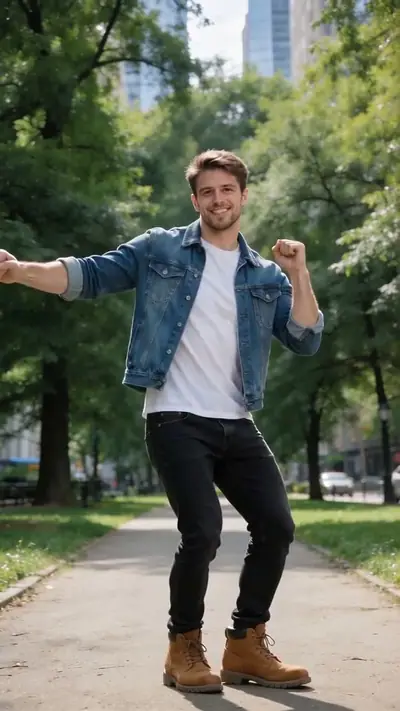
Pick an effect, upload a photo, get an HD video in about 3–6 minutes. No app, no prompt, no sign-up before upload.
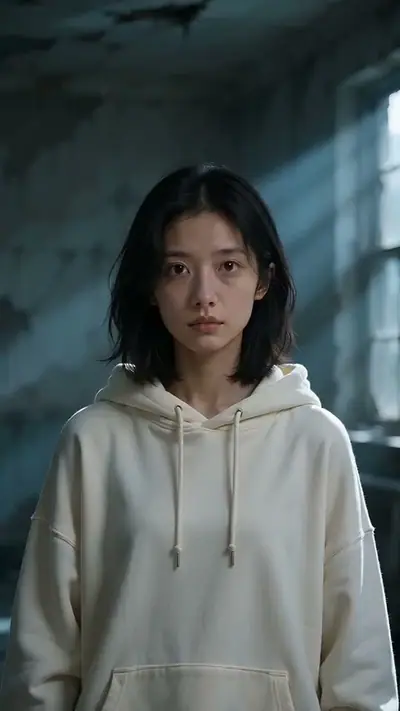
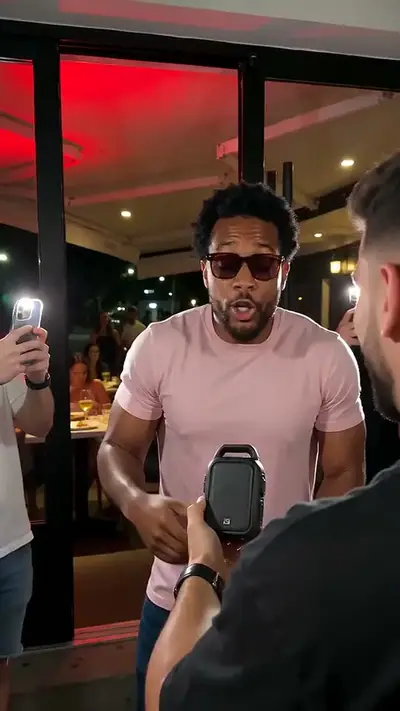
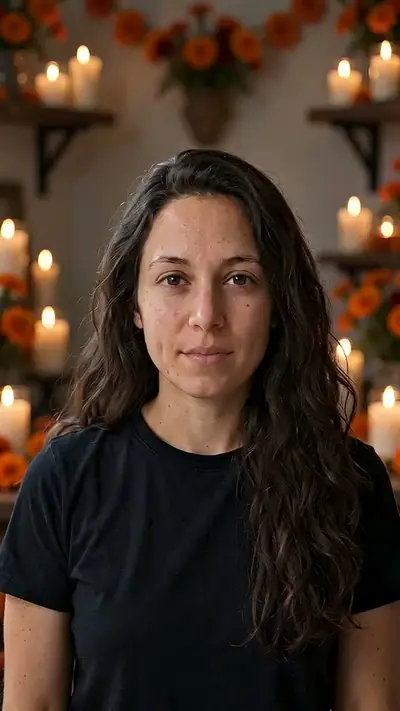
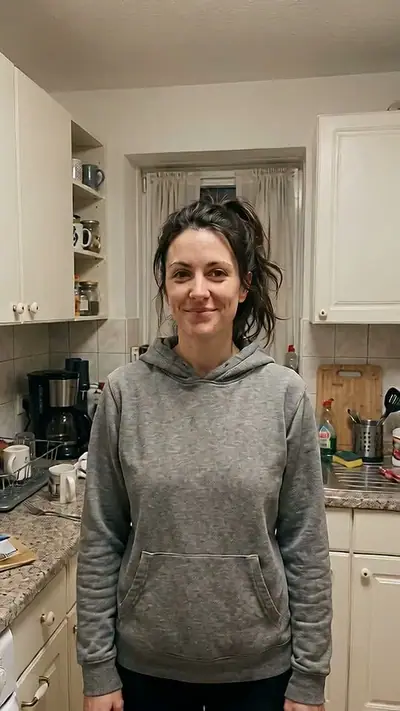
 Selected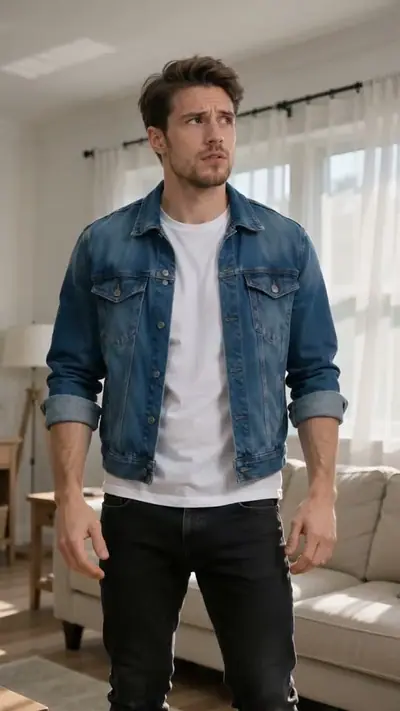
 TRENDINGTRENDING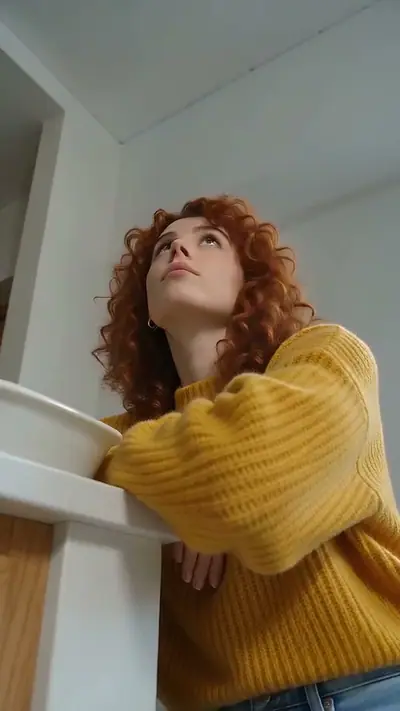
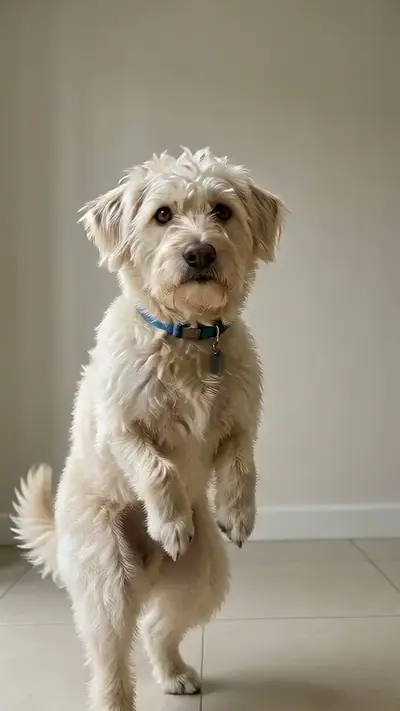 TRENDING
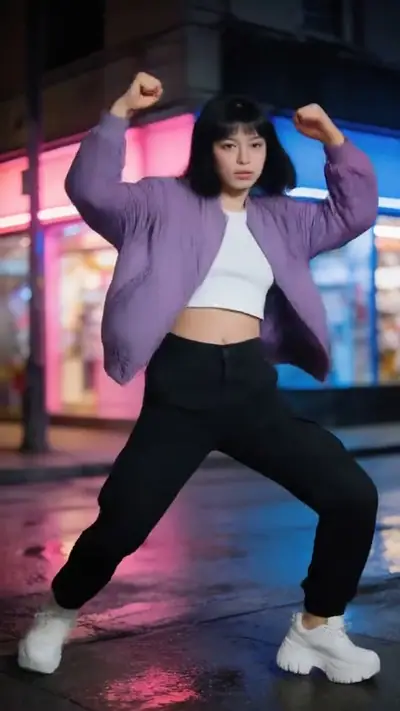
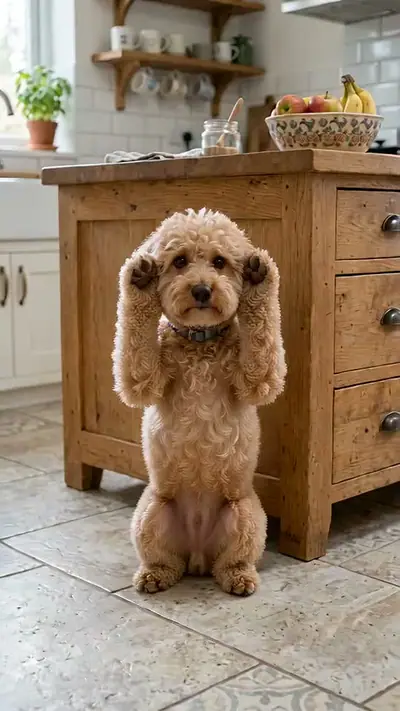 TRENDINGTRENDINGTRENDINGTRENDINGTRENDING
10 s · 9:16 · 1 clear photo
Pay only when you press Make · Stripe or PayPal · Failed video = credits back
By making a video you confirm you're 18+ and own the photo · Rules
 Your photo
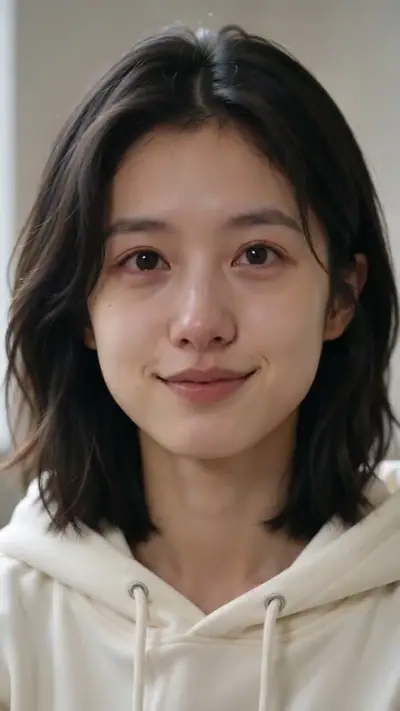
Effect Farm makes AI Crying Video from 1 photo. Make an AI crying video from one photo. You smile, your chin trembles and tears fall in a vertical 10-second close-up. You get 10 s at 720p, 9:16, MP4. Model-generated sound. One video costs $4.99 USD. No free plan or trial. No sign-up needed: pay as a guest with card or PayPal. Usually ready in 3–6 minutes. A failed video returns its credits.
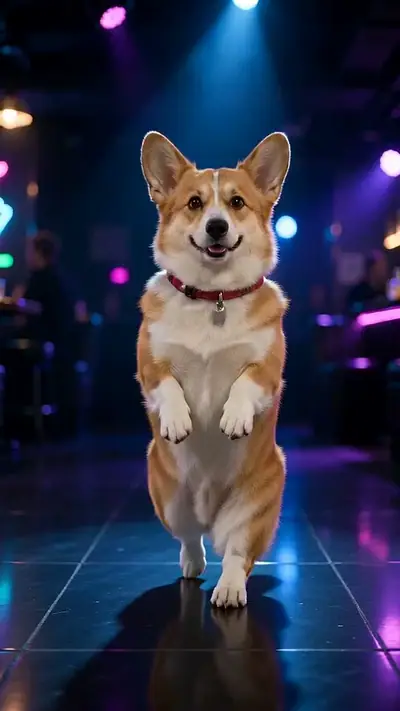
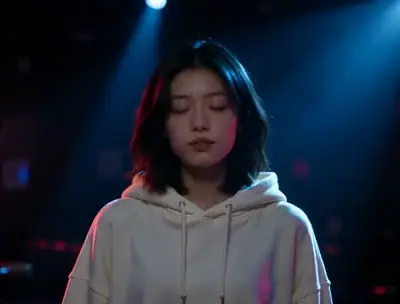
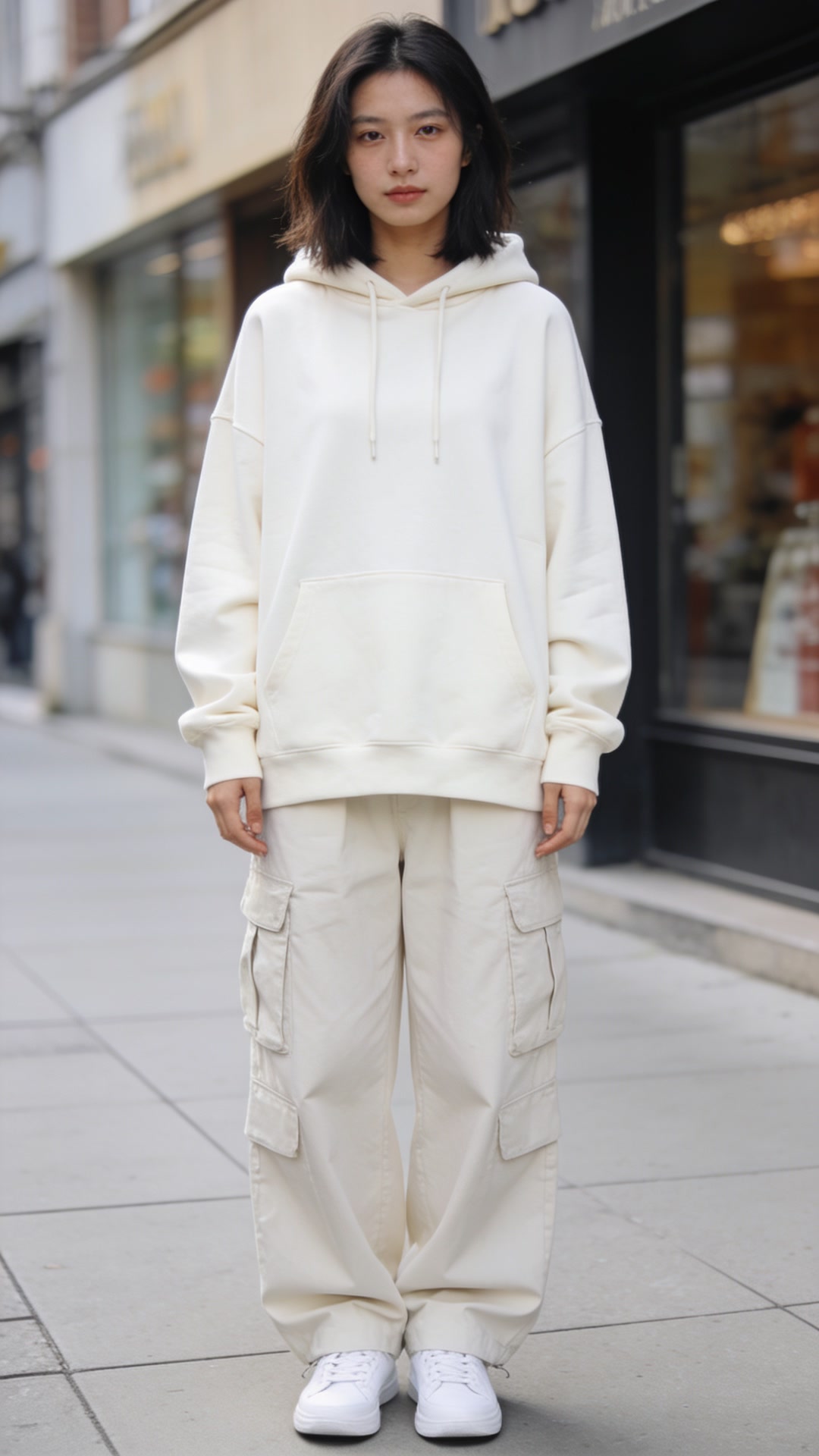
Every card shows a real result, the photo it came from, the length and the price.
NEW NEW
NEW TRENDING
 TRENDING
 NEW
NEW NEWNEW
 TRENDING
 TRENDING
 TRENDING
 NEW
NEW TRENDING
Each effect sets the motion, scene and camera. You never write a prompt.
No account needed to upload. Use a clear photo; dance effects want your whole body.
Pay $4.99 or use pack credits. We email a private link when the video is ready, about 3–6 min.
Every video is paid. One video = 30 credits on every effect. Packs make each video cheaper.
No. One standard video costs $4.99 USD. There is no free plan or trial video. Preview the examples before buying.
You choose an effect and upload a still photo of yourself. The AI creates a new video with the motion and scene of that effect. You do not need to film yourself dancing.
Use a sharp, well-lit photo with your face visible. For full-body dances, include your whole body. Follow the photo guidance on the selected effect.
Yes. The pet effects accept your own pet photo as well as your photo. Check the required photo slots before starting.
No. The person in the photo must be you, and you must be 18 or older. Friends and partners should make their own videos with their own photos.
Every video is paid. A standard video uses 30 credits and costs $4.99. Packs cost $4.99 for 30 credits, $12.90 for 100 credits, $29.90 for 300 credits, $79.90 for 1000 credits. There is no trial video.
No. Pack credits never expire and work across the available effects. They belong to the email address used at checkout.
Usually 3–6 minutes. We email a private link when it is ready. You can close the browser while the video is being made.
No. Sound depends on the effect. Scene effects can include a soundtrack; the preset dance videos have no audio track. Check the effect details before making your video.
The credits used by a failed generation return to your wallet automatically. You can try again with another photo or effect.
No. No app or account is needed: pay as a guest with card or PayPal. Upload without an account and see the price before generation. Your payment provider collects your email. Sign-in is optional. Pack credits never expire and are tied to your private wallet link (or your account if you sign in). Keep private email links to return to your wallet and videos.
Yes. Your results use private links. Uploads are deleted within 7 days, and we do not use your files to train models.
Email support@effectfarm.com with the video link. If a delivered result looks wrong, contact us within 14 days for review.
Use a JPG, PNG, WebP, HEIC photo up to 30 MB. Photos are resized before upload. Choose the original file from your device, not a screenshot. Heavy filters and blur remove detail that the model needs.
Yes. You download your result as an MP4 file from your private link. Most effects are vertical and two are wide. Label the video as AI content where the platform asks.
Yes, for unused credits. Email support@effectfarm.com from your checkout email address within 14 days of the purchase and include your order number. Used credits are not refundable, but a failed video returns its credits.
The Trending row features Jawn Dance AI, Rumpelstiltskin AI, Toc Toc AI Dance and Clapping Cat AI. These are our editorial picks, and each one has three samples that you can play before you upload.
Choose a dance, upload your photo, then download and review your video before posting it to TikTok.
Effect Farm is an AI dance generator: upload one photo, pick a dance and get your video.
Choose a routine to make a picture dance.
Every effect here starts from a clip that people already remake. The original video sits next to our result. Play both, then make one with your own photo.
Effect Farm is an AI dance generator and video effects library. Start with a still photo of yourself, choose a dance or scene, and get a new video with that motion. The examples help you choose before you upload or pay.
Filming a trend yourself takes space, props and several takes. Effect Farm fixes the scene, the motion and the camera for each effect, so your photo is the only input. You do not write a prompt. You do not edit a timeline.
Each effect has its own photo requirements and credit cost. Buy a credit pack as a guest. Use it across the effects and download your results through private links. A failed video returns its credits.
You need one photo and a few minutes. Upload your photo, see the price and pay as a guest. No sign-up needed.
Browse the examples and pick the motion or scene you want to make. Each card shows the length and the video size. Tap a card to select it, and the photo slots update.
Use a clear photo of yourself. A pet effect also asks for a photo of your own pet. If you forget a photo, the tool names the missing one.
Check the credit cost, pay, and open your private result link in about 3–6 minutes. You can close the page while the video is made. We email you the link.
These are the trends that people remake right now. Each card says what the trend is, what you upload and what you get. Open any card to see the original clip and our samples.
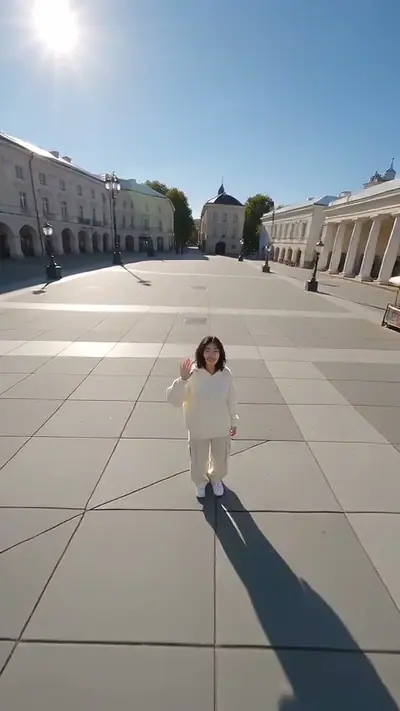
A TikTok dance from summer 2026. A person looks puzzled, scratches their neck, then smiles and dances. Upload one full-body photo and get an 11-second vertical video with a soundtrack. It costs 30 credits.
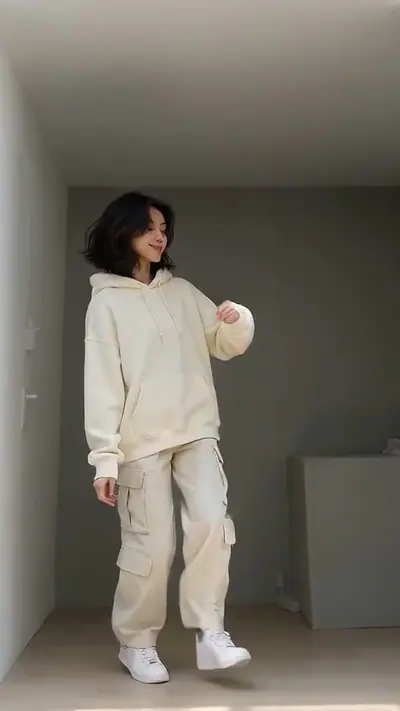
Make your Jawn Dance AI videoFans hop on one foot and knock on an imaginary door. The dance spread on TikTok in late September 2026. Upload one full-body photo and get an 11-second vertical video of the dance in a small room. It costs 30 credits.
Make your Toc Toc AI Dance videoA man sways in a dark club with his eyes closed. A TV series clip made it famous in December 2025. Upload one clear photo and get a 6-second wide video. It costs 30 credits.
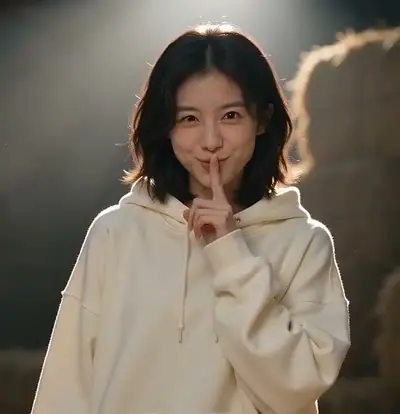
Make your Turn The Lights Off AI videoAn AI-made clip from late August 2026. A person tip-toes toward the camera and shushes it with a finger. Upload one full-body photo and get a 15-second wide video. It costs 30 credits.
Make your Rumpelstiltskin AI videoA black cat grins and claps slowly, and people post it as sarcastic applause. Upload a photo of you and a photo of your own pet. You get an 11-second vertical video for 30 credits.
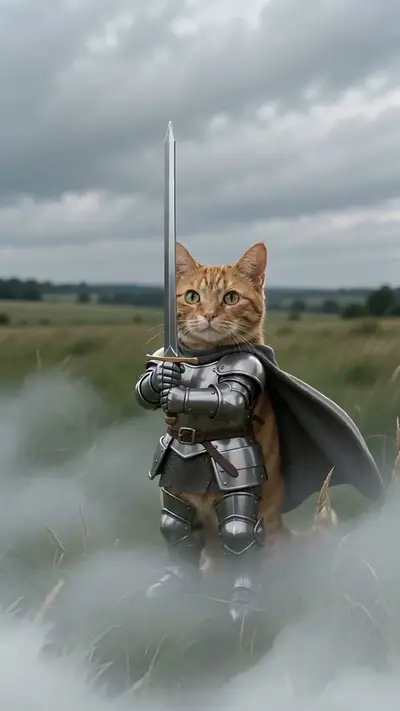
Make your Clapping Cat AI videoA tiny cat in armor holds a sword taller than itself in a foggy field. Upload one photo of your own pet. You get a 5-second vertical video for 30 credits.
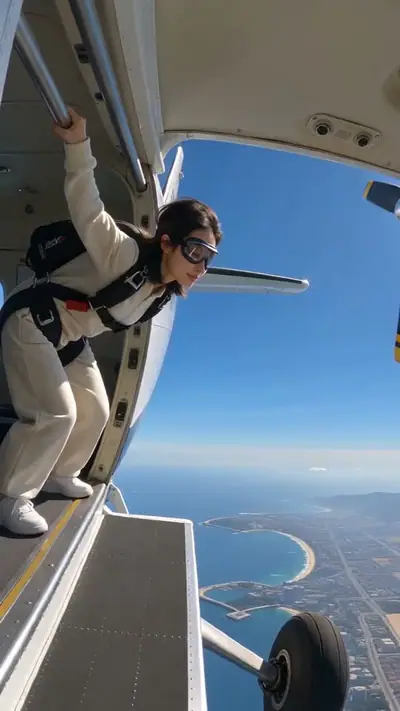
Make your Knight Cat AI videoA person leans out of a small plane, jumps and falls over a coast. Upload one clear photo of yourself. You get a 10-second vertical video for 30 credits.
Make your Skydiving AI videoOne smooth shot rises from a person over a city and the clouds until the whole Earth is in view. Upload one clear photo. You get a 12-second vertical video for 30 credits.
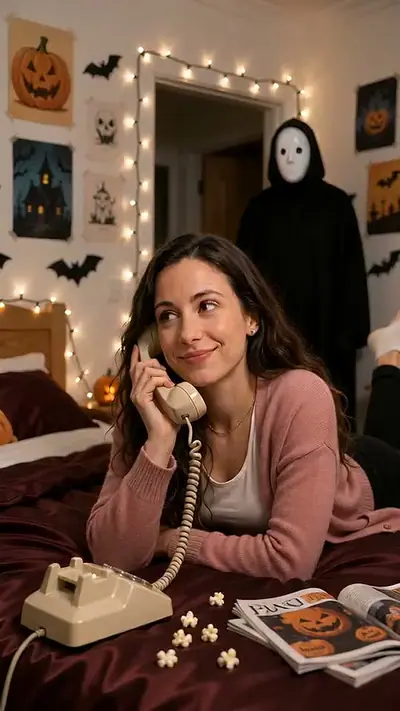
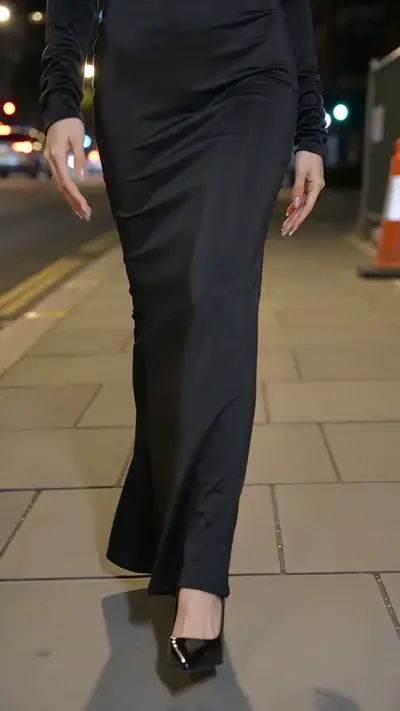
Make your Earth Zoom Out AI videoThe Halloween costume walk returns on TikTok every October. The camera starts at the feet and tilts up to the face. Upload one clear photo; the AI picks the costume. You get a 14-second vertical video for 30 credits.
Make your Ramalama AI videoA smile breaks and tears fall in a close-up. The trend spread on TikTok in late September 2026. Upload one clear photo and get a 10-second vertical video for 30 credits.
Make your AI Crying Video videoYour photo copies the moves of a dance, which is the idea behind the viral Genjutsu videos. Upload one photo and pick one of 4 preset dances. You get a vertical video of 4 to 10 seconds for 30 credits.
Make your Genjutsu AI videoStart with what you want to make. Then check which photos the effect needs. This guide matches five common goals to the effects that fit them.
Pick Jawn Dance AI for a short story that ends in a dance. Pick Toc Toc AI Dance for a lively knee-lift routine. Both need one full-body photo.
Open Jawn Dance AIMake Picture Dance has 4 preset dances: hip-hop, K-pop, step and clap, and arms up. Pick one and add one photo. These videos have no audio track.
Pick a preset danceKnight Cat AI needs only a photo of your pet. Clapping Cat AI needs a photo of you and a photo of your pet. Show the face of the animal in both.
Open Clapping Cat AISkydiving AI drops you from a plane over a coast. Earth Zoom Out AI lifts the camera from you to the whole planet. Each one needs one clear portrait.
Open Skydiving AIMost effects make vertical 9:16 videos for phones. Rumpelstiltskin AI and Turn The Lights Off AI make wide 16:9 videos.
Open Turn The Lights Off AIA dance for a friend, a birthday message or a new pet reaction. Use your own photo; friends and partners make their own videos.
Make your own dance and invite a friend to make theirs, each with their own photo. Then send both videos to the same chat.
Try this effectTry the same dance separately and share your two results with each other. Each person uses their own photo.
Try this effectPut yourself and your own pet in a playful clapping scene. Your pet needs a clear photo with its face visible.
Try this effectMake a dance of yourself to send with your birthday message. Pick a preset dance and add one photo.
Try this effectSend your own dramatic reaction when words are not enough. A short close-up clip says it fast.
Try this effectWalk down a night street in a costume that the AI picks for you. A clear portrait is all you need.
Try this effectA good photo gives the AI more to work with. Run through these eight checks before you upload.
Daylight near a window works well. Avoid strong shadows across the face, and avoid a bright light behind you.
Face the camera and keep your eyes open. Remove sunglasses and hats, and keep your hair away from your eyes.
Use a photo with only one person, or only one pet. Crop out other people before you upload.
Dance effects need your whole body, from head to feet. Scene effects work with head and shoulders.
Choose the original file from your device, not a screenshot. Use a JPG, PNG, WebP, HEIC file up to 30 MB. Photos are resized before upload. Skip heavy filters.
A plain wall or an open space is best. A crowded background makes it harder for the model to find you.
For a dance, stand straight and keep your arms a little away from your body. The model needs to see your hands and feet.
For a pet effect, keep the face and the ears in view. Use one animal per photo and even light.
Filming gives you full control, and it takes work. An AI dance generator trades some control for speed. Here is where each way wins.
Filming means learning the moves, setting up a camera and recording several takes. Effect Farm takes about 3–6 minutes after you pay, and you can close the page while it runs.
A group dance or a pet scene needs helpers and props. Effect Farm needs one photo of you, and sometimes one of your pet.
A bad take means filming again. A failed video here returns its credits to your wallet, and you can try another photo.
A jump from a plane or a rise into space is hard to film. Each effect sets the scene, so you need no camera and no location.
Every video is paid. One standard video uses 30 credits. The smallest pack costs $4.99, and pack credits never expire.
A real recording shows the real you. Effect Farm makes a new AI video, so small details such as hands or clothes can differ from your photo. Play the result before you share it.
Every effect works the same way, so you know what to expect before you pay.
The effect sets the scene and motion. You choose the effect and add the requested photos.
Download an MP4 video in 9:16, sized for a phone screen. Wide effects say so on their card.
Scene effects can include a soundtrack. Check the selected effect; the preset dance videos have no audio track.
We email your result link when it is ready, so you can close the page while it runs.
If generation fails, its credits return to your wallet automatically.
Use the generator in your phone or computer browser.
Choose an effect, add your photos and see the price. Pay as a guest. Keep your private wallet link to use your pack.
Results open only through private links. Uploads are deleted within 7 days, and we do not use your files to train models.
Short videos work best when they are quick to make. Here is how people use Effect Farm for their accounts and their work.
Post a trend while it is new. Most results are vertical 9:16 MP4 files for TikTok, Instagram Reels and YouTube Shorts. Label the video as AI content where the platform asks.
Turn photos of your own pet into a knight or a clapping cat. Each effect keeps the same scene, so a series of pets looks consistent.
Welcome visitors or announce an event with a short dance of yourself. Staff and customers make their own videos with their own photos. Read the terms for how you can use a result.
Send a playful invitation or a thank-you clip to your group. Each person makes their own video, and every person must be 18 or older.
You upload a photo of a real person, so we set clear rules. These rules and checks apply to every video.
We delete your uploaded photos within 7 days. We do not use your files to train models.
The person in the photo must be 18 or older. Photos of children, celebrities and public figures are not allowed.
Before you pay, confirm that your photo shows you or your own pet, as required by the effect. Clapping Cat AI needs both: you and your own pet. Use photos you took or have the right to use.
Your results open through private links that we send to your email. Anyone who has a link can open it, so keep it private.
An automated check examines every uploaded photo and every finished video. A blocked video returns its credits to your wallet.
If you see a video that breaks the rules, use the report page. We handle reports within 48 hours.
Read the Privacy Policy, the Acceptable Use Policy and the Terms. To report a video, use the report page.
The library has three kinds of effects. Pick the one that fits your photo.
Dance effects turn a full-body photo into a short dance. Some use a preset routine, and some follow a trend that people remake.
See dance effectsPet effects use a clear photo of your own pet. Some also ask for a photo of you.
See pet effectsScene effects put you in a short cinematic moment, such as a jump from a plane or a rise to space.
See scene effectsA standard video uses 30 credits, and longer effects use more. The table shows the cost of every effect. A pack works on all effects, and pack credits never expire.
| Effect | Length | Credits per video |
|---|---|---|
| Make Picture Dance | 4–10 s | 30 |
| Genjutsu AI | 4–10 s | 30 |
| AI Crying Video | 10 s | 30 |
| AI Dog Dance | 9 s | 30 |
| AI Halloween Costume | 8 s | 30 |
| AI Zombie | 8 s | 30 |
| Bad Times AI | 10 s | 30 |
| Bulin 47 AI | 10 s | 30 |
| Catrina Makeup AI | 10 s | 30 |
| Cinematic Makeover AI | 10 s | 30 |
| Clapping Cat AI | 11 s | 30 |
| Earth Zoom Out AI | 12 s | 30 |
| Ghost Mask AI | 10 s | 30 |
| Hotel Lobby AI | 12 s | 30 |
| Imma Bite You AI | 9 s | 30 |
| Jawn Dance AI | 11 s | 30 |
| Knight Cat AI | 5 s | 30 |
| Put A Ring On It | 9 s | 30 |
| Ramalama AI | 14 s | 30 |
| Rumpelstiltskin AI | 15 s | 30 |
| Skydiving AI | 10 s | 30 |
| AI Car Effect | 8 s | 30 |
| That's My Dawg AI | 8 s | 30 |
| Toc Toc AI Dance | 11 s | 30 |
| Turn The Lights Off AI | 6 s | 30 |
≈ $4.99 per video
$4.99
≈ $3.87 per video
Save $3.73
$12.90
≈ $2.99 per video
Save $20.00
$29.90
≈ $2.40 per video
Save $86.43
$79.90
30 credits make one standard video.
See pricingEvery guide in one list.
Browse guidesQuestions about buying, credits, videos and safety.
Read the FAQAdd one photo of yourself, pick a dance, and get your video in about 3–6 minutes.
Make this videoFrom $2.40 per video