



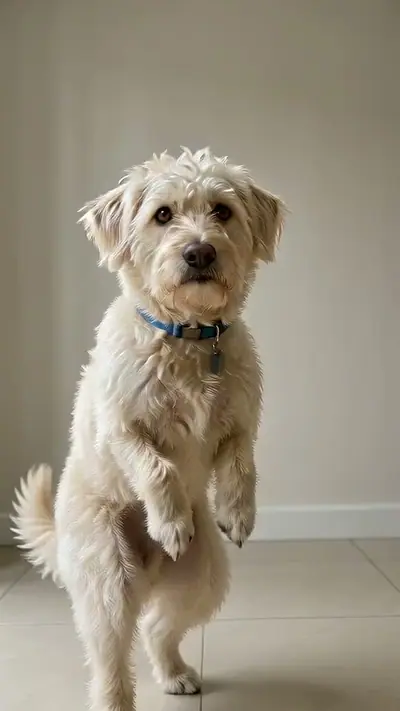
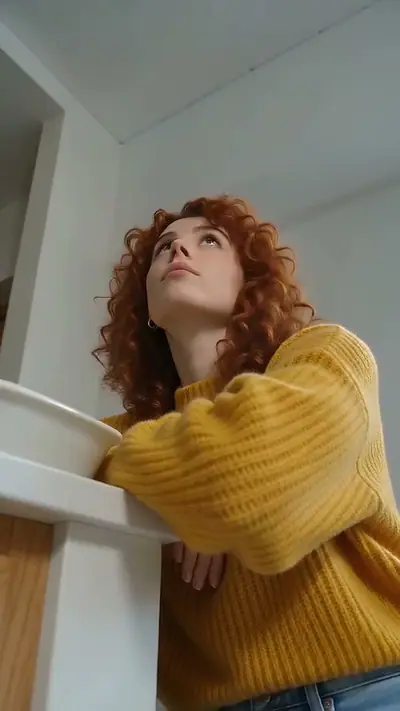
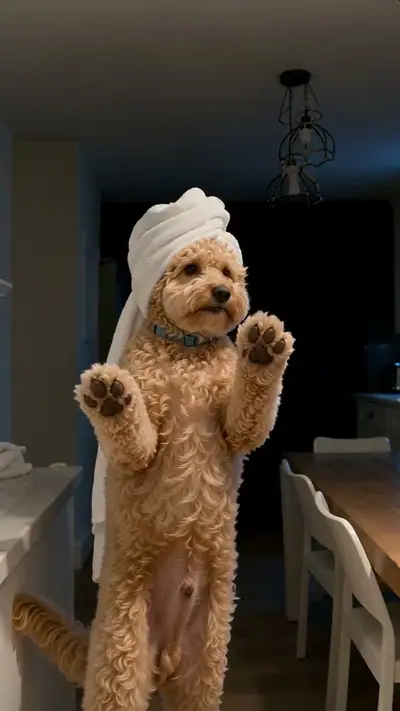
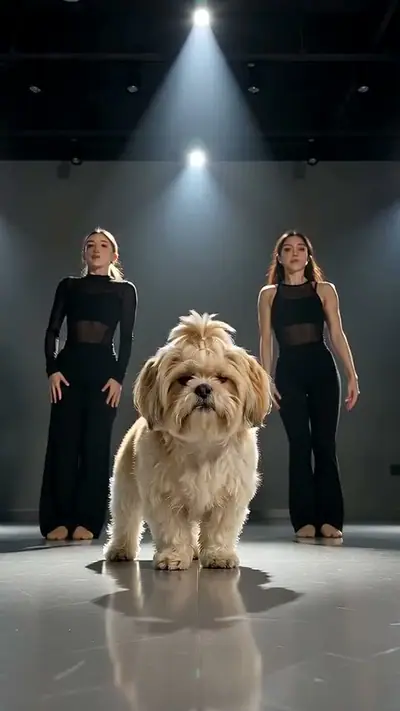
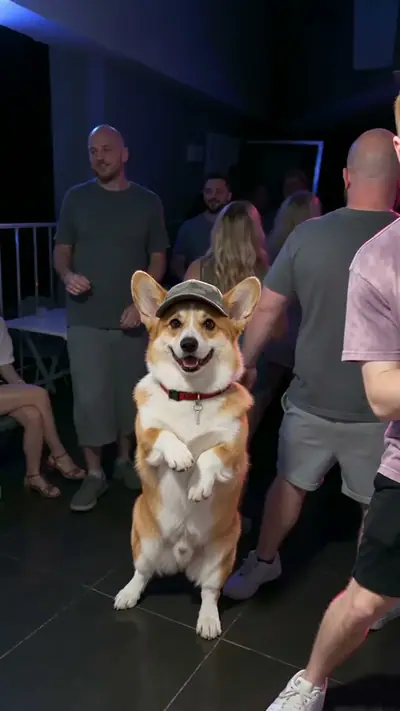
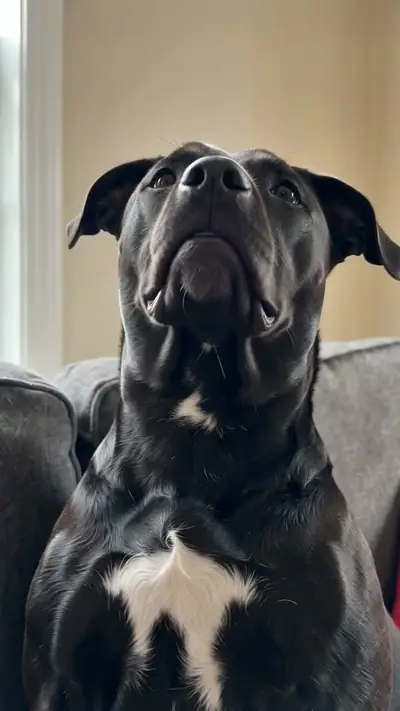

How to make a Passenger Princess AI video from two photos
On this page
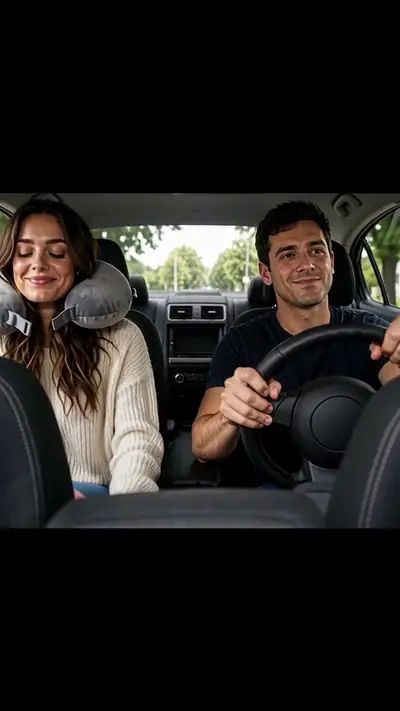
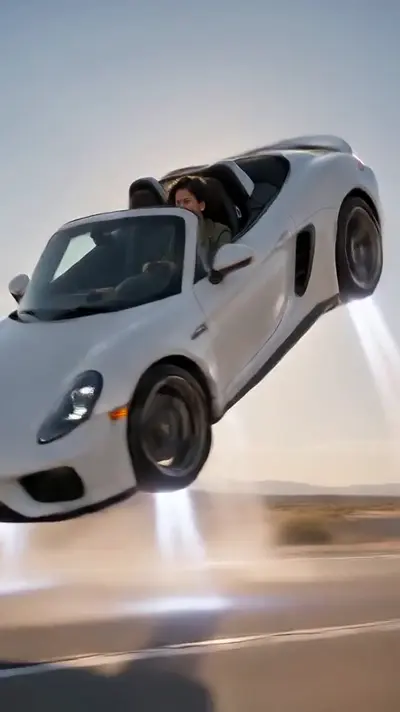
Here is how to make a Passenger Princess AI video from two still photos. Pick Couple, Just Me or Pets, add the passenger photo first and the driver photo second, and download the car clip. Upload first, then review the price and pay.
Make this videoWhere the trend comes from
The trend started on 27 October 2026 with an AI capybara couple clip captioned "POV: Your passenger princess is off duty". Our version recreates the car scene with your own faces or pets. Effect Farm is independent and not affiliated with the original creator. Source (read 2026-11-03).
How to make a Passenger Princess AI video in 3 steps
Open the Passenger Princess AI page.
Open Passenger Princess AIPick Couple, Just Me or Pets.
Open Passenger Princess AIUpload the passenger photo first and the driver photo second (adults or pets only).
Open Passenger Princess AICheck the cost and pay for one video.
Open Passenger Princess AIWait for the email link.
Open Passenger Princess AIDownload your video and add your caption.
Open Passenger Princess AI
Photo tips
- Use one adult or one pet per photo, facing the camera.
- Chest-up or wider photos carry hair and clothes into the car.
- Keep the order: the passenger first, the driver second.
- Upload the same pet twice for a twin clip.
Cost
One video uses 30 credits (about $9.99 at the try-pack rate). 360 credits (≈ 12 videos) cost $29.90. Pack credits never expire.
See pricingFAQ
Is it free?
Do I need to sign up?
What if my video fails? Can I get a refund?
How do I follow the Passenger Princess tutorial?
What is the Passenger Princess AI trend?
What does passenger princess mean?
Why is Passenger Princess on TikTok?
Where can I see the original Passenger Princess video?
What happens in the Passenger Princess meme?
Which photo is the princess and which is the driver?
Can I make it with my dog or cat?
Can I make it on my own?
Which sound should I use on TikTok?
About the AI model
Effect Farm templates run on Seedance, an AI video model from ByteDance. These guides explain what it is and how to use it.