




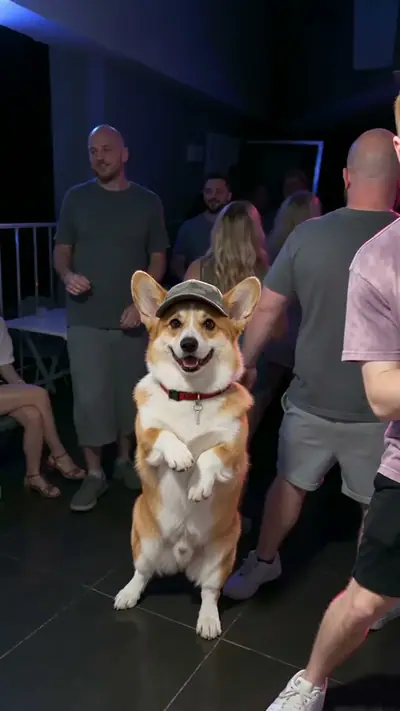
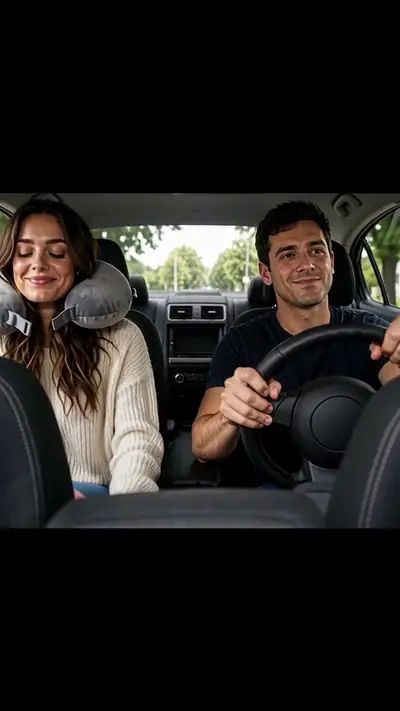


How to make a Santa Caught on Camera AI video from one photo

By Effect FarmUpdated 2026-11-10
On this page

Here is how to make a Santa Caught on Camera AI video from one still photo. Take a photo of a room or porch of your home with nobody in it, pick a style and download the clip. Upload first, then review the price and pay.

Make this video

Where the trend comes from

Every December, parents post home-camera and doorbell clips that seem to show Santa leaving gifts, as proof that he came. AI tools now build that scene from one photo of a room. Effect Farm is independent and not affiliated with a camera maker or app. Source (read 2026-11-03).

How to make a Santa Caught on Camera AI video in 3 steps

  1. Open the Santa Caught on Camera AI page.

    Open Santa Caught on Camera AI
  2. Upload one photo of your room or porch, with no people in it.

    Open Santa Caught on Camera AI
  3. Pick Night Vision, Cookie Thief or Doorbell.

    Open Santa Caught on Camera AI
  4. Check the cost and pay for one video.

    Open Santa Caught on Camera AI
  5. Wait for the email link.

    Open Santa Caught on Camera AI
  6. Download your video.

    Open Santa Caught on Camera AI

Photo tips

  • Take the photo from a high corner, like a real security lens.
  • Turn on the tree lights and keep the floor visible.
  • For Doorbell, stand where your doorbell is.
  • Keep people out of the photo.

Cost

One video uses 30 credits (about $9.99 at the try-pack rate). 360 credits (≈ 12 videos) cost $29.90. Pack credits never expire.

See pricing

FAQ

Is it free?
You can watch the samples and see your price before you pay, with no sign-up. Each video you make is paid: one video costs $9.99. Pack credits never expire.
Do I need to sign up?
No. Pay as a guest with card or PayPal. Upload without an account and see the price before generation. Your payment provider collects your email. Sign-in is optional. Keep your private order and wallet links to return to your videos and credits.
What if my video fails? Can I get a refund?
A failed video returns its credits to your wallet automatically. This is a credit return, not an automatic cash refund. For unused-credit refunds, email support@effectfarm.com from your checkout email within 14 days of purchase.
How do I follow the Santa Caught on Camera tutorial?
Upload one photo of your living room, kitchen or front door, pick Night Vision, Cookie Thief or Doorbell, and pay for one video. Then follow the three steps below the tool. The clip is usually ready in 3–6 minutes.
What is a Santa Caught on Camera AI video?
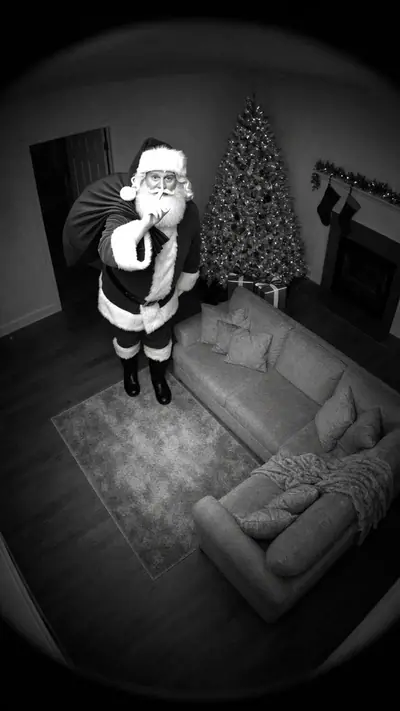
A 10-second vertical clip in a home security style, built from one photo of your room. Santa walks in, leaves presents and notices the lens.
Why is Santa Caught on Camera on TikTok?
Every December, parents post home recordings that seem to show Santa leaving gifts, as proof that he came. The tag page in the source section collects those clips.
Where can I see the original Santa Caught on Camera video?
There is no single original clip. Home recordings like this return every December. The source section links to the TikTok tag page, and the examples on this page show the three versions we generate.
What happens in the Santa Caught on Camera meme?
A fixed home lens shows a quiet room at night. A visitor in a red suit walks in, leaves gifts or eats the cookies, notices he is being filmed, then waves or puts a finger to his lips and leaves.
Can I use a photo of my own living room?
Yes, that is the point. Your room stays as it is and Santa walks into it. Use a photo with nobody in it.
Does it look like a real security or doorbell camera?
Night Vision gives a black-and-white infrared look, Doorbell gives a wide fisheye porch view, and Cookie Thief keeps full colour from a high indoor angle.
Is the Santa video real?
No. It is an AI-made clip based on your photo. Label it as AI when you post it.
Can I show it to my family?
Yes. The clip shows only Santa and your room. Please do not upload photos with people in them, and never a photo of a person under 18.
How long is the video?
10 seconds, 720p, 9:16 vertical MP4 with sound.

About the AI model

Effect Farm templates run on Seedance, an AI video model from ByteDance. These guides explain what it is and how to use it.