








How to Make an AI Snow Globe Video From One Photo

By Effect FarmUpdated 2026-11-10
On this page

Here is how to make an AI snow globe video from one still photo. Choose a clear photo of yourself, an adult couple or your pet, pick a globe and generate your Christmas clip. Upload first, then review the price and pay.

Make this video

Where the trend comes from

Snow globe photos and filters come back every December. AI video tools now place a person or a pet inside a moving glass globe from one photo. Effect Farm is independent and is not an official holiday app. Source (read 2026-11-10).

How to make an AI Snow Globe Video in 3 steps

  1. Open the AI Snow Globe Video page.

    Open AI Snow Globe Video
  2. Upload one clear photo (adults or pets only).

    Open AI Snow Globe Video
  3. Pick Me in a Snow Globe, Couple Snow Globe or Pet Snow Globe.

    Open AI Snow Globe Video
  4. Check the cost and pay for one video.

    Open AI Snow Globe Video
  5. Wait for the email link.

    Open AI Snow Globe Video
  6. Download your video.

    Open AI Snow Globe Video

Photo tips

  • Face the camera with good, even lighting.
  • Full body or waist up fits the globe best.
  • For Couple Snow Globe, put both adults in one photo, side by side.
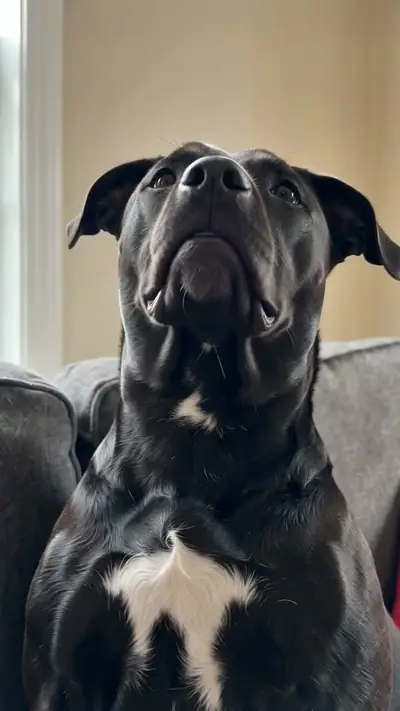
  • One pet per photo for Pet Snow Globe.

Cost

One video uses 30 credits (about $9.99 at the try-pack rate). 360 credits (≈ 12 videos) cost $29.90. Pack credits never expire.

See pricing

FAQ

Is it free?
You can watch the samples and see your price before you pay, with no sign-up. Each video you make is paid: one video costs $9.99. Pack credits never expire.
Do I need to sign up?
No. Pay as a guest with card or PayPal. Upload without an account and see the price before generation. Your payment provider collects your email. Sign-in is optional. Keep your private order and wallet links to return to your videos and credits.
What if my video fails? Can I get a refund?
A failed video returns its credits to your wallet automatically. This is a credit return, not an automatic cash refund. For unused-credit refunds, email support@effectfarm.com from your checkout email within 14 days of purchase.
What format is the AI Snow Globe video?
A 10-second, 720p, 9:16 MP4 with generated sound, on a private email link.
How do I follow the AI Snow Globe tutorial?
Upload one clear photo, pick Me in a Snow Globe, Couple Snow Globe or Pet Snow Globe, and pay for one video. Then follow the three steps below the tool. The clip is usually ready in 3–6 minutes.
Why is AI Snow Globe on TikTok?
Snow globe photos and filters return every December, and people post them as holiday greetings. The source section links to the TikTok tag page for snow globe clips.
Where can I see the original AI Snow Globe video?
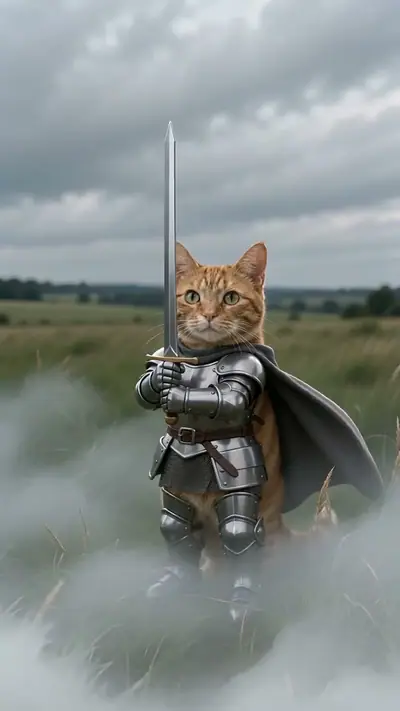
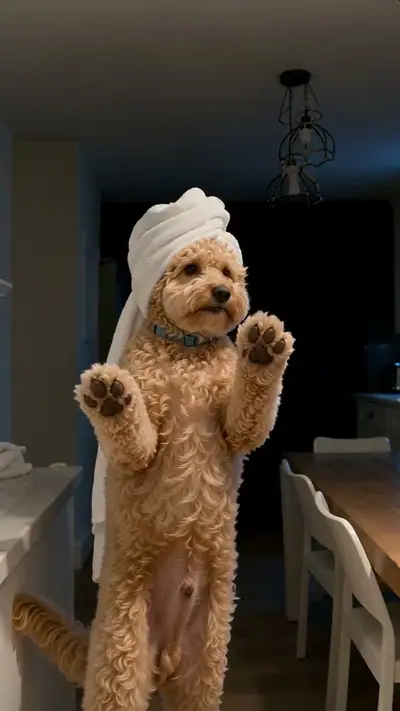
There is no single original clip. The examples on this page show the three versions we generate, and the source section links to the TikTok tag page.
What happens in the AI Snow Globe meme?
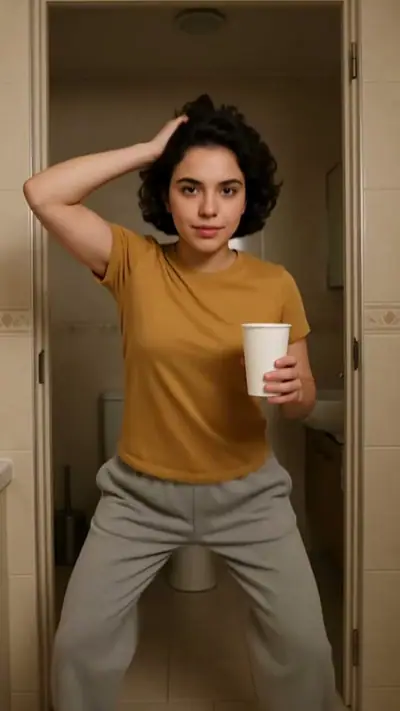
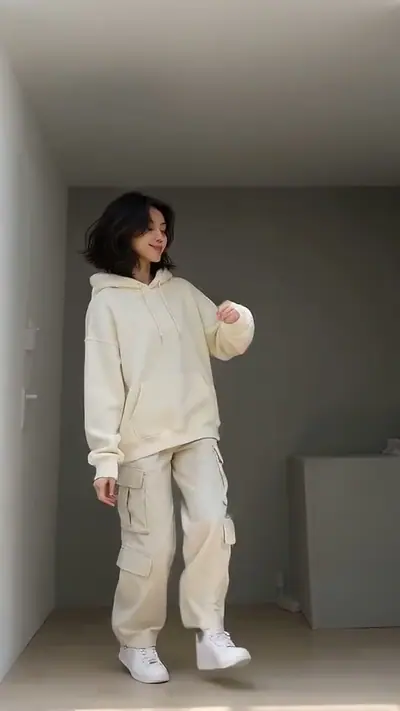
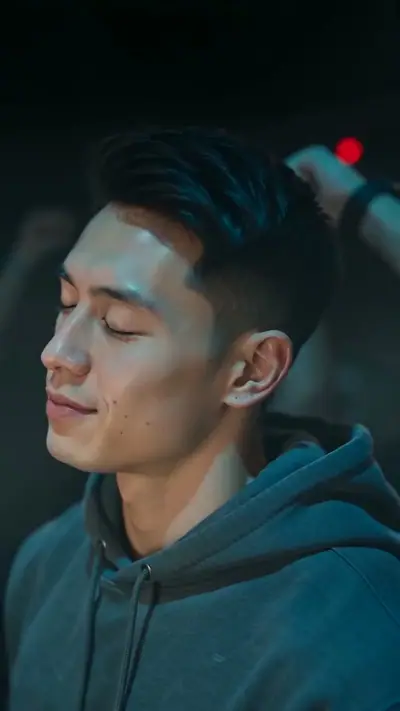
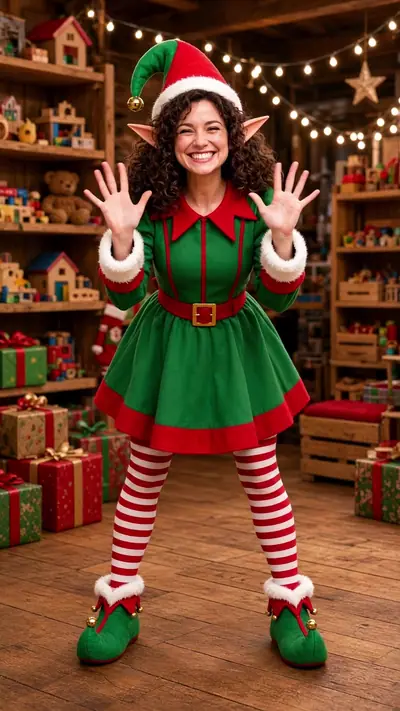
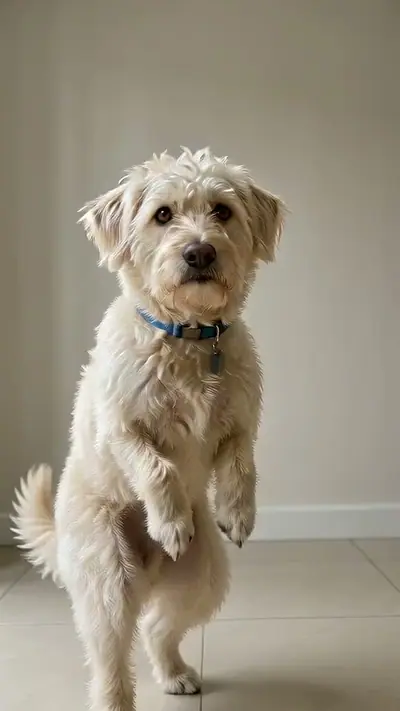
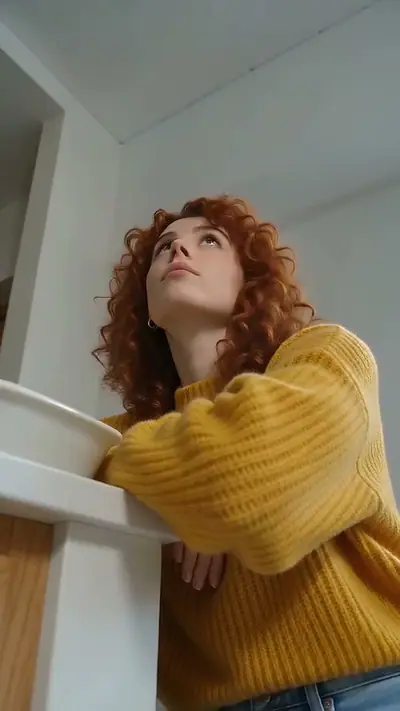
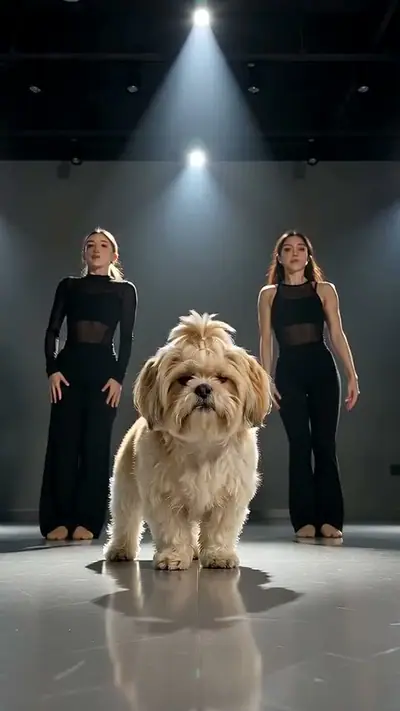
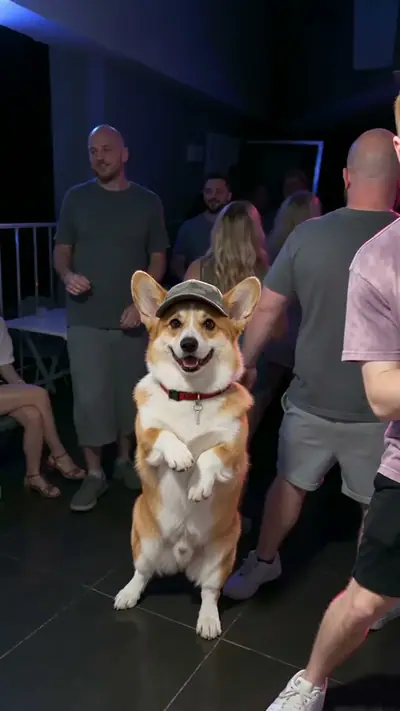
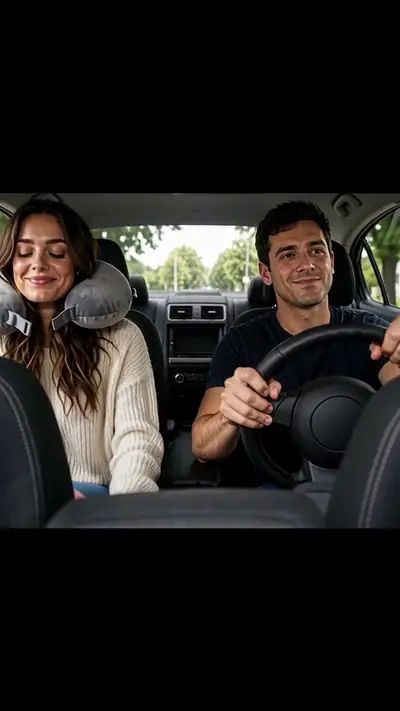
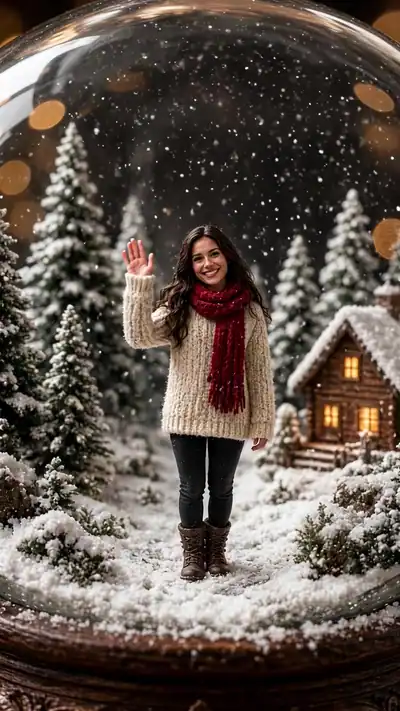
A person, a couple or a pet appears inside a glass snow globe. Flakes swirl around them, they wave, turn or look up, and the camera moves slowly around the glass.
Do I need an account?
No. Guest checkout is available; sign-in is optional. Every generation is paid, including the first.
Can I upload a photo of a couple or a pet?
Yes. One adult, a couple of two adults, or a pet. Photos of a person under 18 are not allowed.
What happens to my photo?
Uploaded photos are deleted within 7 days and are never used to train AI models. Your generated videos are accessible only through private links and are kept until you delete them or ask us to delete your data.
Is this a photo or a video?
A 10-second video. Flakes fall, the camera moves around the glass, and the person or pet inside moves a little.
Who can I contact for order support?
support@effectfarm.com.

About the AI model

Effect Farm templates run on Seedance, an AI video model from ByteDance. These guides explain what it is and how to use it.